What Is CGI in Games? A Practical Guide to 3D Game Assets
What is CGI in games? A practical guide to 3D game assets: how the asset pipeline works, where AI tools fit, and what solo game developers need to know to get started.
June 21, 2026
Every major game from the last five years was built on thousands of hours of 3D work: characters, environments, weapons, props, UI icons. Every single one of those assets is CGI. The line between what a studio spends months creating and what a solo dev can generate in an afternoon is shrinking fast.
CGI stands for computer-generated imagery. In games, that means 3D models, textures, animations, and environments that are built in software and rendered in real time as you play. Not pre-rendered and baked into footage like a Pixar film, but running live at 30, 60, or 120 frames per second on whatever hardware the player happens to own.
This guide breaks down what CGI means specifically in a game development context, how the asset pipeline actually works, where you'll run into it, and how AI tools are changing what a small team (or one person) can accomplish.
What Does CGI Mean in Games?
The fundamental difference between game CGI and film CGI comes down to one word: time.
A Pixar frame can take 400 hours to render. A game frame at 60fps has 16 milliseconds. In that window, the hardware has to render the character, the environment, all the lighting, the particle effects, and the UI. All of it, every 16 milliseconds, for every single frame the player sees.
That constraint changes how you build everything.
Game assets are optimized. Geometry is simplified to hit polygon budgets. Lighting data is baked into textures, so the engine doesn't have to calculate shadows in real time. Texture atlases combine multiple surfaces into a single file to reduce draw calls. A character that looks incredible in a game isn't just well-sculpted. It's ruthlessly optimized to run on a console, a laptop, or even a phone without melting the frame rate.
Compare that to film: unlimited render time, offline processing, render farms with thousands of GPUs. The only constraint is visual fidelity. In games, you're always balancing fidelity against performance.
The 3D Game Asset Pipeline
Making a game asset is never just "make a 3D model." There's a pipeline, and skipping steps means the asset breaks when you try to use it in an engine.
Concept art. Someone draws the asset first. Front, side, three-quarter views. Color palette. Material references. Texture callouts. This is the blueprint, and the more thorough it is, the less guesswork happens in 3D.
Modeling. Build the geometry. Blender, Maya, ZBrush, or Cinema 4D. For game assets, the standard workflow is to sculpt a high-resolution version first, then create a simplified low-poly version through retopology. The low-poly version is what actually goes into the game.
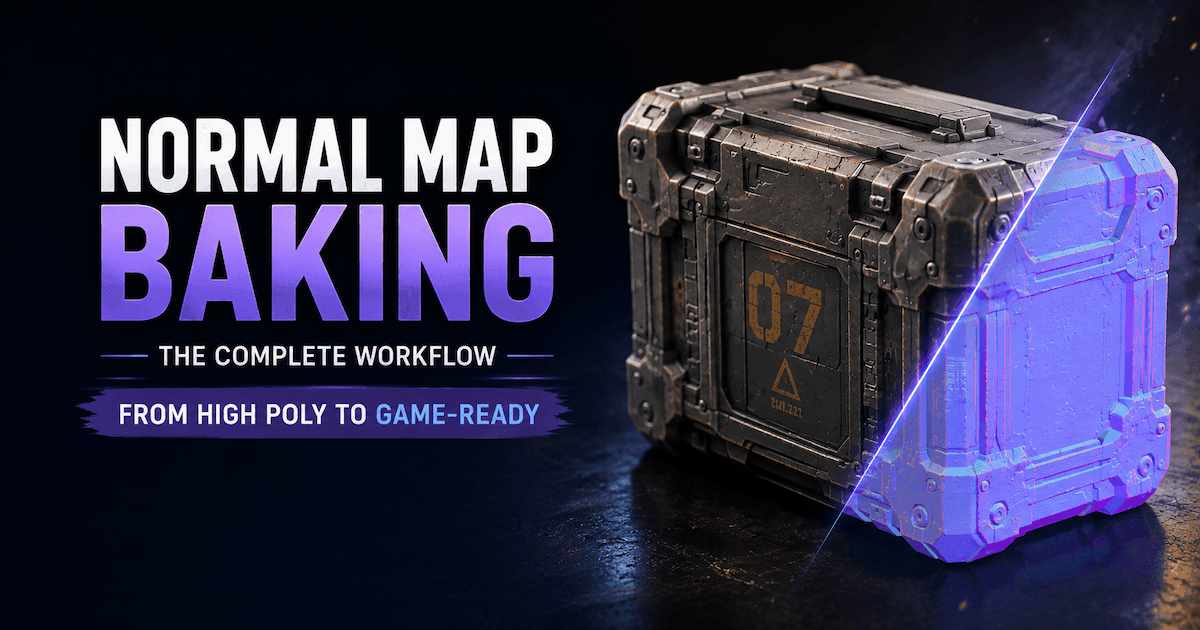
Texturing and materials. This is where a flat mesh becomes visually interesting. You apply surface maps: albedo (color), roughness, metallic, normal maps (which fake surface detail), and ambient occlusion (contact shadows). A well-textured low-poly rock can look photoreal. A badly textured high-poly character will look like plastic.
Rigging. If the asset needs to move, it needs a skeleton. You create bones, bind the mesh to them, and paint weights so the mesh deforms naturally. Bad rigging causes shoulder explosions and weird elbow pops that ruin otherwise decent animations.
Animation. Walk cycles, attack combos, idle breathing, death flops. Game animations need to loop, blend between states, and react to player input without visible transitions.
Optimization. Every engine has limits. You check polygon counts, draw calls, texture resolution, overdraw. You profile the asset on target hardware. If it runs at 18fps on the minimum spec, it's not done yet.
Export. Into the engine (Unity, Unreal, Godot). Add colliders, LODs, and physics materials. Now it's a game asset.
Game CGI vs. Film CGI
The word "CGI" covers both, but the working reality is completely different.
Film CGI | Game CGI | |
|---|---|---|
Rendering | Pre-rendered offline | Real-time (30-120fps) |
Polygon budget | Nearly unlimited | Hard constraints |
Lighting | Fully computed | Baked or approximated |
Iteration | Re-render entire sequence | Hot-reload in engine |
Hardware | Render farm | Player's device |
This is why game developers obsess over triangle counts and draw calls in a way that film artists don't. Every vertex costs rendering time. Every draw call costs rendering time. When you have 16 milliseconds for everything in frame, those costs add up fast.
Where Game CGI Lives
Characters and creatures are the obvious stuff. But game CGI covers a lot more than that:
- Environmental art: Terrain, buildings, foliage, rocks, skyboxes, water
- Props: Weapons, furniture, containers, signs, clutter objects
- Vehicles: Cars, mounts, ships, mechs, spaceships
- VFX: Particles, explosions, smoke, fire, magic effects, weather
- UI: Icons, health bars, inventory renders, ability visuals
- Cutscenes: Real-time or pre-rendered cinematic sequences
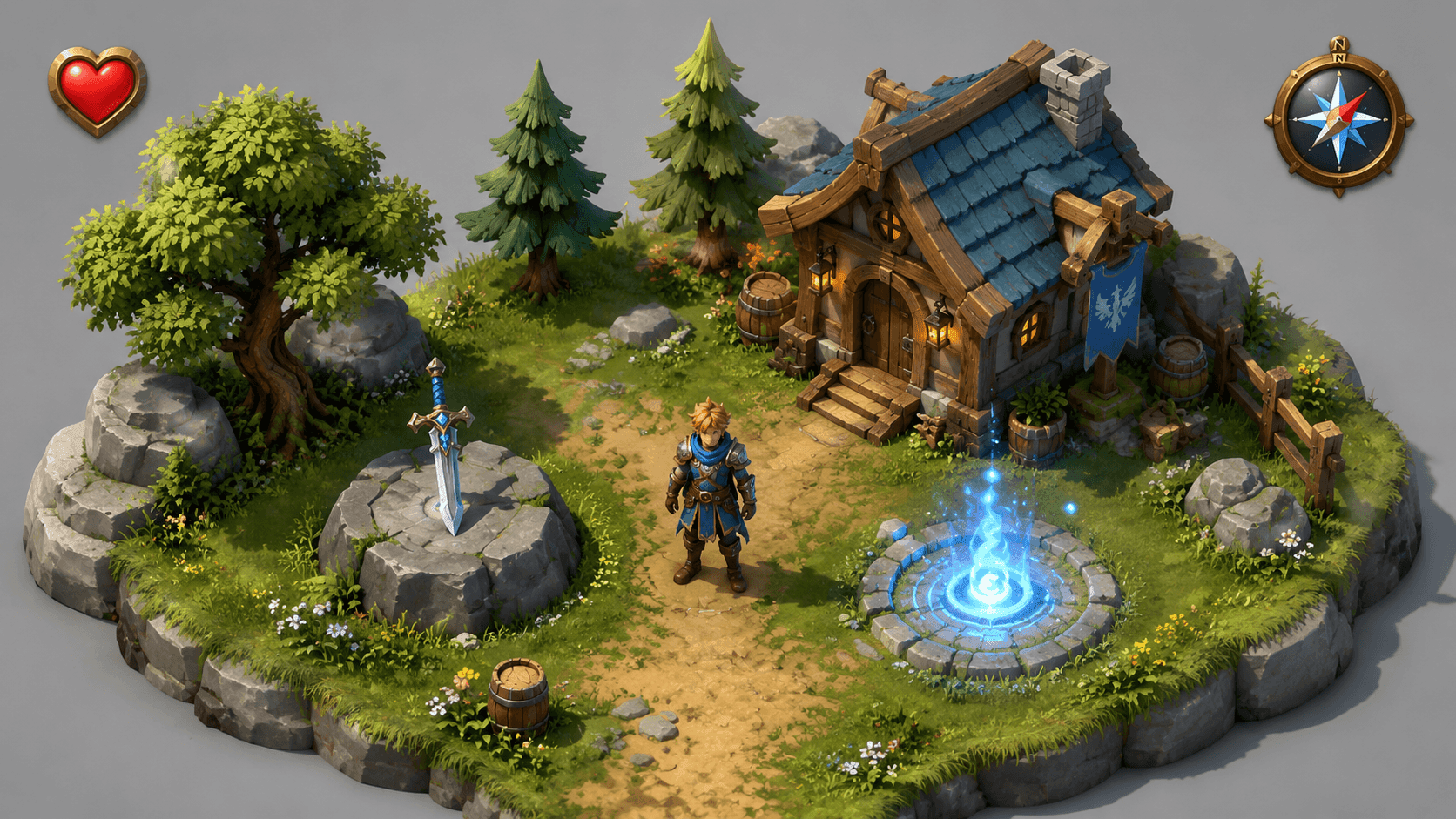
If it has geometry and exists inside the game world, it's CGI. The best of it is stuff you don't even register as separate; it just looks like the game looks.
How AI Is Changing Game CGI
This is the part that matters most for anyone getting into game asset creation right now.
Traditionally, making a single game-ready character takes weeks. Concept, sculpt, retopology, UVs, texturing, rigging, animation. Seven distinct skills, each with a learning curve measured in months.
AI tools are compressing the early parts of that timeline.
- Texture generation: Drop a sketch or a text prompt into Stable Diffusion, Midjourney, or a specialized tool like Triverse AI, and you get back PBR texture maps (albedo, roughness, metallic, normal) in minutes. They usually need cleanup, but you're starting from something usable instead of a blank canvas.
- Image-to-3D: Upload a concept sketch and get a mesh back. The topology won't be production-ready, but the silhouette and basic shape are there. You retopologize and refine in Blender. The "blank canvas" phase shrinks from hours to minutes.
- Upscaling: Generate textures at 512px, upscale to 2K or 4K. SDXL with a good upscaler can produce texture detail that would take an hour of manual painting.
- Animation assist: Clean up motion capture data automatically. Retarget animations to different rigs. Generate secondary motion (cloth, hair, breathing) without hand-keying it.
Nobody's saying AI replaces artists. But it's definitely replacing the most tedious parts of the job. A solo developer can now generate a full environment set, rocks through buildings, in a day or two. That's a workflow that required a small team five or six years ago.
What Game Studios Actually Do (Real Examples)
- The Last of Us Part II: Characters are photoreal, scanned from real actors, and heavily refined. Environmental lighting is baked from HDR photography of real locations. The result sits right at the edge of photorealism.
- Elden Ring: Styled for readability. Characters use strong silhouettes so you can read their intent at a glance. Environments reuse modular kits: same pieces, different configurations, deployed at scale to fill a massive world without modeling every tomb and castle from scratch.
- Cyberpunk 2077: Night City is built from repeated and modified components. A single building kit, deployed hundreds of times with different textures and decorators, creates visual variety across an entire district.
- Hollow Knight: Hand-drawn 2D, but the production logic is the same. Modular props, reused poses, tile-based environments. The pipeline changes, but the reuse-and-vary philosophy doesn't.
- Stardew Valley: Pixel art, solo dev, eight years of consistent iteration. Every asset was built by one person using modular tilesets and sprite reuse. The same resource management that drives 3D asset workflow, just in 2D.
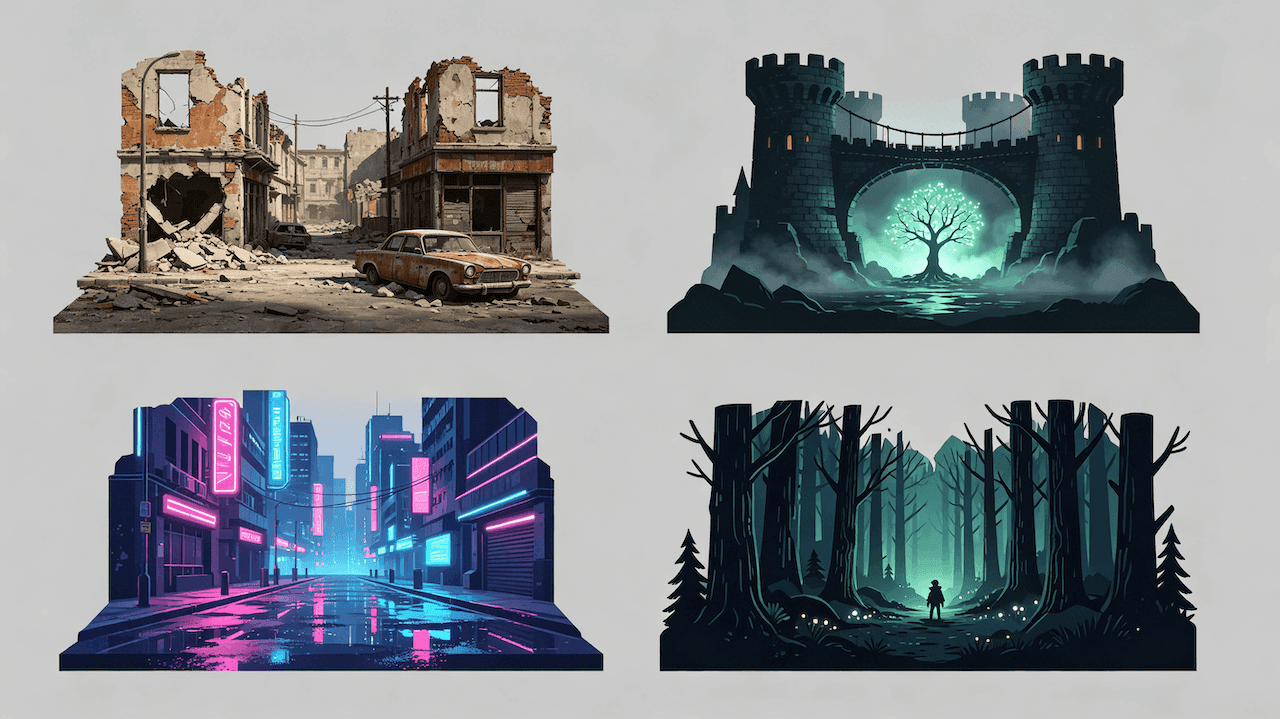
The pattern across all of them: nobody builds everything from scratch. AAA or indie, the smartest teams build reusable kits and iterate.
How to Get Started
- Pick one tool and learn it. Blender. It's free, it does everything, and the community is massive. Do not split your attention across Maya, ZBrush, and Cinema 4D at the beginning.
- Model simple objects first. A barrel. A rock. A crate. One well-made, simple prop teaches you modeling, UVs, and texturing without the overhead of character work.
- Get comfortable with UV unwrapping. Bad UVs are the most common reason an otherwise good model fails in the engine. It's not glamorous, but it's the difference between a usable asset and wasted work.
- Study lighting before geometry. Bad lighting makes good models look terrible. Learn how real-time lights work in Unity or Unreal (directional, point, area) and what baked vs. dynamic lighting means for performance.
- Use AI tools for the setup work. Generate starter meshes with AI 3D model generator Triverse AI, refine in Blender, and texture normally. You're replacing the blank-canvas problem, not the craft.
- Import into the engine early. Get basic geometry into Unity or Unreal as soon as it exists. Real lighting reveals problems that Blender viewport shading hides.
Frequently Asked Questions about CGI
1. What is CGI in game development?
Computer-generated imagery. 3D models, textures, animations, and environments are built in software and rendered in real time as the player plays.
2. What's the difference between game CGI and film CGI?
Film CGI is pre-rendered with no performance limit. Game CGI has to run at 30-120fps on the player's hardware, which means tight polygon budgets, optimized textures, and constant performance profiling.
3. What software do I need to create CGI?
Blender (free, all-in-one) for modeling and texturing. Unity or Unreal Engine for the game side. Substance Painter for advanced texturing. Triverse AI or similar for AI-assisted generation.
4. How long does a game asset take?
A simple prop like a barrel or weapon: 2-8 hours for someone who knows what they're doing. A game-ready character: 40-200+ hours. AI tools cut the setup time significantly, but don't eliminate the refinement work.
5. Can AI replace game artists?
No. AI handles the repetitive setup work: generating base meshes, initial textures, and upscaling. Someone still needs to make creative decisions about style, composition, and how each asset fits the game. The craft shifts up the stack.
6. What's polygon count, and why does it matter?
Polygons are the triangles that define a mesh. More polygons = more detail, but also more rendering cost. AAA characters might use 50k-500k polys. Mobile game characters might use 5k-20k. Every engine has limits.
7. How do indie developers manage asset creation?
Modular kits, asset packs, AI generation, and smart reuse. Most indies don't build every asset from scratch. They build a flexible set of pieces, assemble them in different configurations, and use AI tools to fill gaps.
8. What's the biggest mistake beginners make?
Spending too many polygons before learning optimization. Skipping UV unwrapping. Refining assets in Blender for hours without importing them into the engine to see how they actually perform. The asset isn't done when it looks good in the viewport. It's done when it runs well in the game.
The Bottom Line
CGI in games is everything the player sees that was built into the software. Characters, environments, props, effects are rendered in real time on whatever hardware the player owns.
The tools have never been more accessible. Blender is free and capable of professional work. Unity and Unreal Engine are free to start. AI tools like Triverse AI remove the blank-canvas problem and let you generate usable geometry from a concept image in minutes.
You don't need a studio. You need a computer, some time, and the willingness to learn the pipeline.