Types of 3D Printer Filament: How to Choose The Right Material?
2026年3月11日
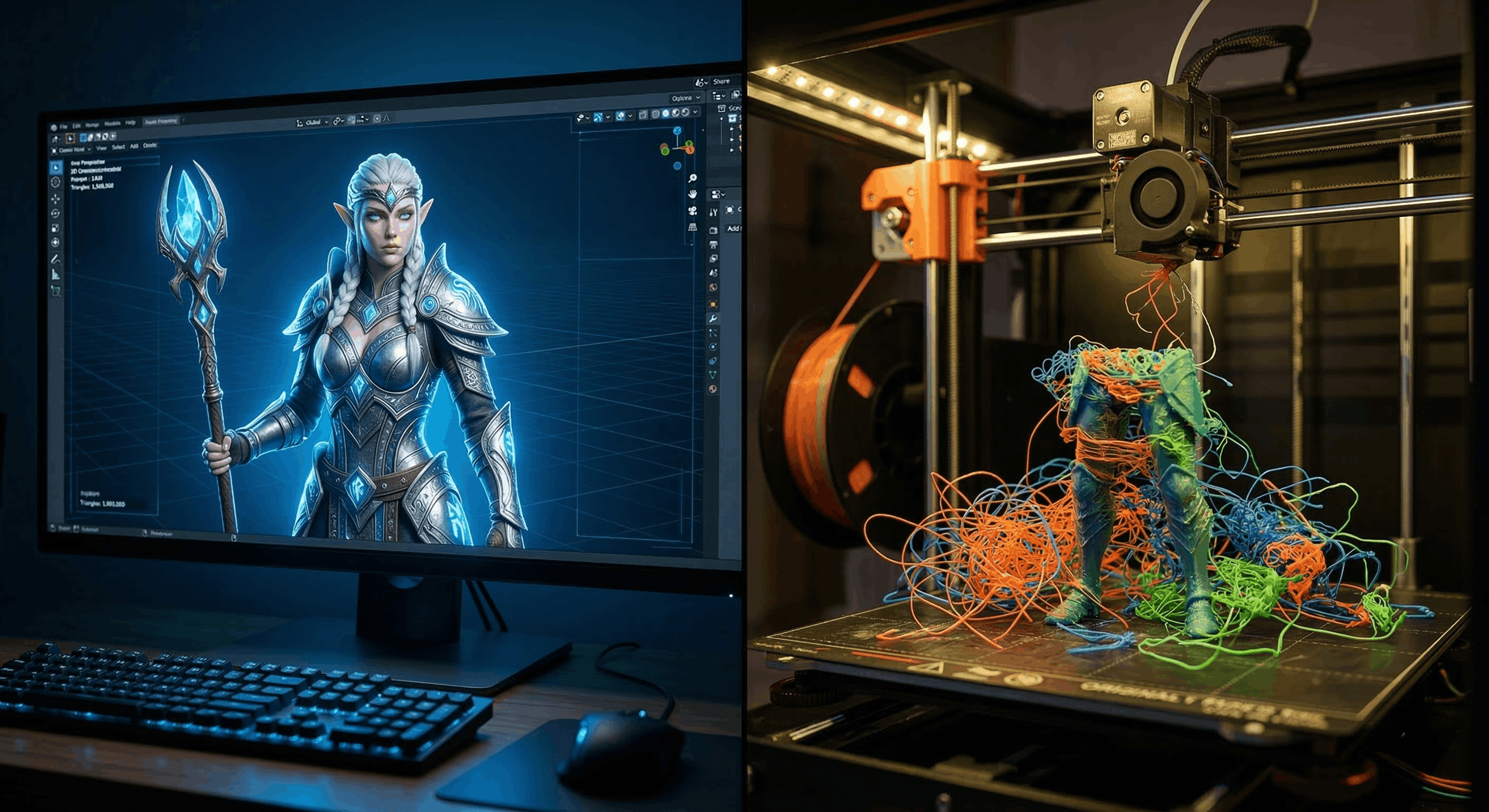
Just generated a mind-blowing 3D model? Now you want to hold it. Like, actually hold it in your hands. But here’s the brutal reality of the maker world: pick the wrong material, and that digital masterpiece turns into a warped, stringy pile of plastic spaghetti on your print bed.

Bridging the gap between that brilliant text prompt and a successful physical print all comes down to one thing: choosing the right thermoplastic for the job. Whether you're an indie dev prototyping physical merch, or a hobbyist bringing AI assets into your slicer for the first time, you need to know your materials.
Let’s dive directly into the core types of 3D printer filament, what they are best used for, and how to actually get your high-fidelity 3D models off the screen and onto your print bed—without the mess.
The Big Three Filaments: Everyday Workhorses
If you are transitioning 3D models from the screen to the real world, 90% of your projects will rely on one of these three core thermoplastics.
PLA (Polylactic Acid): The Beginner's Gold Standard
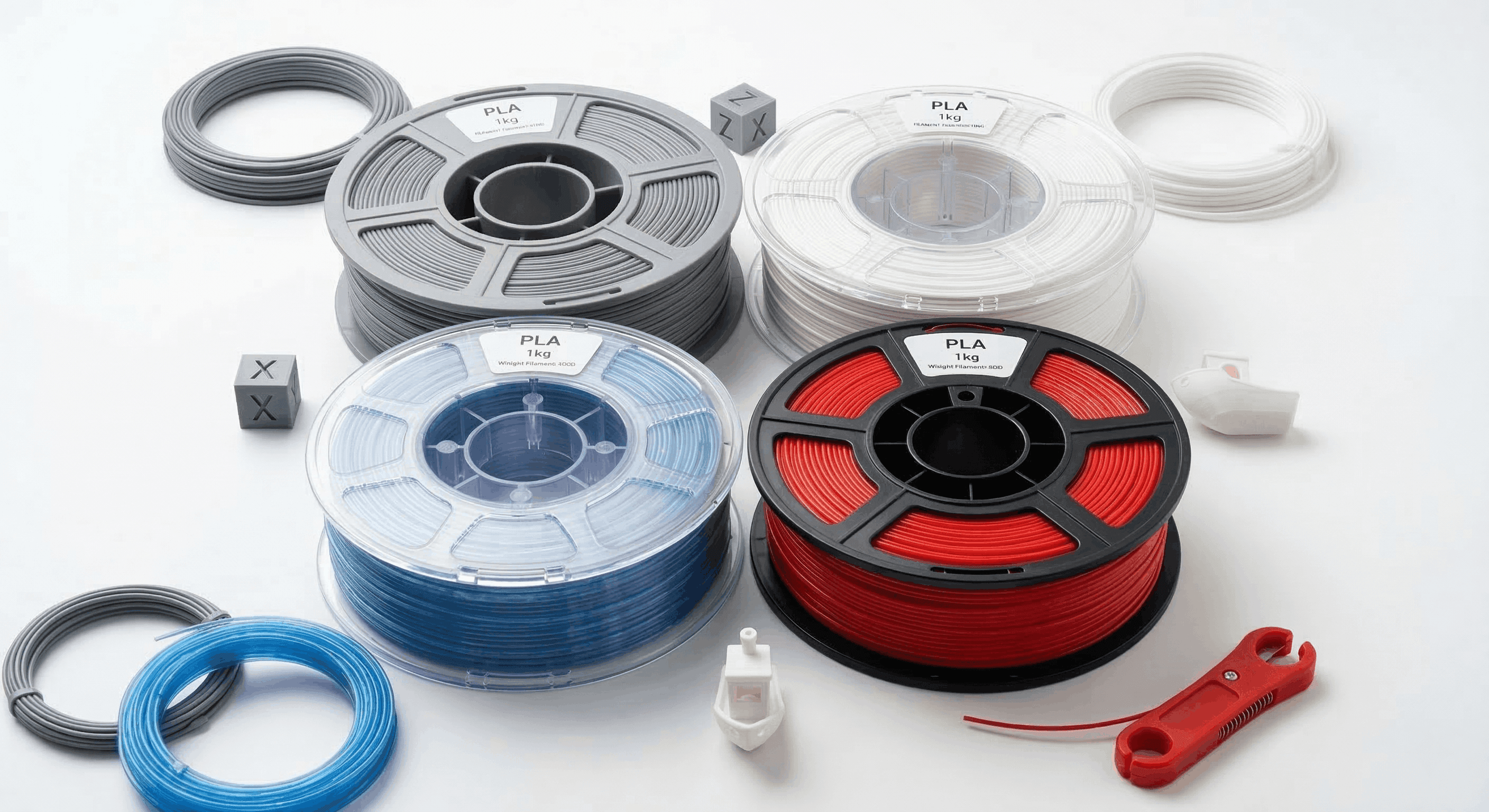
PLA is the undisputed king of consumer 3D printing. It is an organic, biodegradable thermoplastic derived from renewable resources like corn starch.

- Why it works for AI 3D Models: PLA is incredibly forgiving. It has excellent dimensional accuracy and practically zero shrinkage, meaning you rarely have to deal with warping. If you generated a highly detailed , PLA will capture those sharp micro-details perfectly without stringing.
- The Post-Processing Advantage: PLA is rigid and takes well to filler primers and acrylic paints. If you want to physically replicate stunning digital PBR Textures, PLA is your best canvas.
- Technical Specs:
- Hotend Temp: 190°C - 220°C
- Bed Temp: 50°C - 60°C (or unheated)
- Glass Transition Temperature: ~60°C (Keep non-annealed PLA out of hot cars!)
PETG (Polyethylene Terephthalate Glycol): The Versatile All-Rounder
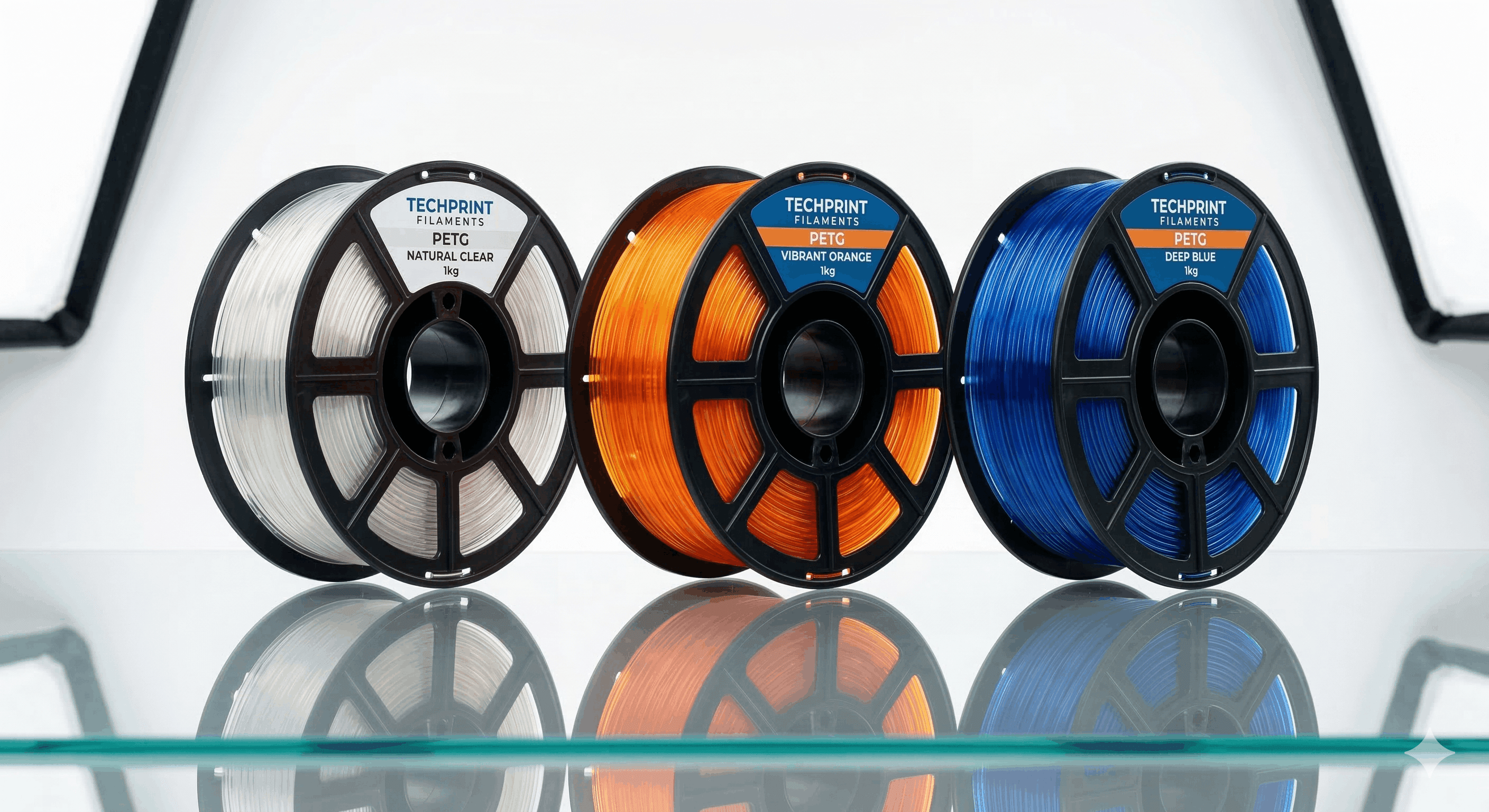
Think of PETG as the perfect middle ground between the ease of PLA and the structural strength of ABS. The added glycol prevents the material from crystallizing and becoming brittle.

- Why it works for AI 3D Models: If you are generating functional parts—like custom brackets, drone chassis, or cosplay armor pieces that need to flex slightly without snapping—PETG is the answer. It boasts incredible layer bonding and decent chemical resistance.
- The Catch - Moisture: PETG is highly Hygroscopic. It absorbs moisture from the air rapidly. If your filament is wet, the water boils inside the hot nozzle, causing microscopic explosions (pops, zits, and severe stringing). Always dry your PETG in a filament dehydrator before printing complex geometry.
- Technical Specs:
- Hotend Temp: 230°C - 250°C
- Bed Temp: 70°C - 80°C
- Glass Transition Temperature: ~80°C
ABS (Acrylonitrile Butadiene Styrene): The Engineering Classic
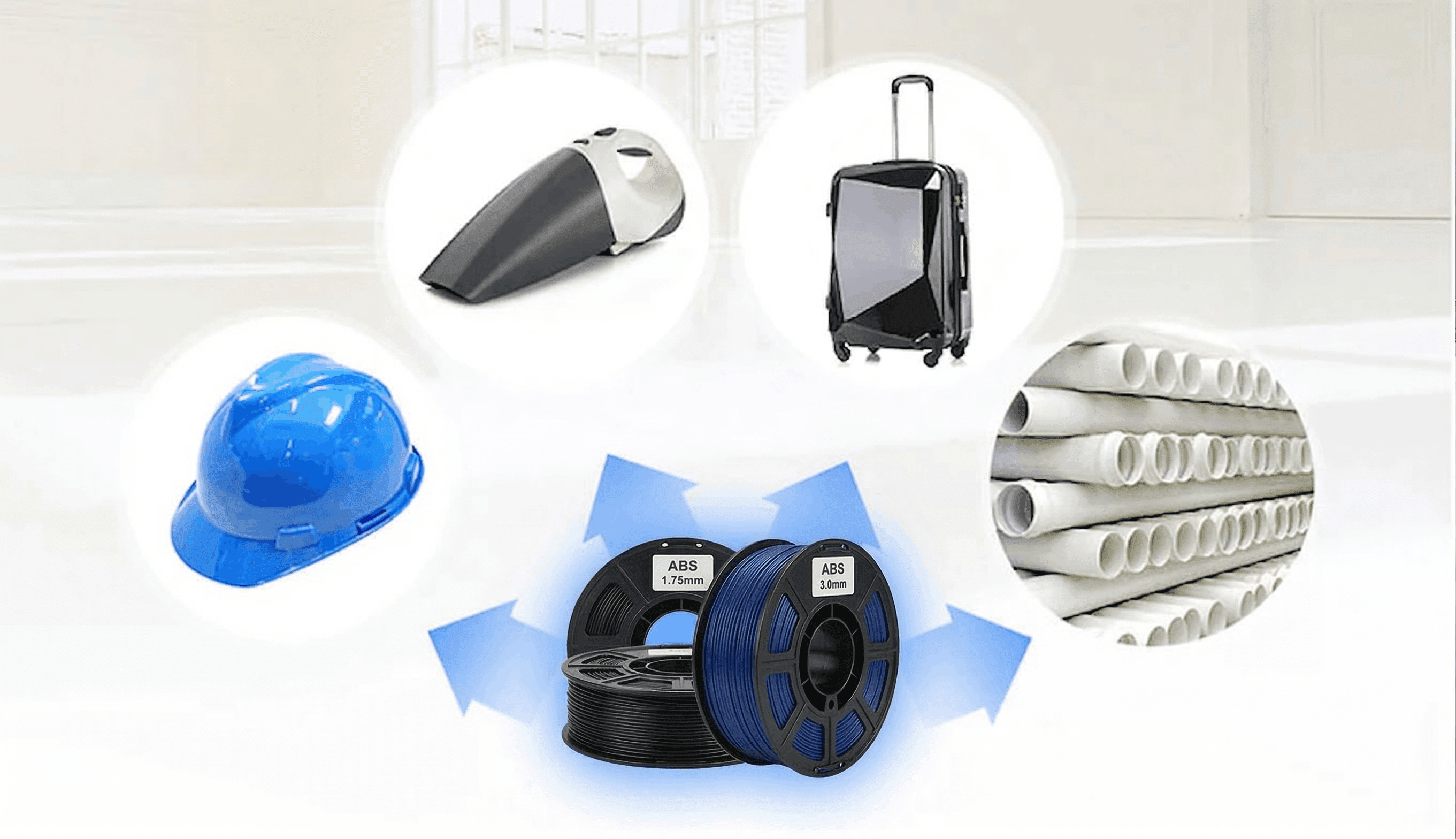
ABS is the exact same high-impact plastic used to make Lego bricks. It is tough, temperature-resistant, and built to take a beating.

- Why it works for AI 3D Models: ABS is famous for one specific post-processing trick: Acetone Vapor Smoothing. If you generate an organic character model and print it in ABS, you can expose the print to acetone fumes. The chemical slightly melts the outer layer, completely erasing layer lines and leaving a glossy, injection-molded finish perfect for designer toys.
- The Catch - Warping: ABS shrinks significantly as it cools. If you don't have a fully enclosed 3D printer, the temperature delta will cause the print to warp off the bed and split at the layers, destroying its Tensile Strength. It also emits toxic VOCs during printing, so proper ventilation is mandatory.
- Technical Specs:
- Hotend Temp: 240°C - 260°C
- Bed Temp: 90°C - 110°C
- Glass Transition Temperature: ~105°C
Advanced & Engineering-Grade Materials
When your AI-designed project demands extreme durability, flexibility, or environmental resistance, it is time to look past the basics.
TPU (Thermoplastic Polyurethane): The Flexible Powerhouse
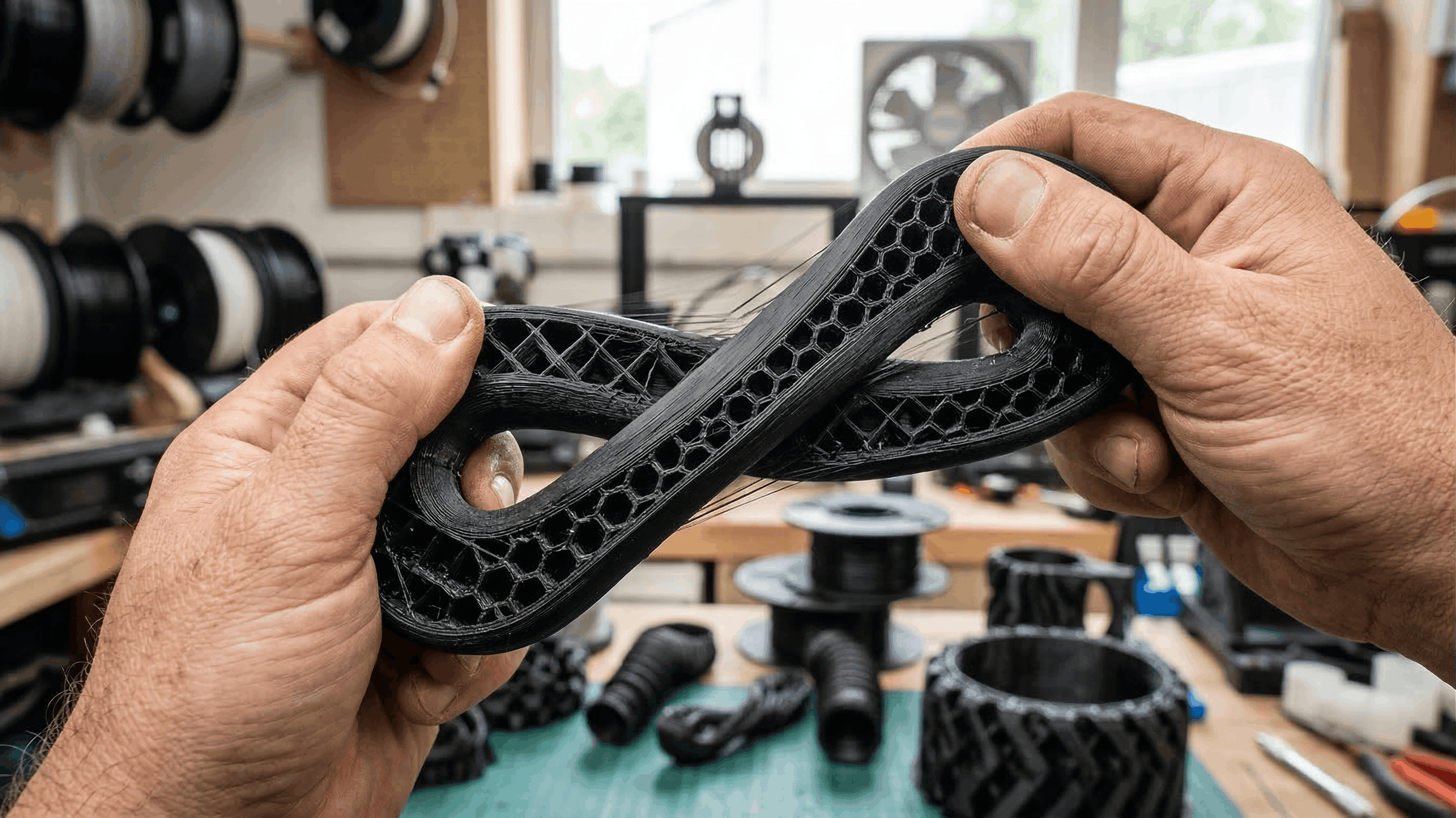
TPU is a flexible, rubber-like material. It is measured on the Shore Hardness scale (e.g., 95A is like a skateboard wheel, 85A is like a soft shoe sole).

- Printing 3D Models in TPU: Printing flexible models requires a direct-drive extrusion system. Bowden tube setups will often jam, as pushing TPU through a long tube is like trying to push a wet noodle. TPU oozes easily, so minimizing unnecessary travel moves across complex geometry is essential for a clean, flexible print.
ASA (Acrylonitrile Styrene Acrylate): The Outdoor Champion
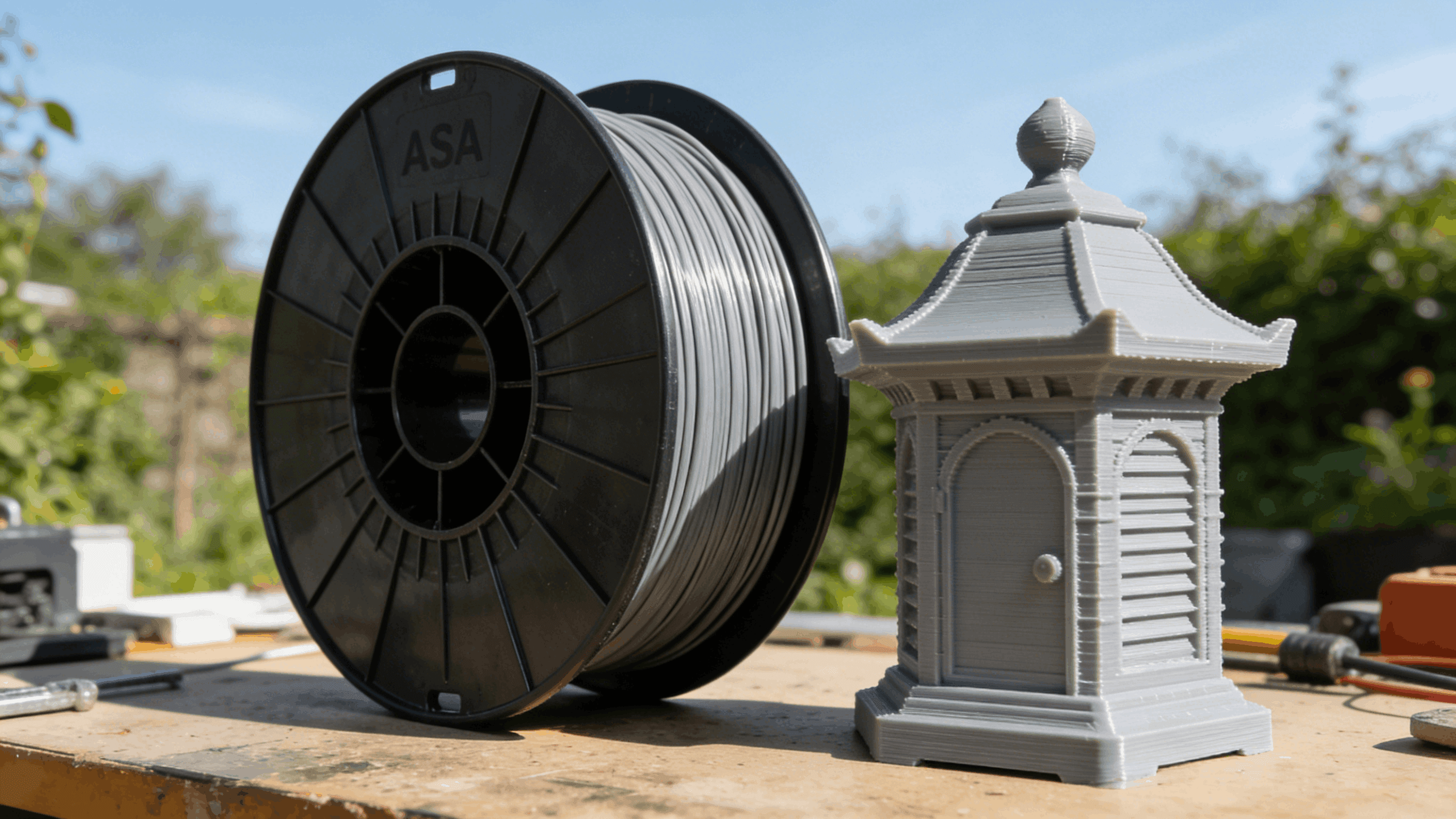
ASA is the modern, upgraded sibling of ABS. It offers the exact same high tensile strength and heat resistance, but with one massive advantage: extreme UV Resistance.

- When to use it: If you designed custom garden ornaments, outdoor sensor housings, or car accessories, ASA will not yellow, crack, or degrade in the sun. It still requires a printer enclosure to prevent warping, but it is generally slightly easier to print than standard ABS.
Nylon (Polyamide) and Carbon Fiber Blends
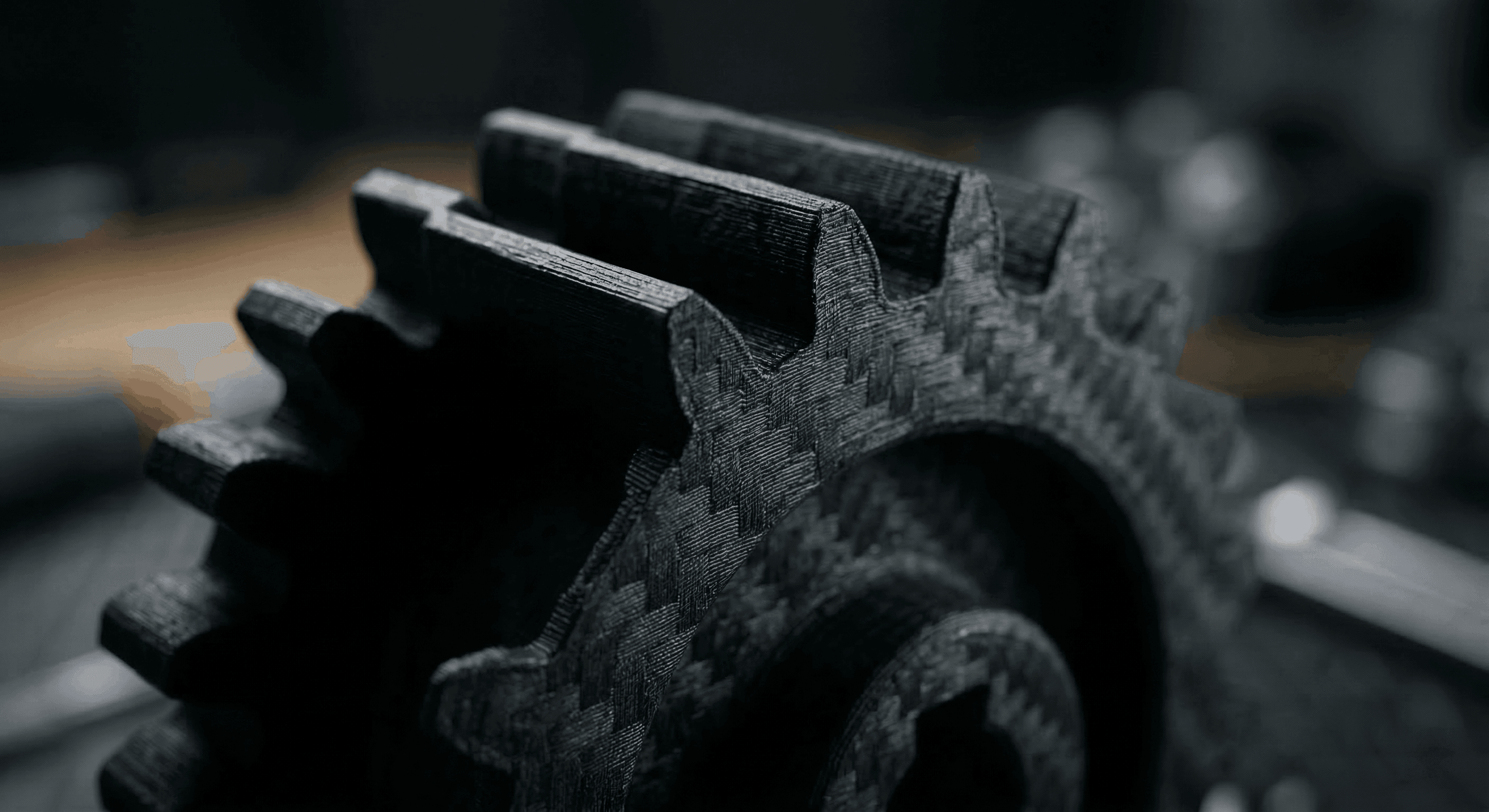
Nylon is incredibly tough, highly impact-resistant, and has a very low coefficient of friction (making it perfect for printing gears and hinges).

Many manufacturers now blend Nylon or PETG with milled carbon fiber (CF). The carbon fibers significantly increase the stiffness of the material and practically eliminate warping. If you are printing AI-generated mechanical replacement parts, CF blends offer an incredible matte-black finish that completely hides layer lines.
Note: You must use a hardened steel nozzle, as abrasive carbon fiber will destroy a standard brass nozzle in a matter of hours.
PLA vs. PETG vs. ABS vs. TPU vs. ASA vs. Nylon CF: Key Differences Comparison
Filament | Print Difficulty | Strength & Flexibility | Max Heat Resistance | UV / Outdoor | Enclosure | Ideal Project |
PLA | 🟢 Very Easy | Medium / Rigid | ~60°C (140°F) | ❌ Poor | ❌ | Visual Prototypes, Miniatures |
PETG | 🟡 Medium | High / Slight Flex | ~80°C (176°F) | ⚠️ Moderate | ❌ | Cosplay Armor, Brackets |
ABS | 🔴 Hard | High / Rigid | ~105°C (221°F) | ❌ Poor | ✅ | Vapor-Smoothed Art Toys |
TPU | 🔴 Hard | Extreme / Very Flexible | ~60°C - 80°C | ⚠️ Moderate | ❌ | Phone Cases, Custom Tires |
ASA | 🔴 Hard | High / Rigid | ~105°C (221°F) | ✅ Excellent | ✅ | Outdoor Props, Car Mods |
Nylon CF | ⚫ Very Hard | Extreme / Ultra Rigid | ~120°C+ (248°F+) | ✅ Good | ✅ | Heavy-duty Gears, Drone Parts |
The Breakthrough: Bridging the AI-to-Print Gap
Now that you know what material to use, we need to address the biggest hurdle in 3D printing modern AI assets: file conversion and mesh topology.
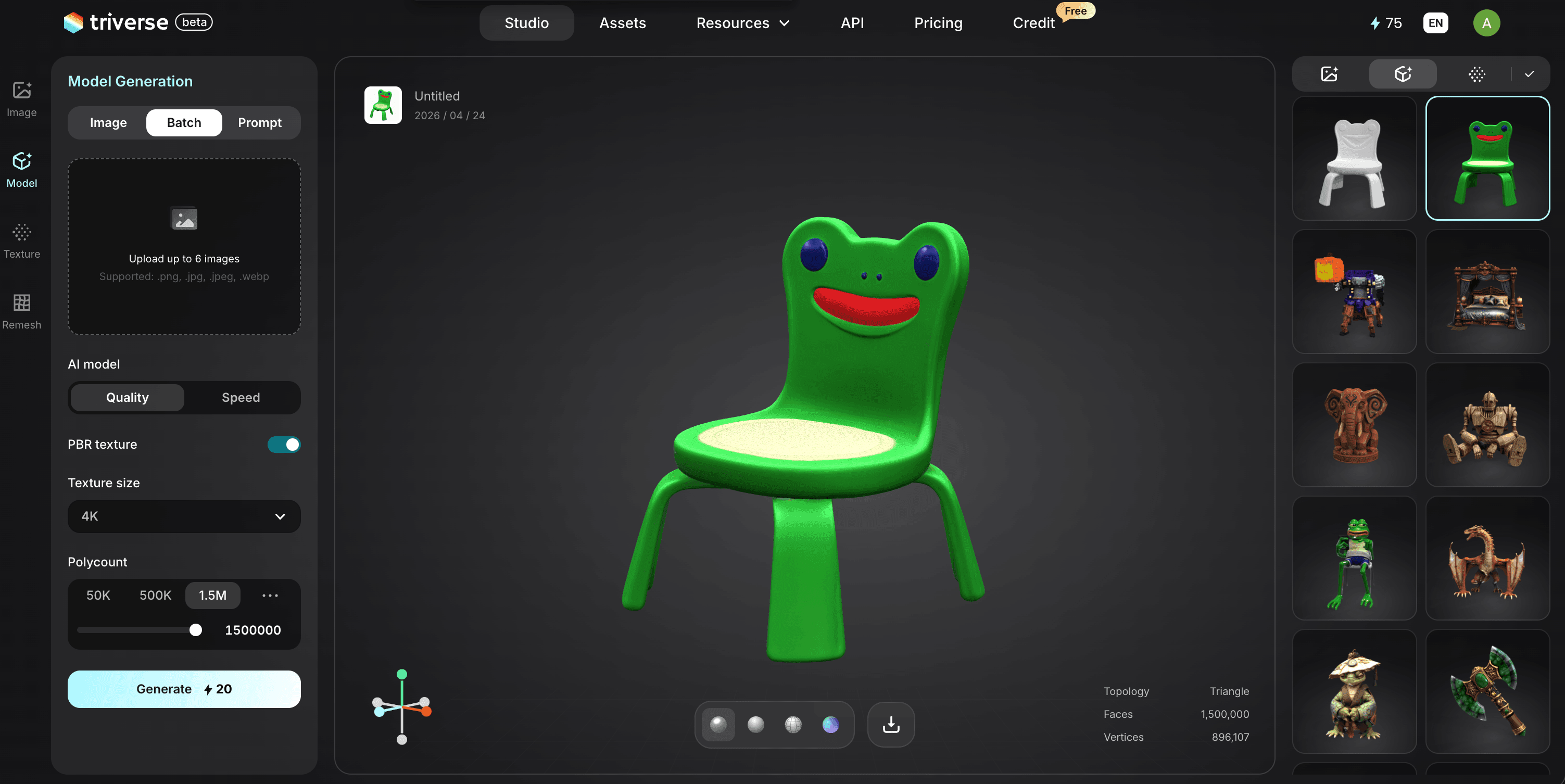
If you are using a cutting-edge generator like Triverse AI, your model will export as a GLB file. GLB is the industry standard for game engines because it flawlessly packs your 3D mesh and stunning PBR textures into one highly efficient file. However, standard 3D slicers (like Cura or PrusaSlicer) prefer geometry-only formats like STL or 3MF to generate G-code for your printer.
Many creators get stuck here. Most generic AI generators spit out chaotic meshes with millions of useless polygons and "non-manifold edges" (geometry that cannot physically exist). When you convert those messy files to STL, the slicer panics, toolpaths cross over each other, and the print fails—regardless of what filament you chose.
Because Triverse AI is engineered to generate clean, mathematically sound, quad-based topology, your conversion process will be flawless.
The 3-Step "GLB to Slicer" Workflow:
- Export from Triverse: Download your high-fidelity GLB file.
- : Drop the GLB into a free program like Windows 3D Builder or Blender.
- In 3D Builder: Simply open the GLB, click "Save As," and select
.3mfor.stl. - In Blender: Import the GLB, select the mesh, go to File > Export, and choose
.stl.
- In 3D Builder: Simply open the GLB, click "Save As," and select
- Slice with Confidence: Import that new STL/3MF into your slicer. Because Triverse AI generated a watertight mesh to begin with, your toolhead will move smoothly. You can safely optimize your Infill Density without worrying about internal structural collapses.
Setting Up for Success: Slicer Settings & Post-Processing
With your clean STL file loaded and your filament chosen, dial in these final settings:
- Print in a Neutral Base: Choose a grey or white PLA.
- Sanding: Start with 200-grit sandpaper and work your way up to 600-grit to knock down the layer lines.
- Filler Primer: Spray the model with an automotive filler primer. This thick, sandable spray fills the micro-gaps between layers. Sand it once more for a glass-smooth finish.
- Airbrushing & Hand Painting: Use miniature acrylic paints to replicate the digital textures. Because Triverse AI creates anatomically correct and geometrically sound models, washes and dry-brushing techniques adhere naturally to the designed curves without getting trapped in ugly printing artifacts.
- Layer Bonding: Ensure your hotend temperature matches the manufacturer's spec. Printing too cold will result in weak layer bonding, causing your model to snap easily along the Z-axis.
- Bed Adhesion: AI models with small footprints require a "Brim" or a "Raft" in your slicer settings to maximize bed adhesion and prevent the nozzle from knocking the print over.
- Extrusion Multiplier (Flow Rate): Since AI models feature intricate micro-details, over-extrusion will make your print look blobby. Calibrate your flow rate for each new spool.
Frequently Asked Questions about 3D Printer Filament
1. Which 3D printer filament is the strongest?
Polycarbonate (PC) is widely considered the strongest consumer 3D printer filament regarding pure tensile strength and heat resistance. However, for sheer impact resistance, Nylon and TPU are superior. For everyday users creating functional AI prototypes, Carbon Fiber-infused Nylon offers the best balance.
2. Is PLA filament biodegradable?
Technically, yes, but practically, no. PLA is theoretically compostable but requires industrial composting facilities with sustained temperatures over 60°C and specific microbes to break down. It will not degrade in your backyard compost bin.
3. How do I stop my 3D prints from warping?
Warping occurs when the upper layers cool faster than the bottom layers, causing the plastic to shrink. To fix this: Ensure your bed is perfectly leveled, clean the bed with isopropyl alcohol, increase your bed temperature slightly, and use a "brim." For ABS and ASA, a full printer enclosure is mandatory.
4. Can I print AI-generated models in a flexible TPU?
Yes, but success depends entirely on the model's geometry. TPU stringing is incredibly hard to avoid. Using clean topology from generators like Triverse AI minimizes unnecessary travel moves, making TPU printing significantly easier.
5. What is the best filament for outdoor 3D prints?
ASA (Acrylonitrile Styrene Acrylate) is the absolute best choice. Unlike PLA (which will melt in direct sunlight) or standard ABS (which degrades under UV light), ASA is highly UV-resistant and maintains its structural integrity outdoors.
6. Does 3D printer filament expire?
Filament doesn't expire, but it degrades by absorbing moisture from the air. Wet filament becomes brittle and causes stringing. You can revive a wet filament by placing it in a dedicated filament dryer for several hours to bake the moisture out.
Conclusion
Understanding the different types of 3D printer filament is the foundation of successful manufacturing. However, the most expensive Carbon Fiber filament in the world will not save a 3D print if the underlying digital geometry is broken.
To ensure your ideas translate flawlessly from the screen to the physical world, you must start with a mathematically sound mesh.
Ready to start printing your ideas? Try Triverse AI today to generate clean, print-ready, high-fidelity 3D assets that your slicer and your 3D printer will love.