
Convert 3MF To STL For Free
Upload your 3MF file and convert to STL file instantly.

Drag and Drop or Click to Upload
Max File Size: 100M
Want To Create A 3D Model By Yourself?
Afraid of time-consuming modeling and its steep learning curve?
Try Triverse AI to generate 3D models in minutes. It features image to 3D and text to 3D generation, plus AI-powered texturing and remeshing.

Image to 3D
Triverse AI's Image to 3D feature helps you convert a 2D image into a 3D model with one click. Triverse also release batch image to model and multi-view enhancement feature.
Try Triverse Image to 3D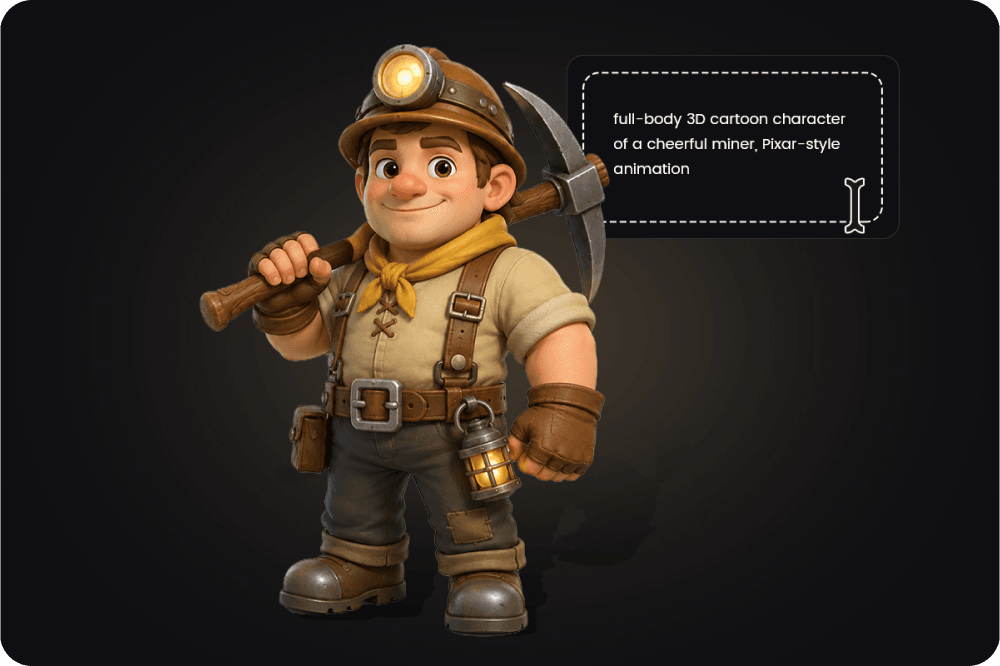
Text to 3D
Triverse AI's Text to 3D feature lets you convert a text prompt into a fully textured 3D model. It's ideal when you only have a vague concept but no reference image.
Generate 3D Model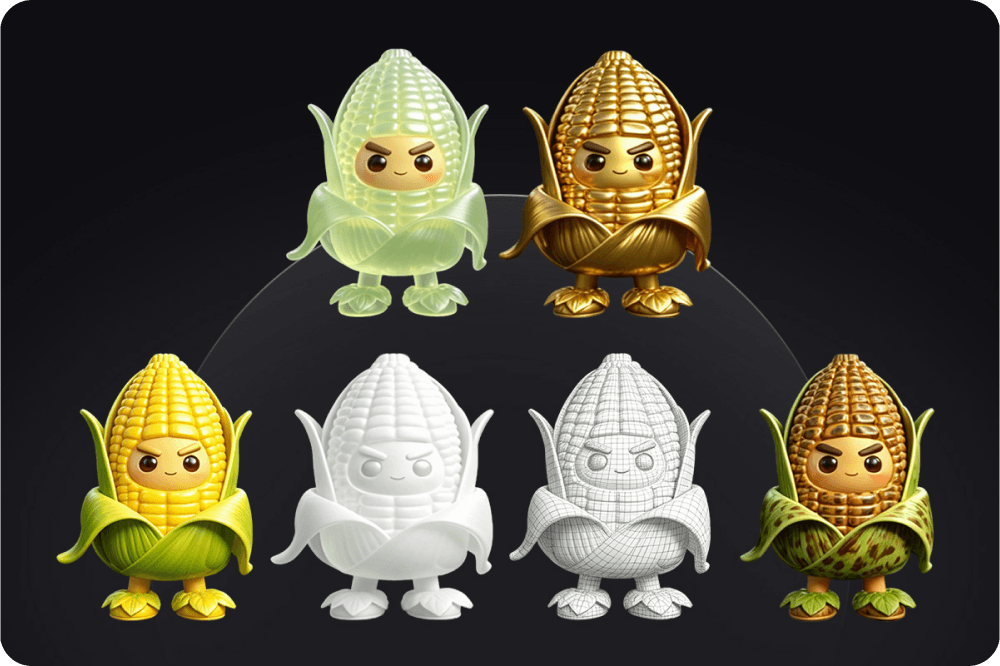
AI Texturing
Triverse AI's Texturing feature lets you apply new materials and styles to existing 3D models. Already have a great model? Transform it into "Winter," "Desert," "Cyberpunk," or any other variant without re-modeling.
Try Now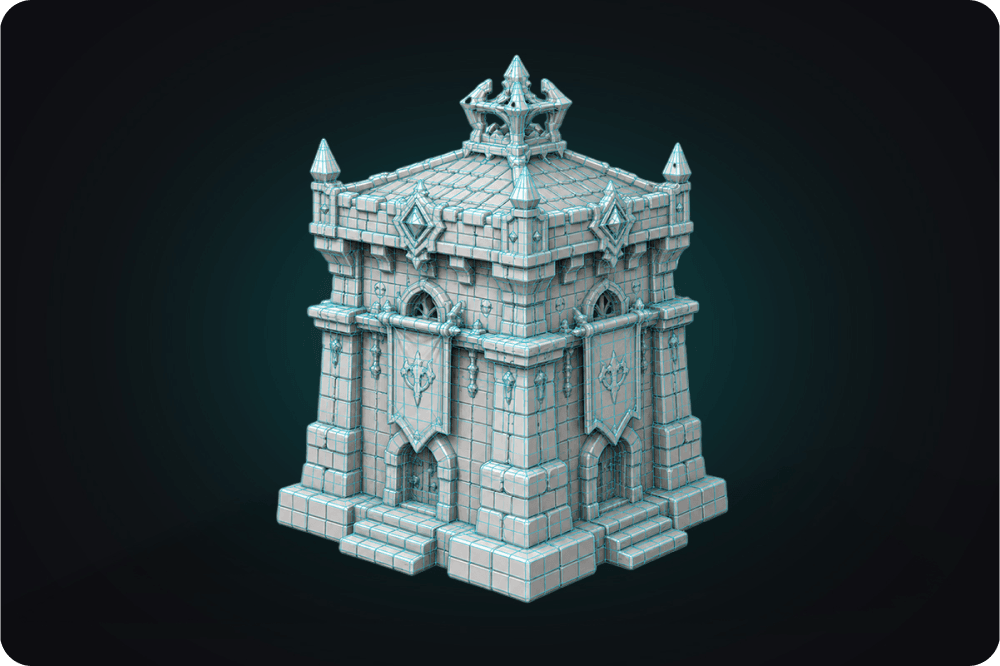
Remesh
Triverse AI's Remesh feature optimizes your model's topology by rebuilding its mesh structure. It helps create cleaner geometry that is easier to edit, animate, or use in real-time applications.
Try NowWhy Choose Triverse for 3D File Conversion

Supports multiple formats

Fast conversion in seconds

Secure processing

Works in your browser
How To Convert 3MF To STL
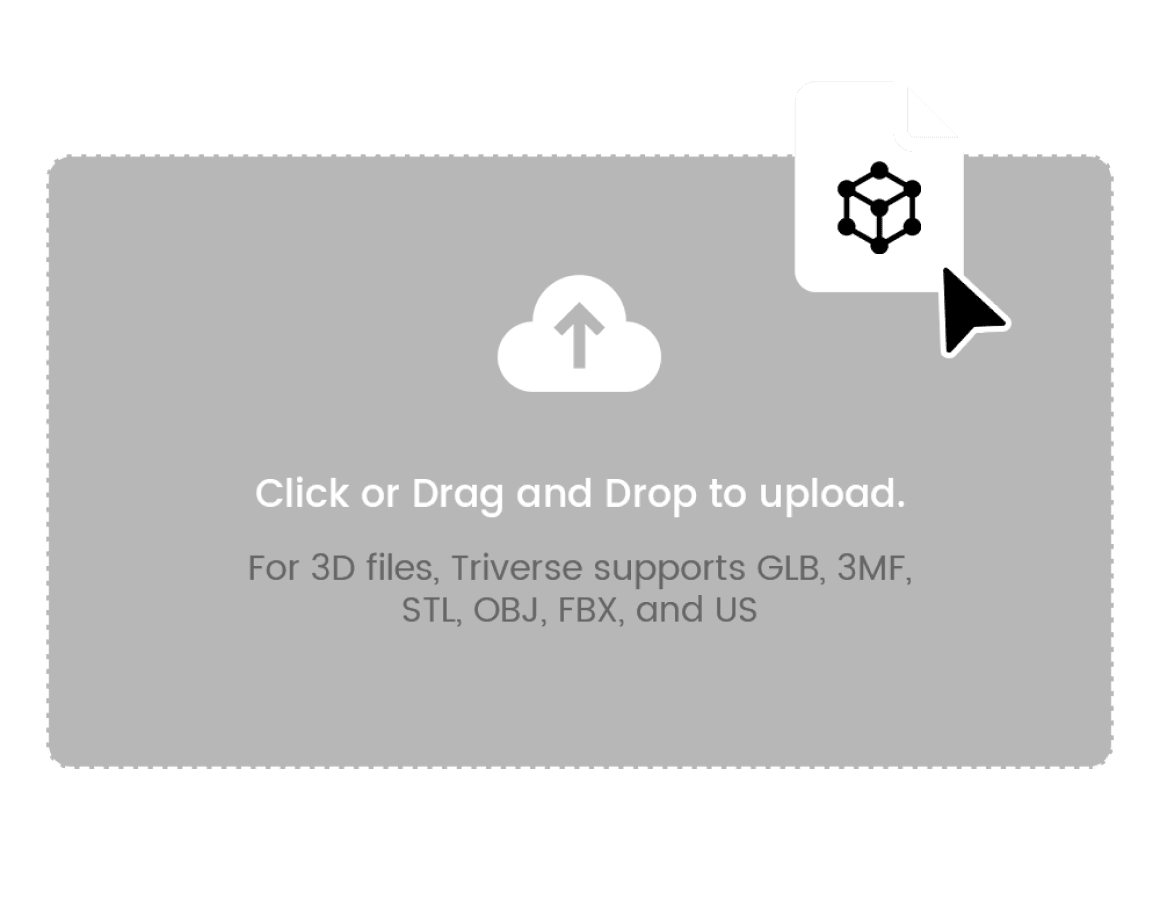
Step 1: Upload an 3MF File
Simply drag and drop or click to upload your 3MF file. Make sure it is within 100MB. For 3D files, Triverse supports GLB, 3MF, STL, OBJ, FBX, and USDZ formats.
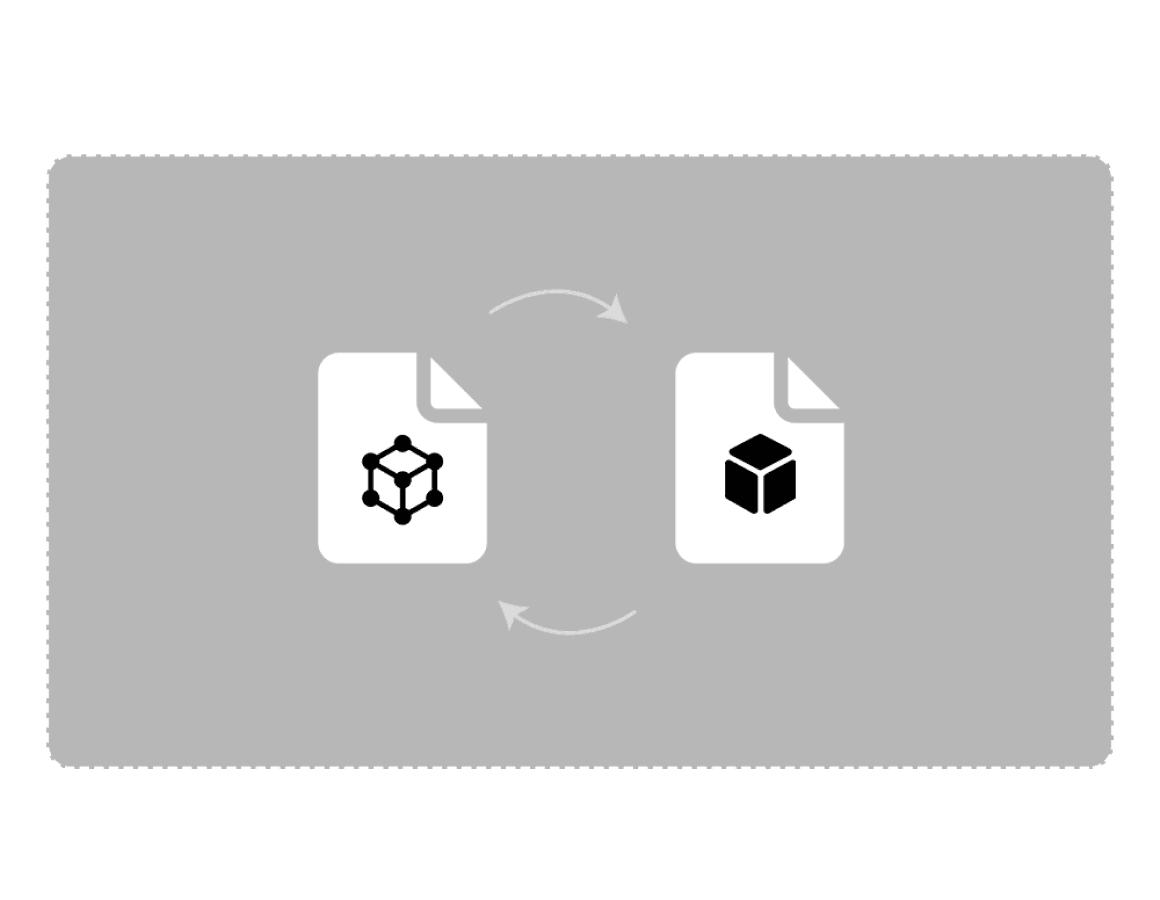
Step 2: Convert to STL
Click Convert to convert your 3MF file to STL file.
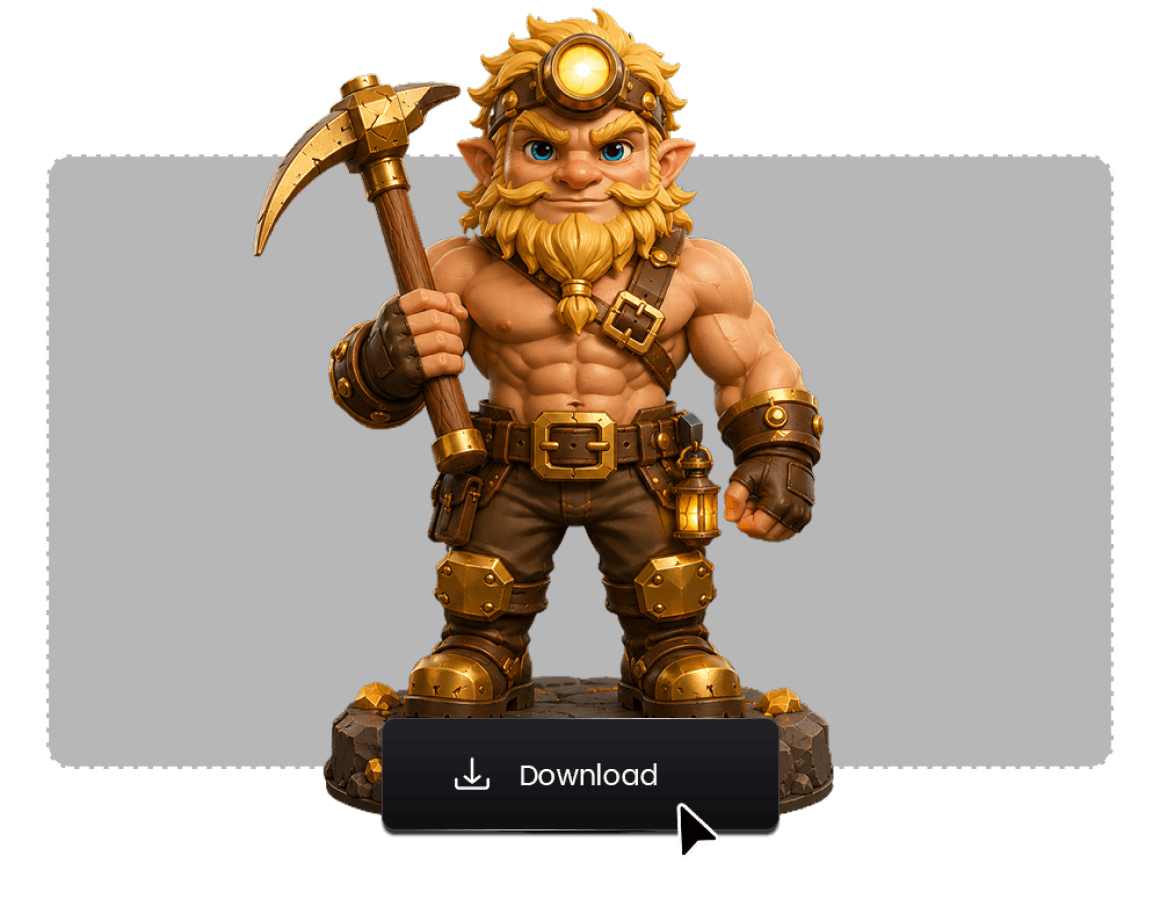
Step 3: Download the File
After conversion is complete, the STL file will automatically download to your computer.