
Convert WEBP to STL for Free
Try Triverse Image to 3D for free. Upload a WEBP image, customize the texture resolution and polycount, and generate a production-ready 3D model in minutes.
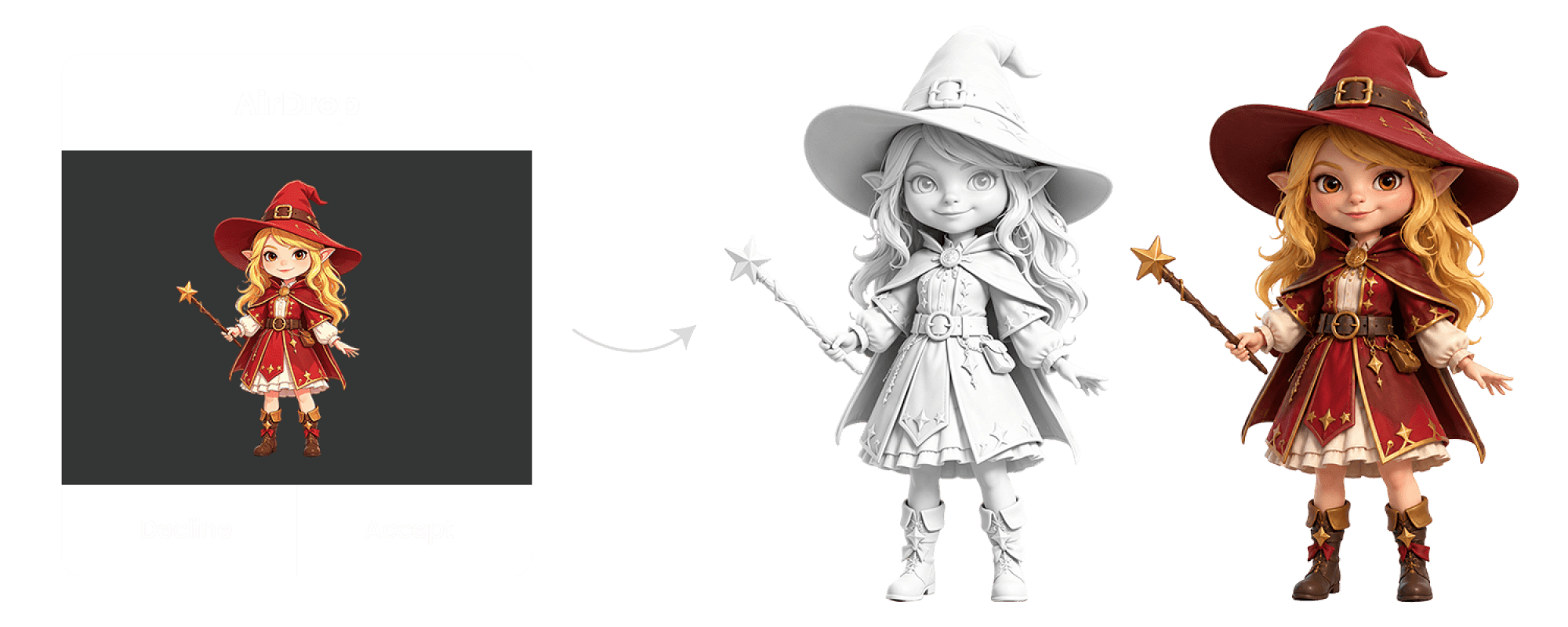
How Can Triverse Help You in 3D Asset Creation?
Instead of spending hours modeling from scratch, Triverse AI turns the entire workflow into a fast, beginner-friendly experience.
With Image to 3D, you can transform 2D images into a high-fidelity 3D models in just minutes.
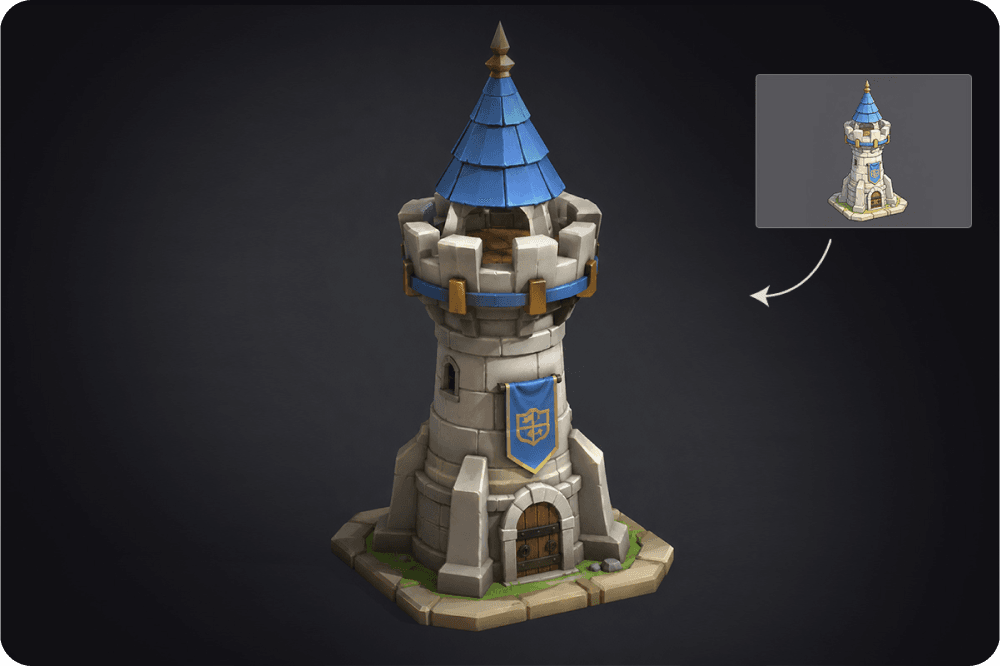
No Modeling Skills, No Software, Beginner-Friendly
No modeling skills are needed to use Triverse AI. With just one click, you can transform a 2D image into a 3D model automatically.
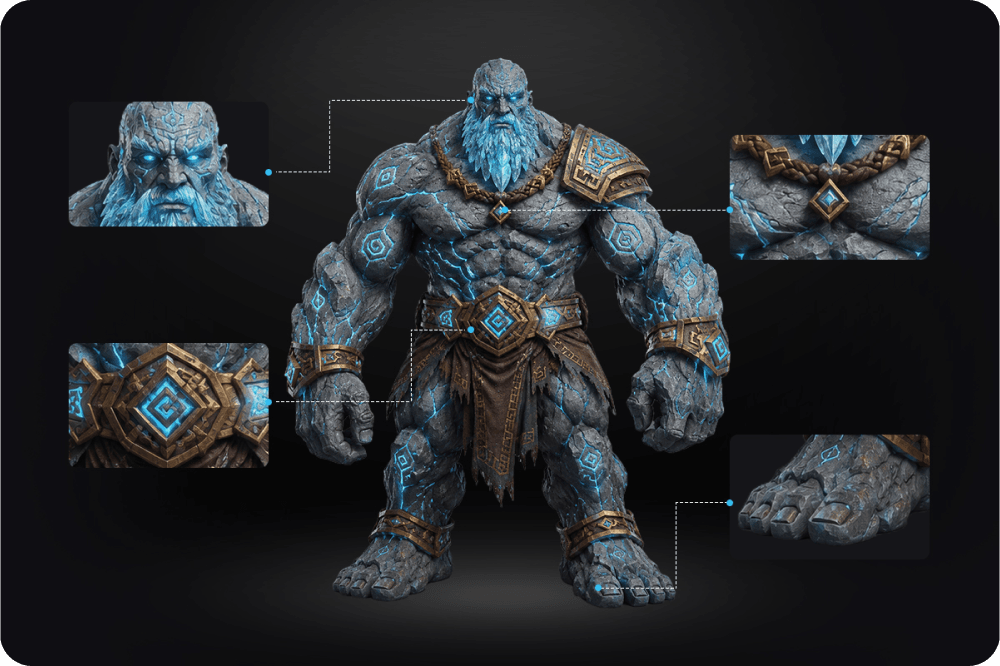
High-Fidelity, Clean Geometry
Models generated by Triverse Image to 3D are high-quality, clean, and rich in detail.
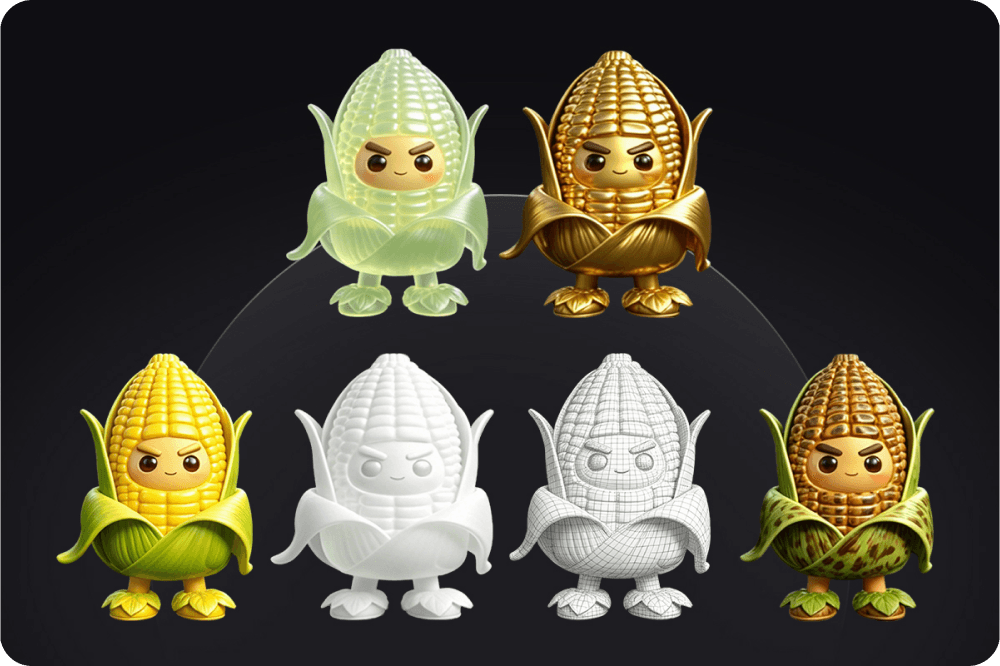
Generate, Texture, Remesh — All in One Workflow
After generating a 3D model, Triverse AI's built-in texturing and remeshing tools allow you to further optimize your asset for different workflows and platforms.
How To Convert WEBP To STL
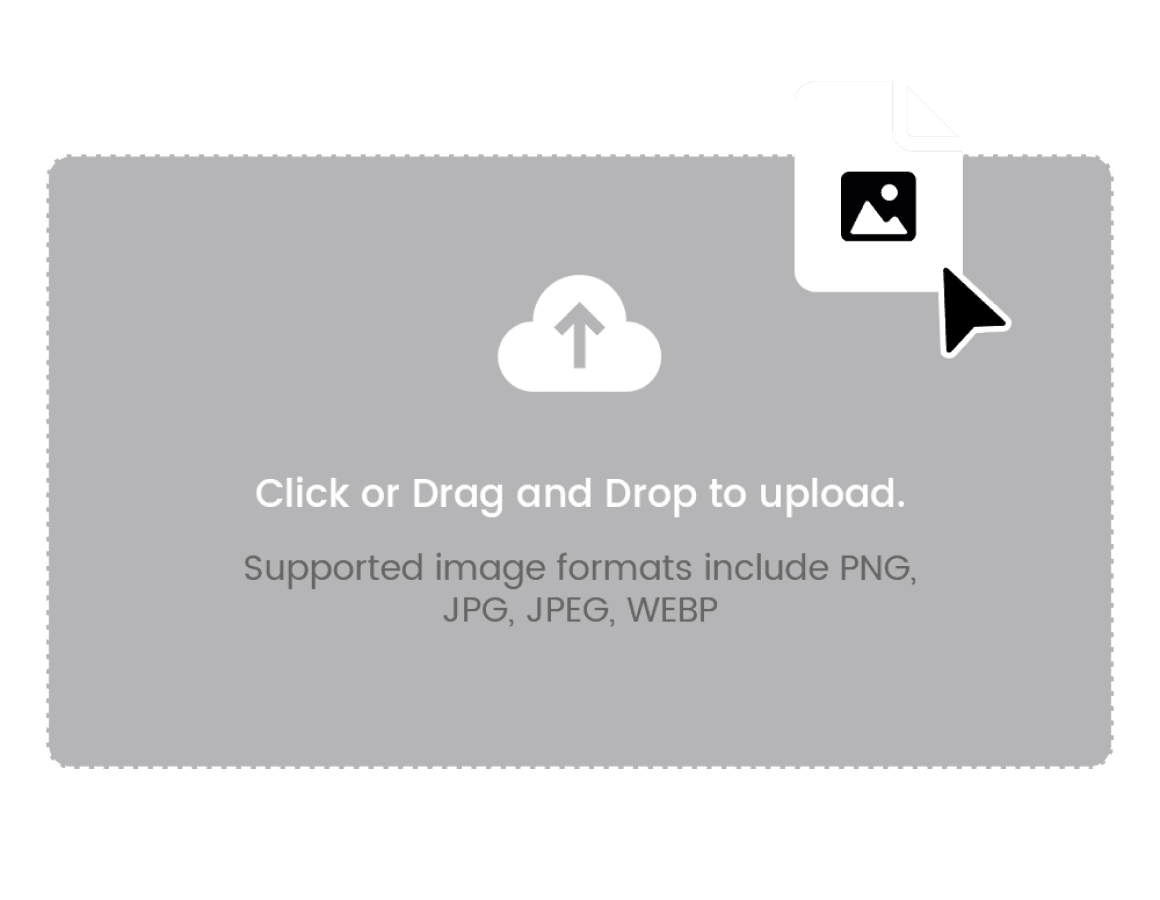
Step 1: Upload a WEBP file
In Triverse studio, upload your WEBP file to the designated area. Supported image formats include PNG, JPG, JPEG, WEBP.
Step 2: Convert to STL
Click Generate to convert your 2D image into a 3D model.
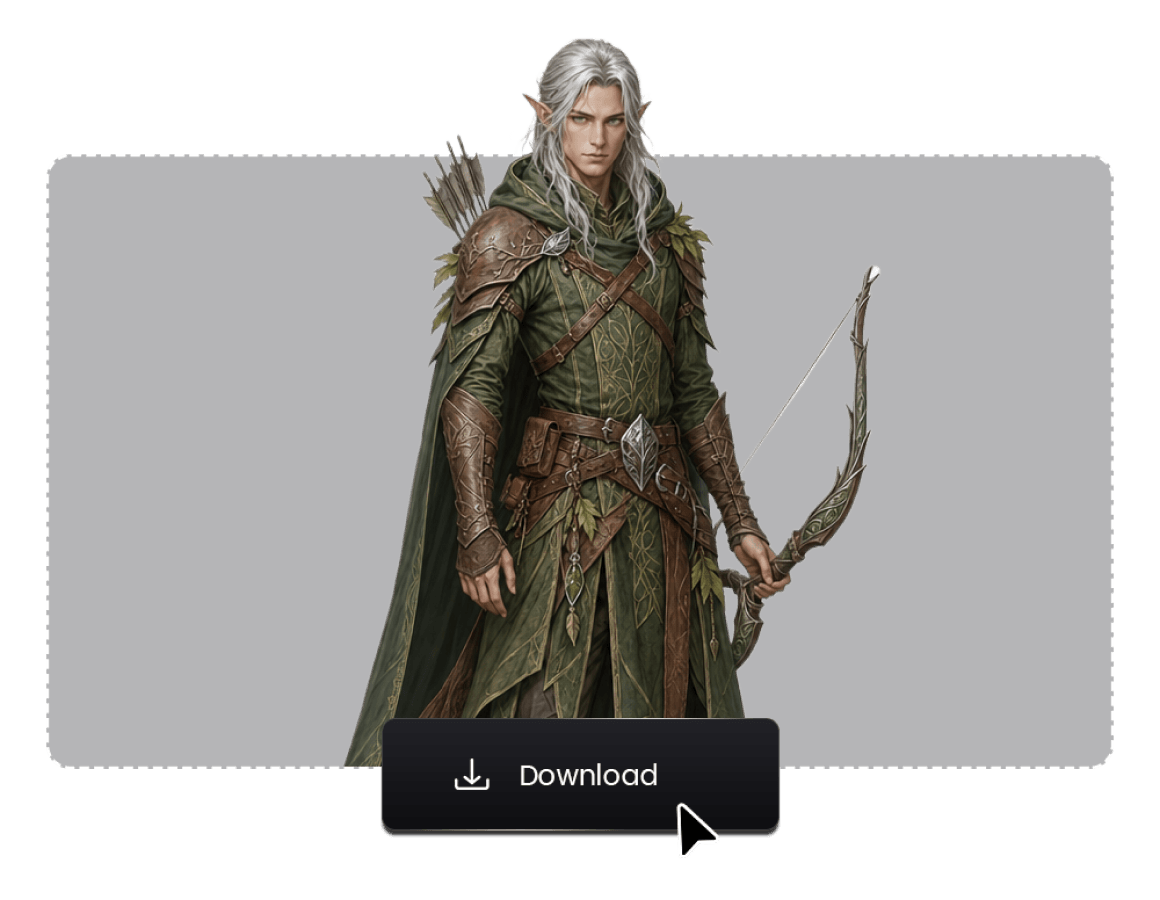
Step 3: Export your model
Click the Download icon at the bottom of the viewport to export your 3D asset.