The Best AI Model Generators for Game Dev in 2026
January 28, 2026
Are you still spending your weekends manually retopologizing background props? Is your game's release date slipping again because you're stuck in UV-unwrapping hell for assets players barely notice?
"Asset anxiety" is killing indie developers or AA studios. AI 3D generators crossed a threshold this year. They're no longer concept-art toys. Real studios ship real games with them. The question isn't "should I use them?"—it's "which one fits my pipeline?"
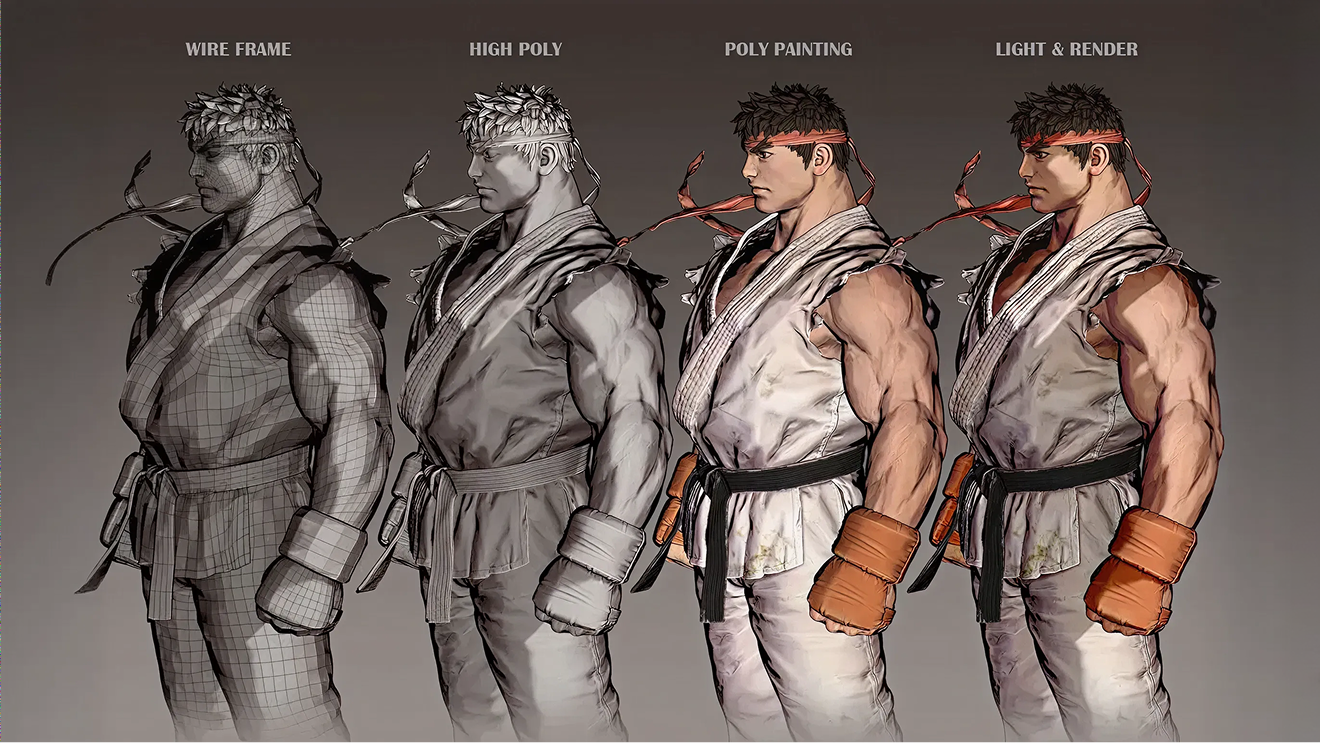
Today, we will test six AI 3D model generation tools that actually ship production-ready assets. Let's dive into what works in 2026.
What Makes a Game-Ready AI 3D Model?
Before we dive into tools, let's be clear about standards. A game-ready 3D AI asset isn't just something that looks good in a thumbnail. It needs to work in your engine. If the wireframe is messy, we can't use it directly.
Here is a checklist for examples:
- Clean topology: Quad-based wireframe, not a soup of random triangles. Vertex count matters for your performance budget.
- Proper UVs: Automated UV unwrapping that doesn't stretch textures across seams.
- PBR materials: Albedo, Normal, Roughness, Metallic. All channels, all optimized.
- Export formats: FBX or USD with LOD variants built in. Not a guessing game.
If an AI tool can't deliver these four things, it's not ready for production. Everything else is marketing.
The 6 Best AI 3D Model Generators for Game Dev
1. Meshy AI
As Stefan 3D AI Lab put it from YouTube on 2026, Jan 12, Meshy 6 is "not garbage anymore—it's actually got really cool ideas." It shifted from a toy to a real workspace for AI image/text to 3D for game dev.
- The "Nano Banana Pro" Model: The new generation model has solved the "melted" look. Using the Nano Banana Pro model for text-to-3D, the edges are sharp, and the geometry is manifold by default.
- AI Texture Editing & Masking: If the AI generates a perfect body but a messy face, you can paint a mask over the face, enter a prompt like "detailed cinematic face, 4k skin texture," and the tool regenerates only that specific area.
- One-Click Rigging: Meshy now supports Auto-Rigging for both Humanoids and Quadrupeds (yes, it finally rigs dogs correctly). It includes a built-in animation library so you can test your character's weight painting with "Idle" or "Walk" cycles before exporting.
- Batch Mode: Now, you can use Batch Mode to generate 10-20 variations of a prop with Meshy 6.
Pro Tip: Meshy 6 is surprisingly generous with 4 Free Retries per generation. If the first seed isn't perfect, use the retries to iterate on the mesh density using the Low Poly (Beta) Mode toggle to keep your vertex count under 5k.
2. Rodin / Hyper3D
Rodin just dropped the Rodin Gen-2 Edit update, and frankly, it scared me a little. It used to be just for high-poly scans, but their new features are targeting game workflows directly.
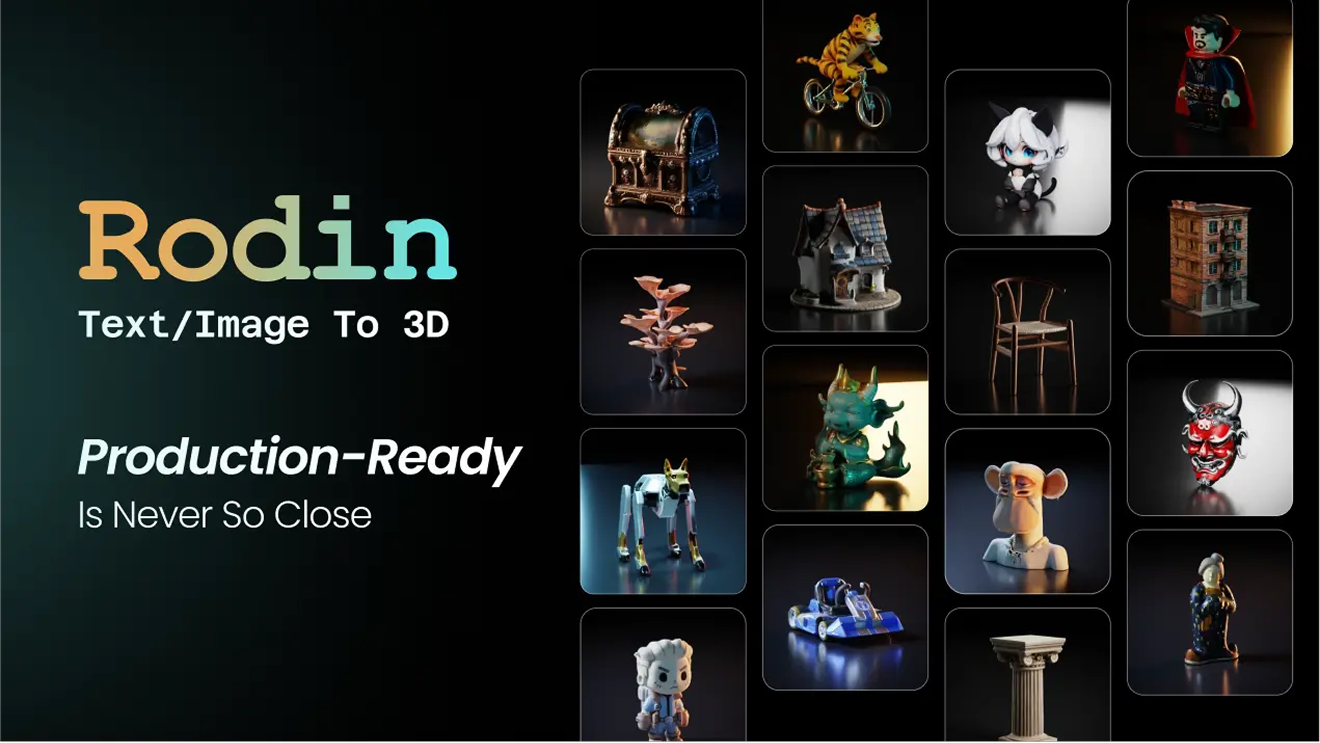
- Smart Low-Poly: This is big. You can now take a dense scan and convert it to artist-style topology automatically. It's no longer just simple decimation; it actually tries to follow edge loops.
- Bang to Parts: This feature is wild. I uploaded a car model, hit "BANG," and it separated the wheels, doors, and chassis into distinct sub-meshes. For destructible environments in Unity/Unreal, this saves hours of slicing time.
- Local Edits via Prompt (Beta): Similar to Meshy's masking, you can now edit parts of the mesh locally. It's still in Beta, so it can be hit-or-miss, but when it hits, it's magic.
3. Tripo AI
If Meshy is the "Artist", Tripo is the "Sprinter". While other tools make you wait 60 seconds, Tripo's 2026 update feels practically real-time.
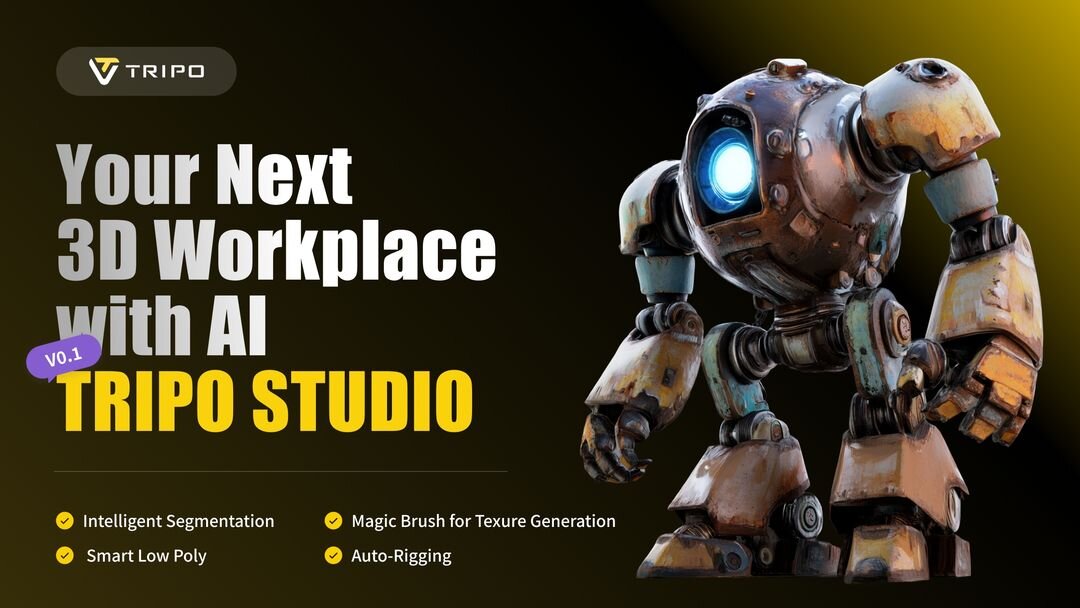
- Best Use Case: Rapid Prototyping. When I'm in a game jam or need to fill a level with 50 different background rocks in under an hour, I use Tripo.
- The Trade-off: The topology is often more "draft quality," but for LOD2s or distant objects, it's unbeatable.
- API Power: I've hooked Tripo's API into my game to generate assets dynamically at runtime.
4. Hunyuan3D
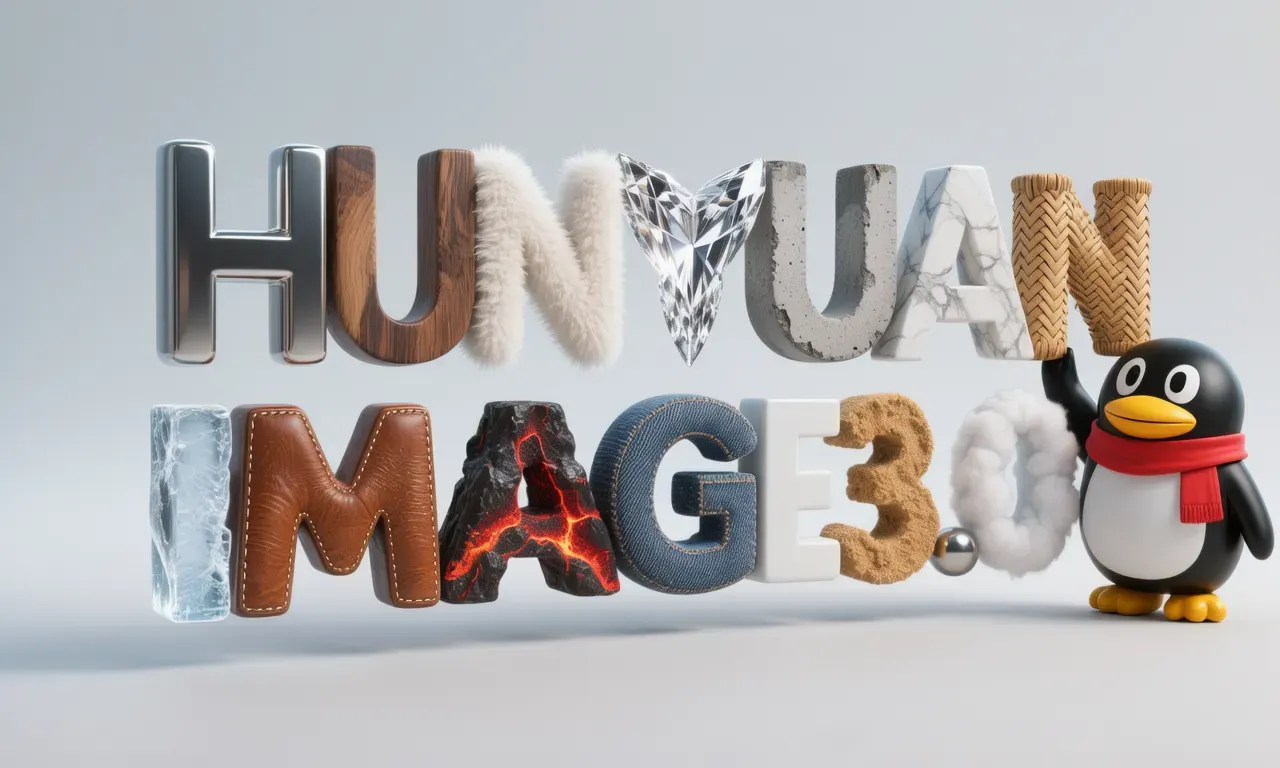
Tencent just officially open-sourced HunyuanImage 3.0-Instruct. It may be the best free AI 3D generator for indie games in 2026 if you have the hardware.
- The "Instruct" Difference: The "Instruct" tag matters. Unlike previous versions, this model follows complex prompts (like "make it low poly" or "remove the backpack") with much higher fidelity. It listens to you.
- Why I use it: Privacy. I run it locally. No subscription fees, and zero chance of my unreleased hero assets leaking.
- The Catch: You need VRAM. A lot of it. But for the DIY crowd, combining this with ComfyUI is the ultimate power move.
5. Triverse AI
Triverse AI is an AI-powered platform built for game creators. It can help generate clean, editable 3D models from reference images or text prompts optimized for real-time engines and production workflows.
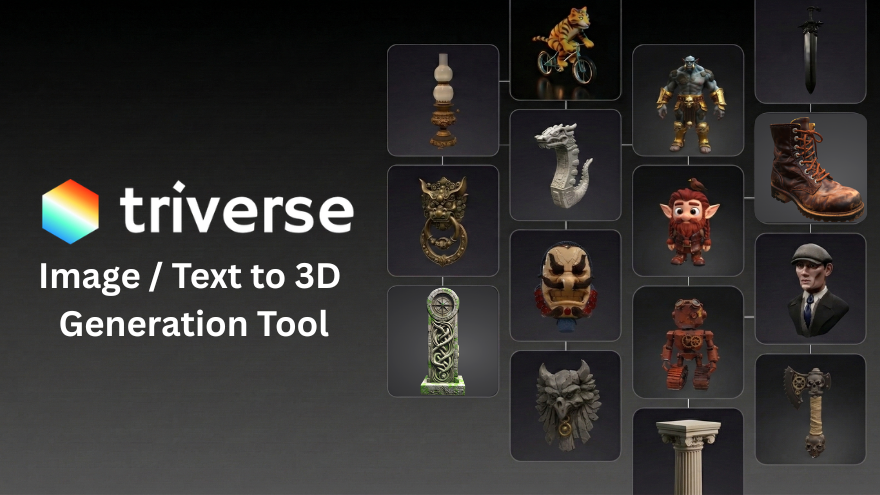
- Pros: Triverse AI has a generous free tier. Daily and monthly credits mean you can test ideas without paying. That matters for indie teams. Batch model mode also lets you generate 6 variations of a prop in one go.
- Cons: The rigging function and partial separation function are still under development.
6. Hitem3D
When you need pixel-perfect detail, Hitem3D captures texture information better than other tools.
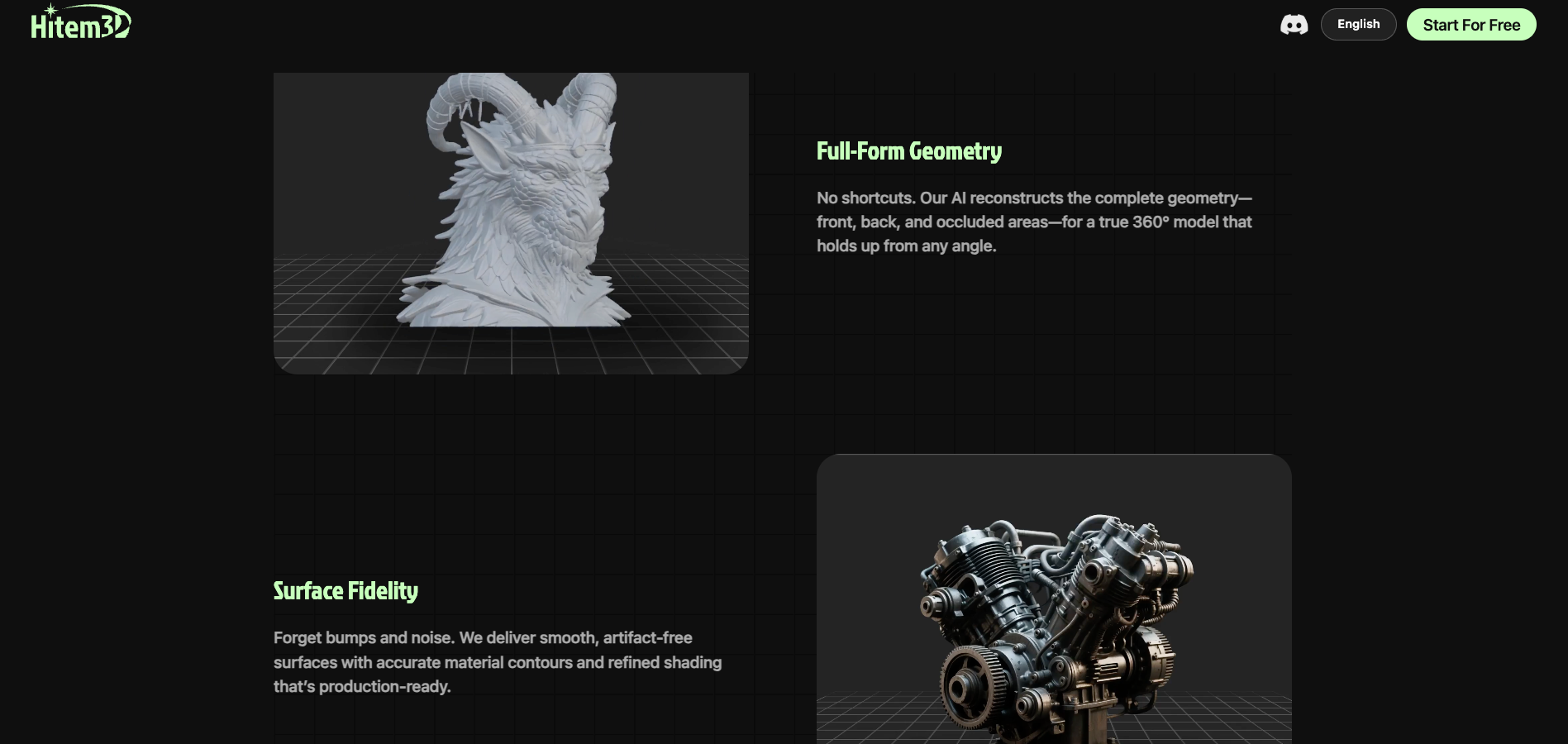
- The strength: Hitem3D projects 2D texture details onto 3D geometry with minimal distortion. It feels less like "generation" and more like "extraction." If you have concept art with intricate patterns—magical runes, embroidered fabric, weathered metal—Hitem3D preserves those details.
- Best use case: Static hero props. Potions, weapons, decorative artifacts. Anything the player will inspect closely in an inventory screen.
- The trade-off: Rigging isn't automated like Meshy's. But the raw visual fidelity straight out of the tool is often closer to your final render target.
Best AI 3D Generators Comparison (2026)
Here is the breakdown between the AI 3D generation tools above:
Feature | Meshy AI | Rodin | Tripo AI | Hunyuan | Triverse AI | Hitem3D |
Best For | Characters / Rigging | Hard Surface / Parts | Speed / Proto | Privacy / Instruct | Props / Game / Low Poly | Hero Props / Detail |
Topology | Quads (Native) | Smart Artist-Style | Draft Quality | Configurable | Perfect Quads / Triangle | High-Density Quads |
Editing | AI Texturing | Local Mesh Edit | Basic | Prompt-based | AI Texturing | Texture Refine |
Cost | Sub / Free Credits | Sub / Free Credits | Sub / Free Credits | Free (Local) | Sub / Free Credits | Sub / Free Credits |
How to Use AI 3D Model Generators in Your Game Dev Pipeline
Here's how to generate game-ready 3D models with Triverse AI in minutes.:
Step 1. Write a specific prompt
Don't say "sci-fi crate.", say:
Weathered metal sci-fi crate, clean quads, 2k textures, industrial design, no organic shapes."Specificity matters. The AI responds to detail.
Step 2: Generate & review your results
Triverse generates clean, quad-dominant meshes. Check the topology and proportions. If it's not quite right, adjust your prompt and regenerate.
Step 3: Download your asset
Export as FBX or GLB—both formats work great with game engines:
- FBX file: Best for Unity and Unreal Engine. Preserves materials and hierarchy.
- GLB file: Best for Godot and web-based projects. Smaller file size.
Step 4: Refine or import
Two options here:
- In Blender: Open the FBX/GLB, tweak topology, adjust UVs, or add details. Then export to your engine.
- Direct to engine: Import straight into Unity, Unreal, or Godot. The mesh is already game-ready.
Step 5: Test in the engine
Load it. Check performance. Adjust LODs if needed. Done.
This workflow takes 10 minutes per asset. Not 3 days.
Can You Sell AI-Generated 3D Models? (Legal & Copyright Guide for Game Dev)
In 2026, the answer is yes—with conditions.
Training data matters. Top tools like Meshy and Rodin now use licensed-only datasets. They provide "Provenance Certificates" that you can submit during Steam review.
You need human input. Steam and Epic Games Store both require "substantial creative input" for commercial use. Using AI Texture Masking, manual rigging adjustments, or prompt engineering counts. You're not just clicking a button; you're directing the tool.
IP ownership is yours. Most platforms have updated their TOS to grant full commercial ownership to users. Your AI-generated character is your IP.
💡The key: Document your process. Show your prompts. Show your edits. That's your proof of authorship.
What Actually Matters in 2026
The tools are good now. The real question is your pipeline.
If you're still spending three days on a background prop, your process is broken. Not your artists. Your process.
AI 3D generators aren't about replacing artists. They're about scaling up. A good artist with AI tools can do the work of three artists without AI. That's the real advantage.
Pick one tool. Run a batch test tonight. See how much dev time you can reclaim.
FAQs: AI 3D Model Generators for Game Dev
1. Can AI actually make a clean topology now?
Yes. New algorithms in tools like Meshy 6 create "quad-dominant" meshes. This means the wireframe looks like a human made it, so it bends correctly when animated.
2. Which tool is best for Unreal Engine 5?
Rodin. Nanite loves high-poly detail, and Rodin is great at making super detailed meshes with millions of triangles.
3. Do I need a 5090 Ti to run these AI 3D Model Generators?
No. Most of these AI 3D generator tools run in the cloud. You just need a web browser. Try Triverse AI for free today!
4. Should I use USDZ or GLB?
Use USDZ for high-end cinematics. Use GLB for Unity, Godot, or Web games because the file size is smaller.
5. How do LODs work with AI?
Most 2026 tools handle this for you. When you export, you get a folder with LOD0 (High quality), LOD1 (Medium), and LOD2 (Low) automatically.
6. What defines a "game-ready" AI asset in today’s technical landscape?
"Game-ready" is now a strict technical benchmark, not a marketing term. It implies a quad-dominant topology for clean animation, manifold geometry that respects physics colliders, and an automated LOD system. In a 2026 pipeline, an asset is only complete if it respects your project's draw-call and vertex budgets the moment it hits the engine.
The Bottom Line
The AI 3D generator landscape in 2026 is mature. The tools work. The question isn't whether to use them—it's which one fits your team's workflow.
If you need raw speed, go with Tripo. If you have a beastly GPU and care about privacy, run Hunyuan locally. But if you want a balanced, production-ready pipeline for characters and props, Meshy and Triverse AI can be a daily driver.
Pick your tool. Test it tonight. Your next game ships faster.