Impresión 3D de miniaturas: Del concepto al modelo físico
Aprende a crear miniaturas impresas en 3D desde el concepto hasta los modelos físicos. Compara las mejores herramientas de creación de miniaturas, flujos de trabajo basados en IA y consejos de impresión para modelos para juegos de mesa y piezas de colección.
La impresión 3D revolucionó el mundo del modelismo en miniatura, permitiendo a los aficionados y diseñadores convertir diseños digitales en modelos físicos detallados. Si estás creando modelos para juegos de mesa, coleccionables o prototipado rápido, es importante que conozcas el proceso desde el diseño hasta la impresión.
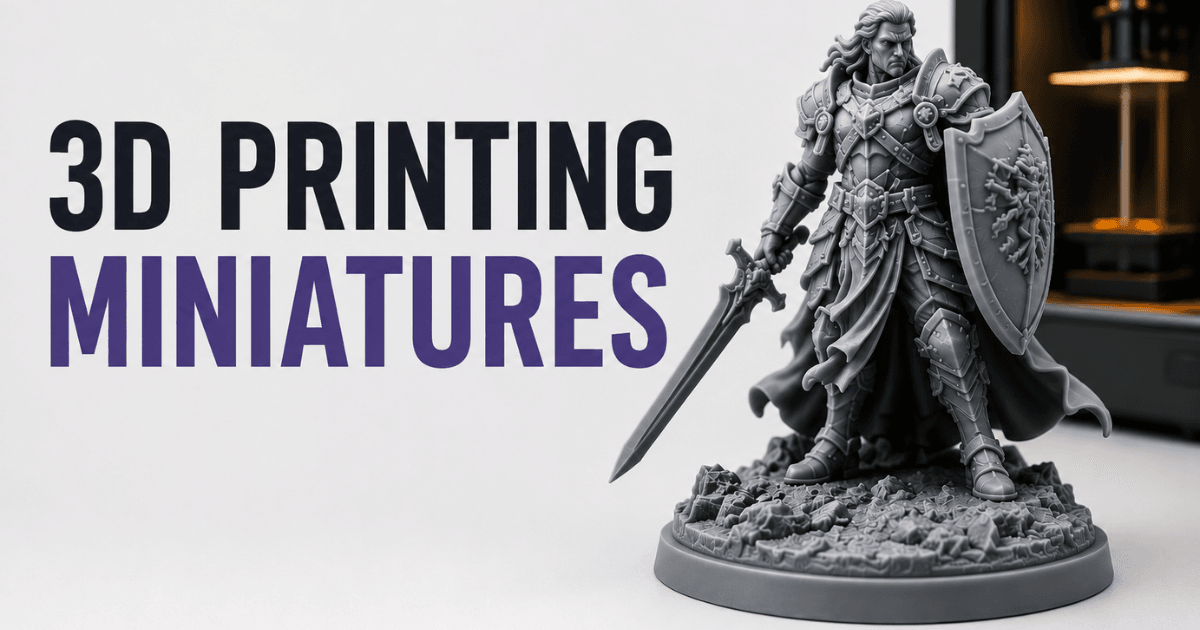
En esta guía, abordamos los aspectos esenciales, las herramientas y las mejores prácticas para la impresión de miniaturas en 3D, como las soluciones asistidas por IA, por ejemplo, Triverse AI para la generación rápida de modelos.
¿Qué son las miniaturas impresas en 3D?
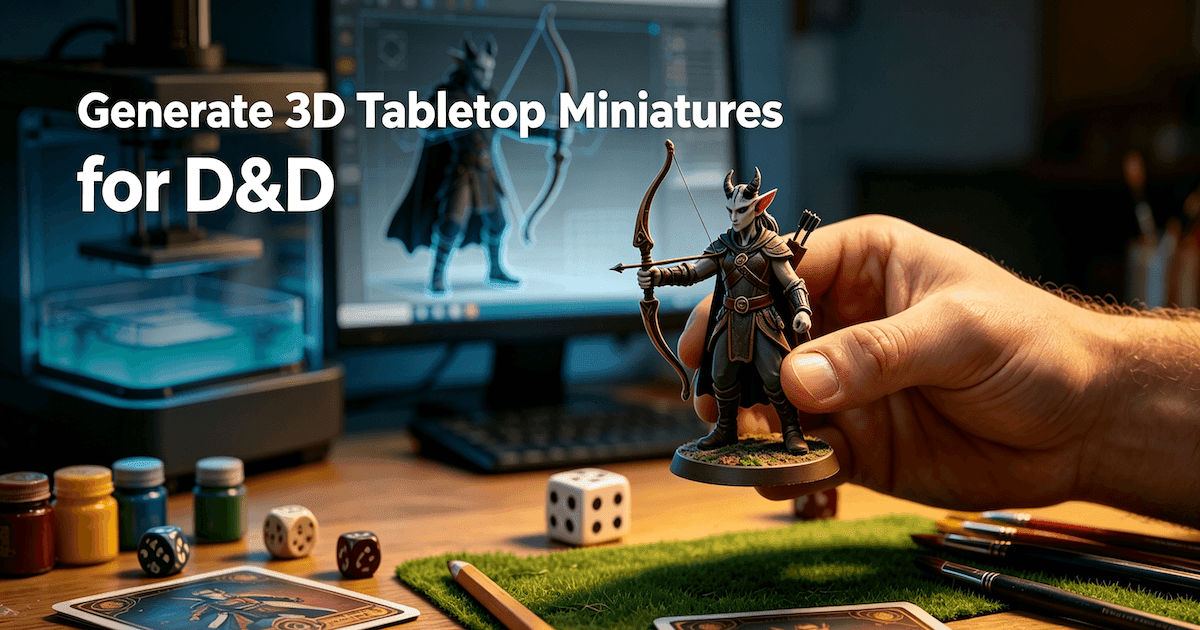
Las miniaturas impresas en 3D son maquetas a pequeña escala creadas mediante técnicas de fabricación aditiva.
Casos de uso: Videojuegos, objetos de colección, prototipado
Son ampliamente utilizados en:
- Juegos de mesa: Figuras personalizadas para Dungeons & Dragons, Warhammer y otros juegos de rol de mesa.
- Coleccionables: Figuritas de personajes exclusivos, modelos de fan art o regalos personalizados.
- Prototipado: Evaluación de conceptos para juguetes, personajes o miniaturas mecánicas antes de la producción masiva.
Estas miniaturas permiten a los creadores plasmar diseños altamente detallados sin las limitaciones del modelado tradicional o la fabricación tradicional.
Ventajas frente a las figuras tradicionales
En comparación con las figuras tradicionales, las miniaturas impresas en 3D ofrecen:
- Personalización:Ajusta fácilmente poses, detalles o escala antes de imprimir.
- Velocidad: Iteración rápida desde el concepto hasta el modelo físico.
- Eficiencia en costos: Evita moldes caros o requisitos de fabricación en serie para tiradas pequeñas.
- Accesibilidad:Tanto aficionados como profesionales pueden diseñar e imprimir con impresoras 3D de escritorio o servicios de impresión.
Lo que necesitas para empezar
Antes de imprimir tu primera figura, necesitas el material adecuado. No hace falta mucho, pero sí lo adecuado.
Hardware:
- Una impresora de resina (MSLA). Si aún no has comprado una, salta a la sección de selección de impresoras más abajo. En resumen: opta por una impresora con pantalla LCD monocromática de 4K o mejor. FDM no basta para miniaturas.
- Resina. Resina fotopolimérica estándar para detalles; resina similar a ABS si tus miniaturas deben resistir golpes en una mesa de juego. La mayoría comienza con la estándar y luego cambia a la resina similar a ABS.
- Guantes de nitrilo. La resina es tóxica antes de curarse. Usa guantes cada vez que manipules piezas sin curar o viertas resina.
- IPA (alcohol isopropílico), concentración al 99%. Para limpiar las impresiones.
- Las toallas de papel. Usarás muchas.
- Una estación de curado UV, o una ventana soleada y paciencia.
Software:
- Un rebanador. Chitubox e Cortador de Lichison las dos principales opciones. Ambas son gratuitas para uso básico. Chitubox permite un mayor control manual; Lychee es más fácil de aprender. Ambas funcionan.
- Los archivos STL. La siguiente sección trata sobre dónde encontrarlos.
Dónde encontrar archivos STL de miniaturas
Tienes dos caminos: gratis y de pago. La brecha de calidad entre ambos es real.
Recursos STL gratuitos
MyMiniFactory tiene una sección gratuita curada. El filtro de calidad es razonable, lo que significa que es menos probable que descargues un archivo que parezca hecho por alguien que descubrió Blender ayer.
Thingiverse tiene la biblioteca más grande, pero la calidad es muy variable. Algunas miniaturas gratuitas en Thingiverse son genuinamente buenas. Muchas no lo son. Revisa los comentarios y las "creaciones" (fotos de otros usuarios que lo imprimieron) antes de invertir resina y tiempo.
Printables, la plataforma de Prusa, tiene una sección de miniaturas cada vez más amplia. La comunidad está activa y el listón de calidad sube. Vale la pena echarle un vistazo.
Fuentes STL de pago
Patreon y MyMiniFactory Tribes son donde viven los escultores profesionales. Por $5-15 al mes, recibes publicaciones mensuales de 10-30 archivos STL, a menudo pre-soportados. La calidad es un nivel superior a los archivos gratuitos. Si vas a imprimir más de un puñado de miniaturas, un solo mes de apoyo en Patreon se amortiza en comparación con comprar figuras en tiendas minoristas.
Hero Forge adopta un enfoque diferente. Puedes crear un personaje personalizado utilizando su herramienta basada en el navegador (elegir raza, postura, equipo y base), y luego comprar el archivo STL para descarga digital. No es económico (10-15 USD por figura), pero es la forma más rápida de obtener una miniatura personalizada de D&D sin necesidad de tener conocimientos de modelado 3D.
El Marketplace de ArtStation ofrece esculturas de nivel profesional, a menudo creadas por artistas que trabajan en la industria de los videojuegos. Tiene un precio más elevado, pero los detalles son impresionantes.
Siendo honestos: Los STL gratuitos están bien para probar tu impresora y calibrar la configuración. Una vez que empieces a imprimir miniaturas para uso habitual en partidas de rol, suscríbete a una o dos cuentas de Patreon. La diferencia en la calidad de impresión es inmediatamente visible.
Herramientas para diseñar miniaturas 3D
Herramientas de escultura y opciones de software
El escultado digital es la base fundamental de la producción de miniaturas. Los creadores utilizan comúnmente dos enfoques principales de creación:
- ZBrush: Software profesional de escultura digital de alta precisión que permite el tallado de detalles de superficie de ultraalta precisión
- Blender: Software 3D completo de código abierto gratuito, adecuado para usuarios principiantes e intermedios para realizar modelado y modificaciones sencillas
Los usuarios pueden seleccionar las herramientas de creación más adecuadas según su nivel de habilidad técnica, la complejidad del modelo y sus necesidades de personalización.
Librerías de personajes precreados y herramientas de poses
Algunos creadores prefieren comenzar a partir de recursos de personajes ya existentes en lugar de modelar desde cero.
- DAZ 3D: Plataforma de creación de personajes con una extensa biblioteca de modelos humanos listos para usar, activos de ropa y sistemas de posturas.
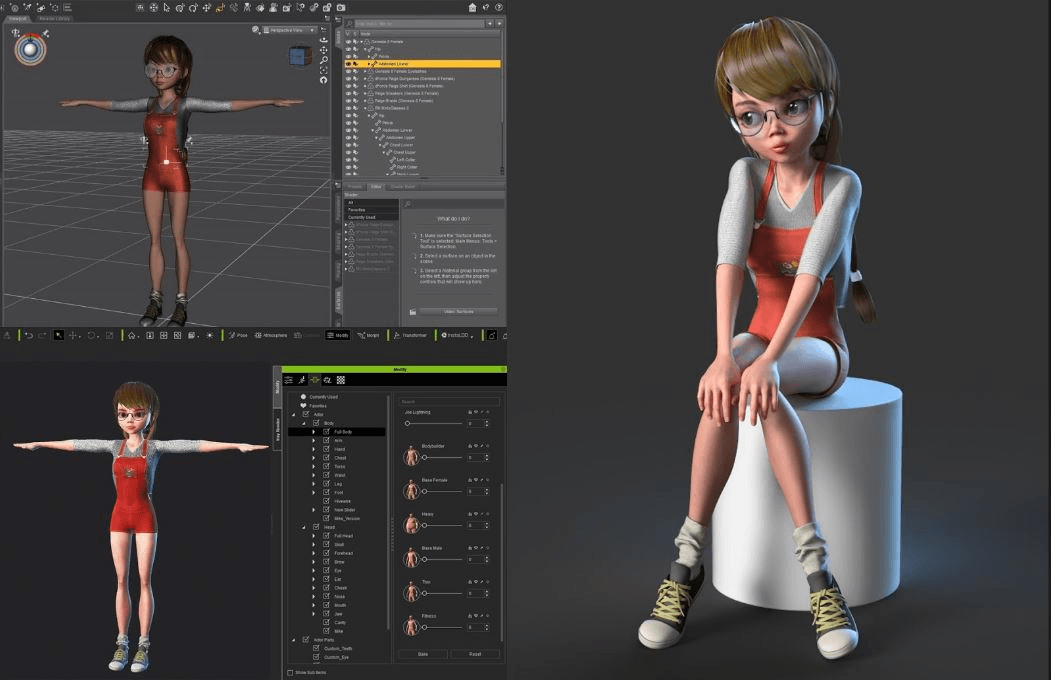
DAZ 3D se utiliza comúnmente para posar personajes, desarrollo de conceptos y creación de mallas base antes de exportar los modelos a Blender u otras herramientas de escultura digital para un refinamiento adicional.
Herramientas potenciadas por IA
Las herramientas basadas en IA acortan significativamente el flujo de trabajo de producción de miniaturas al generar modelos base imprimibles a partir de instrucciones de texto o imágenes.
- Triverse AI: Una plataforma de generación 3D de IA especialmente diseñada para el desarrollo de juegos y Flujos de trabajo de impresión 3D.
En comparación con los métodos tradicionales de escultura, Triverse AI es especialmente útil para la rápida prototipación, la iteración de estilos y la creación de miniaturas fácil para principiantes.
Guía para diseñar figuras miniatura para impresión 3D con Triverse AI
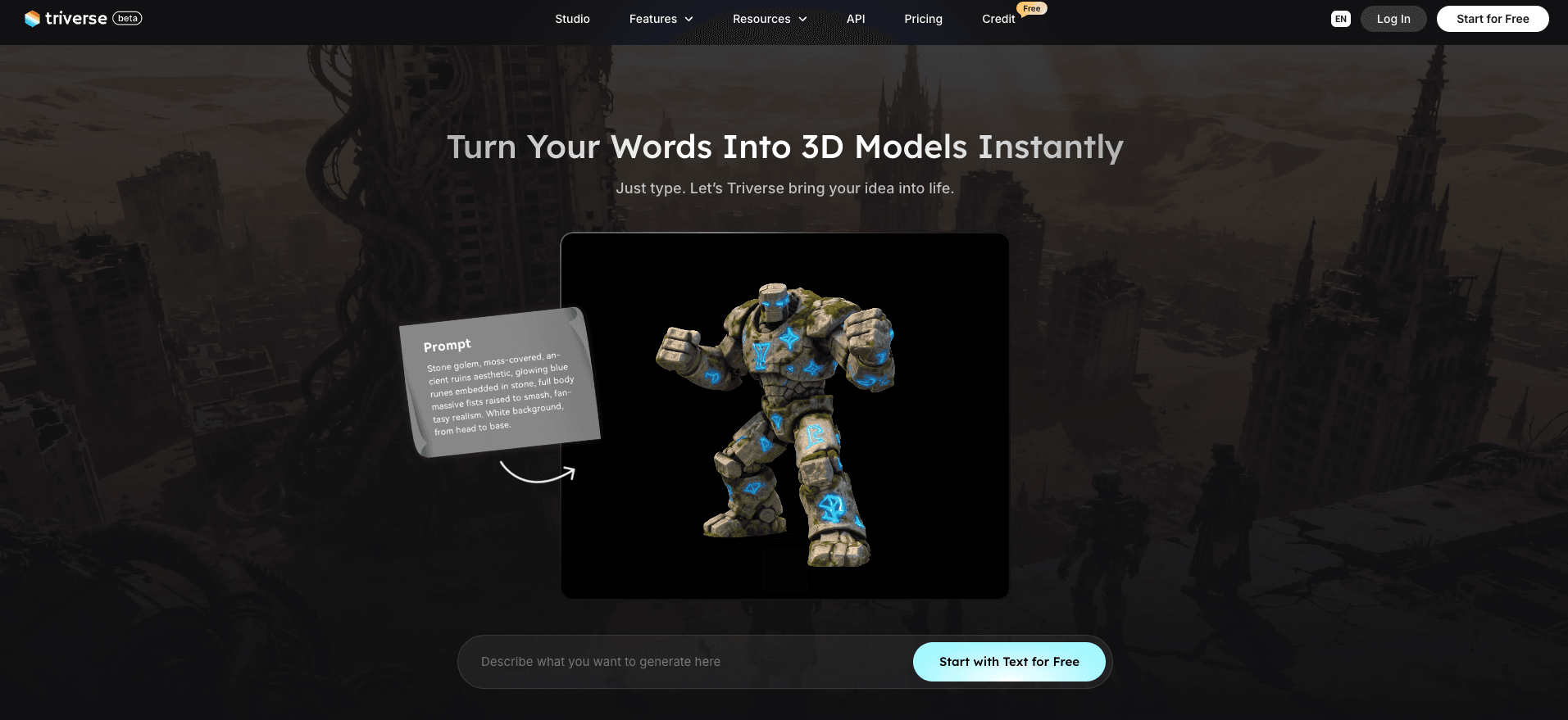
Características de Triverse AI Disponibles
- Texto a modelo 3D: Ingresa descripciones en texto para generar rápidamente modelos 3D completos de miniaturas texturizadas
- De imagen a 3D: Sube borradores hechos a mano, bocetos de referencia o dibujos conceptuales de personajes para recrear proporciones y formas precisas en 3D
- Texturizado por IA: Reemplazo con un clic del material de la superficie del modelo, que permite la conversión de apariencia multietilo sin modificar la geometría del modelo
- Remesh: Reconstruya la estructura de malla del modelo desordenado para obtener una topología limpia y editable apta para impresión
Guía Paso a Paso para hacer una miniatura tridimensional con Triverse AI
- Ingrese el Entorno de trabajo de Triverse Studio, seleccione la función de generación correspondiente en función de sus necesidades creativas.
- Ingresa prompts de diseño detallados o sube imágenes de referencia de diseño.
- Ajuste los parámetros de generación: ajuste adecuado del recuento de polígonos y la resolución de texturas.
- Bajo número de polígonos: ideal para pruebas rápidas de impresión de prototipos.
- Densidad de polígonos media-alta: adecuada para miniaturas finales con gran detalle.
- Resolución de textura opcional: 1K / 2K / 4K, seleccionar según la necesidad de calidad de impresión.
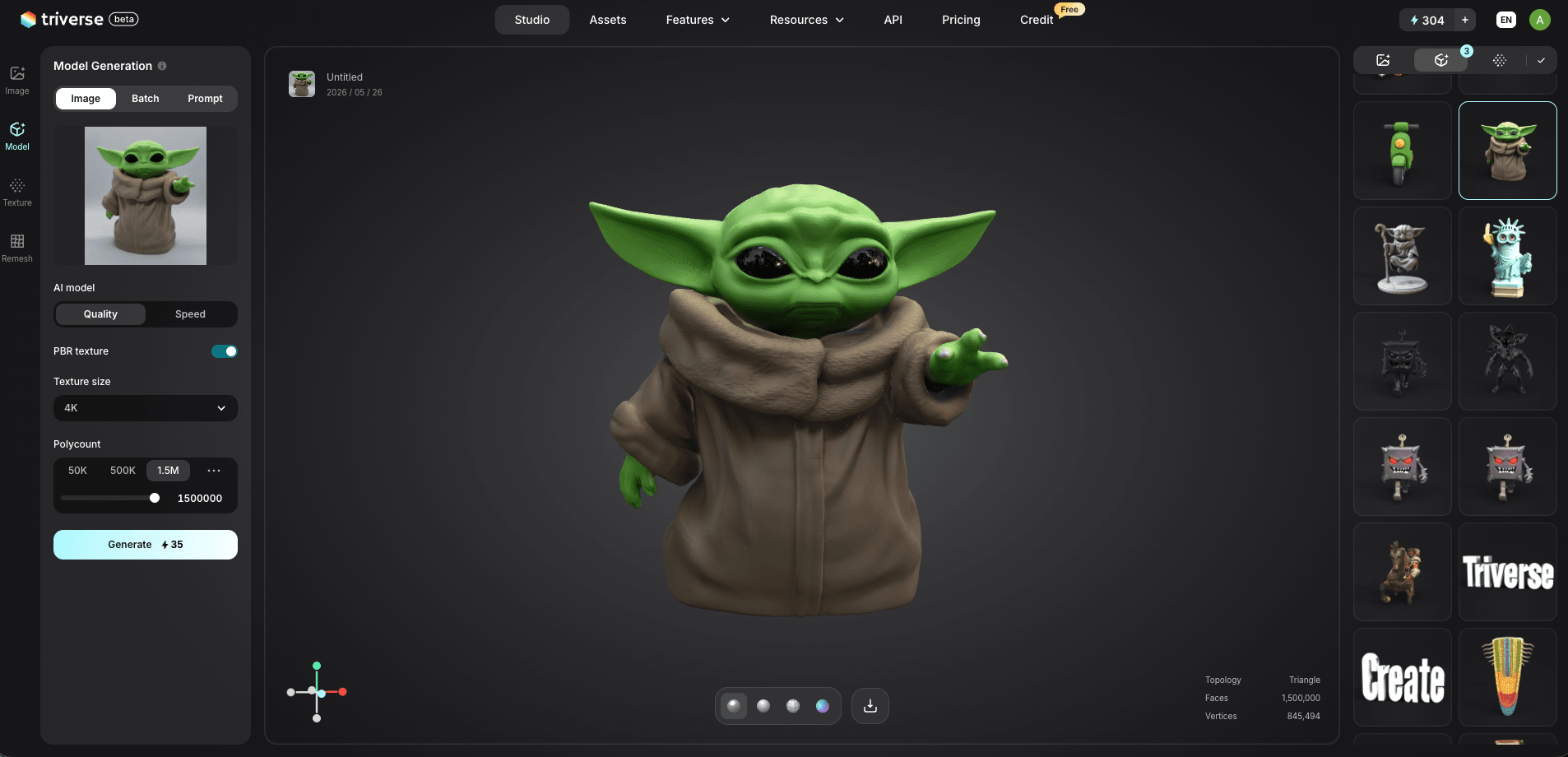
- Después de generar el modelo base, usa la herramienta Remesh integrada para un refinamiento adicional.
- Seleccione el tipo de malla según sea necesario:
- Malla de quads: facilita los ajustes manuales posteriores de detalle y la vinculación para animación.
- Malla triangular: más adecuada para la distribución de activos de videojuegos y renderizado en tiempo real.
- Después de confirmar que el modelo está completo, exporta formatos estándar como STL, 3MF o GLB para cortar en capas e imprimir.
Comparativa rápida de herramientas de creación de miniaturas
Herramienta | Dificultad operativa | Ventajas Clave | Público objetivo y entornos de uso adecuados |
|---|---|---|---|
ZBrush | Medio a Alto | Grabado de detalle ultra fino | Artistas 3D profesionales y miniaturas personalizadas de lujo |
Blender | Mediana | Gratuito y completo | Aficionados, creadores noveles, modelado diario modificado |
Triverse AI | Fácil | Generación de IA rápida + optimización topológica | Producción rápida de prototipos, desarrollo iterativo de diseños a gran escala |
DAZ 3D | Medio | Galería de modelos listos para usar | Ajuste rápido de postura, asignación rápida de recursos de escena |
Preparar Figuras para Impresión
Comprobar la integridad de la malla
Asegúrese de que su malla sea hermética, sin agujeros, aristas no-manifold ni normales invertidas. Herramientas como Blender, Meshmixer o Triverse AI pueden detectar y corregir estos problemas de malla de manera eficiente.
Escalabilidad y soporte
- Ajuste la escala para que se adapte a las especificaciones de su impresora.
- Agregue soportes para voladizos para evitar deformaciones o impresiones fallidas.
- Triverse AI puede sugerir automáticamente soportes optimizados para pruebas veloces.
Formatos de exportación
Los formatos comunes incluyen STL y OBJ, compatibles con la mayoría del software de laminado. Verifique que la malla no tenga errores y que la resolución sea adecuada para la altura de capa de su impresora.
Preguntas frecuentes sobre la impresión 3D de miniaturas
Conclusión
Las miniaturas impresas en 3D ofrecen una libertad creativa sin precedentes para diseñadores y hobbyists. Desde la planificación inicial de conceptos y el modelado digital hasta la generación asistida por IA, la optimización de mallas, la configuración de impresión y el postprocesamiento, un flujo de trabajo estandarizado puede incrementar progresivamente la producción y la eficiencia de tus piezas finales.
Puedes elegir diferentes flujos de creación según tus necesidades: utiliza ZBrush y Blender para una escultura digital original de alta precisión, o confía en Triverse AI para prototipar rápidamente y optimizar recursos. Combinar la creación manual tradicional con flujos de trabajo modernos asistidos por IA equilibra perfectamente la calidad y la velocidad, permitiéndote transformar cualquier idea de diseño de miniaturas en una figura física con total confianza.