
Free 3D Converter
Free AI 3D Converter. Triverse helps you turn 2D images into 3D assets or convert between different 3D file formats. PNG, JPG, JPEG, WEBP, GLB, OBJ, STL, 3MF, FBX, and USDZ are all supported.
3D File Converters
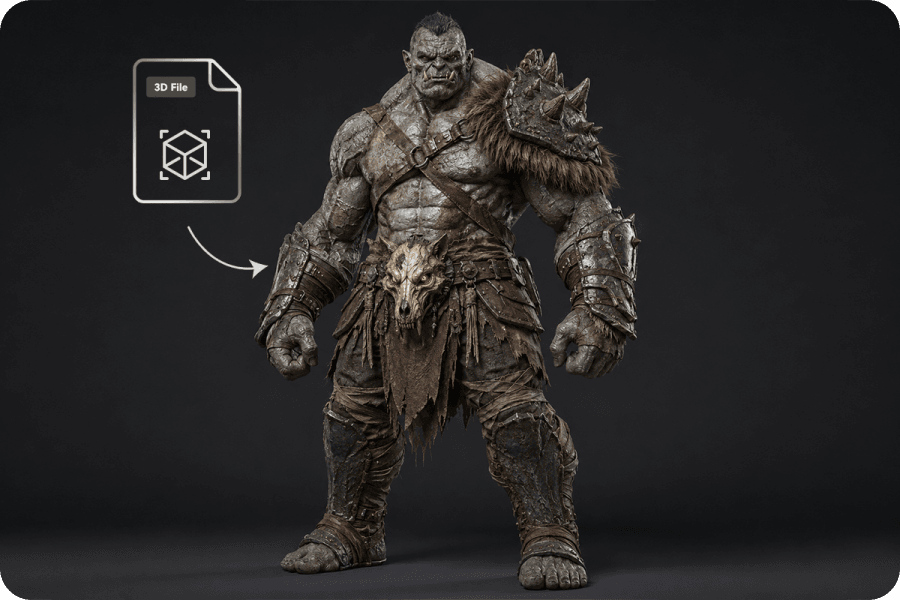
Popular 3D File Conversions
Quickly convert between the most commonly used 3D file formats.
Need More Than File Conversions
Tired of time-consuming modeling?
Try Triverse AI to generate 3D models in minutes. It features image to 3D, text to 3D, text to image, AI texturing and remesh.
Image to 3D
Generate 3D models from images in one click. Triverse AI can turn photos, drawings, and concept art into production-ready 3D assets in minutes. No modeling experience required.
Try for Free Now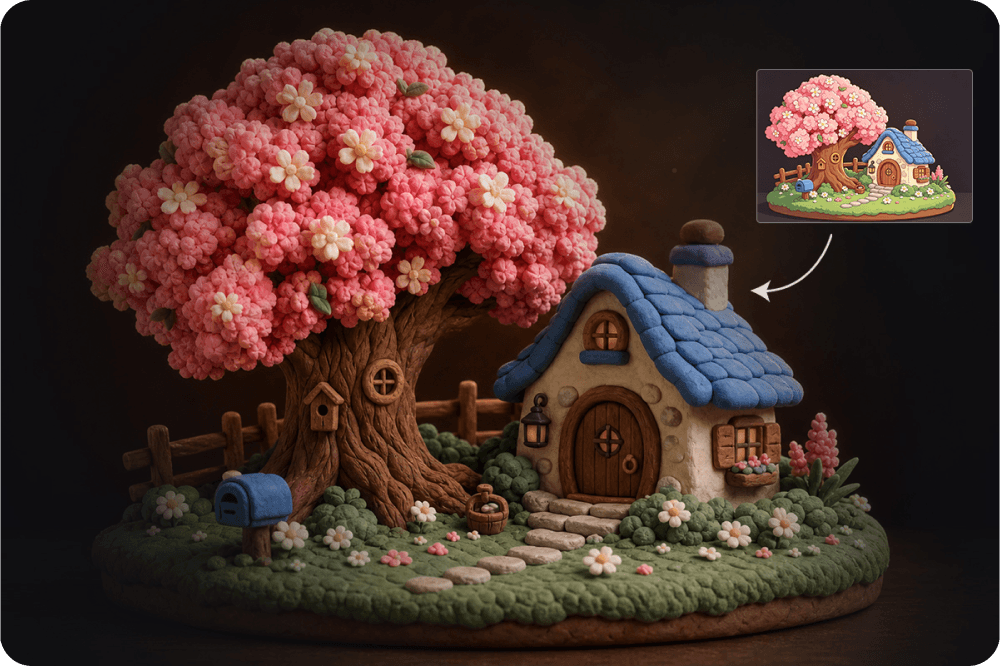
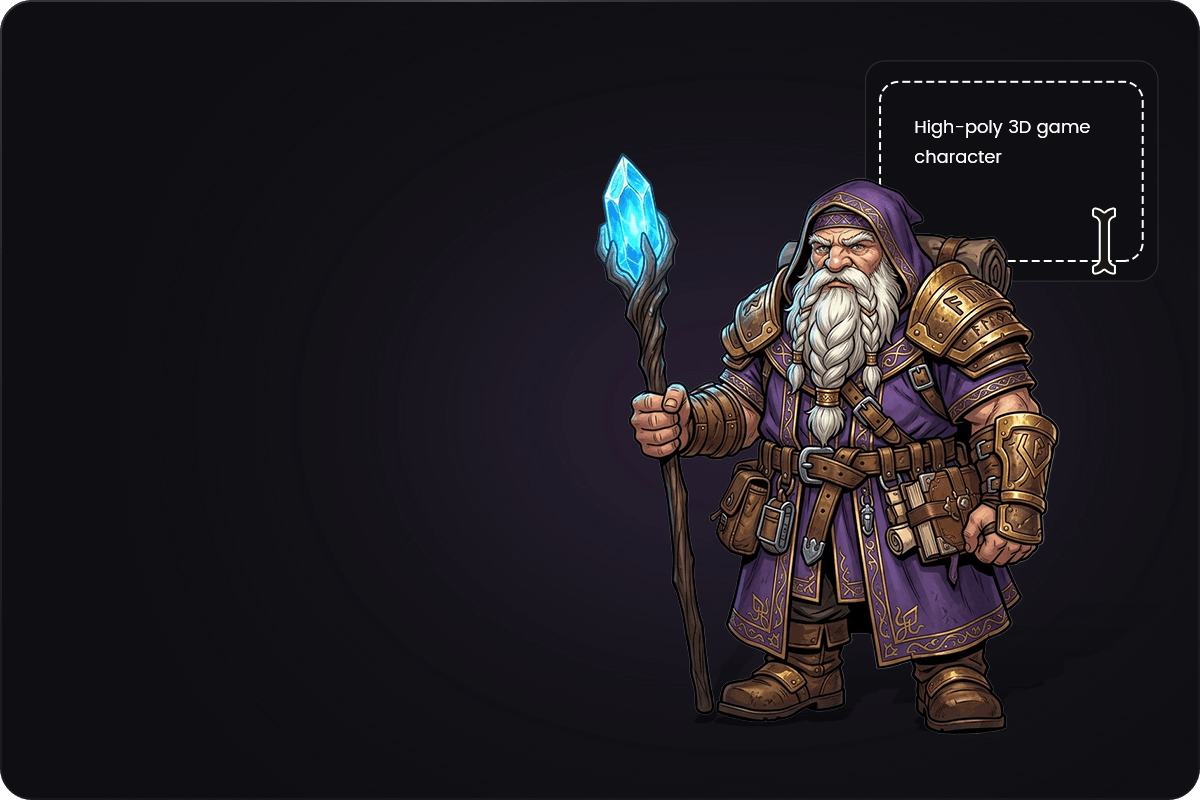
Text to 3D
Create 3D models from simple text prompts. Describe what you want, and Triverse AI will refine your input and generate high-quality 3D assets.
Try for Free Now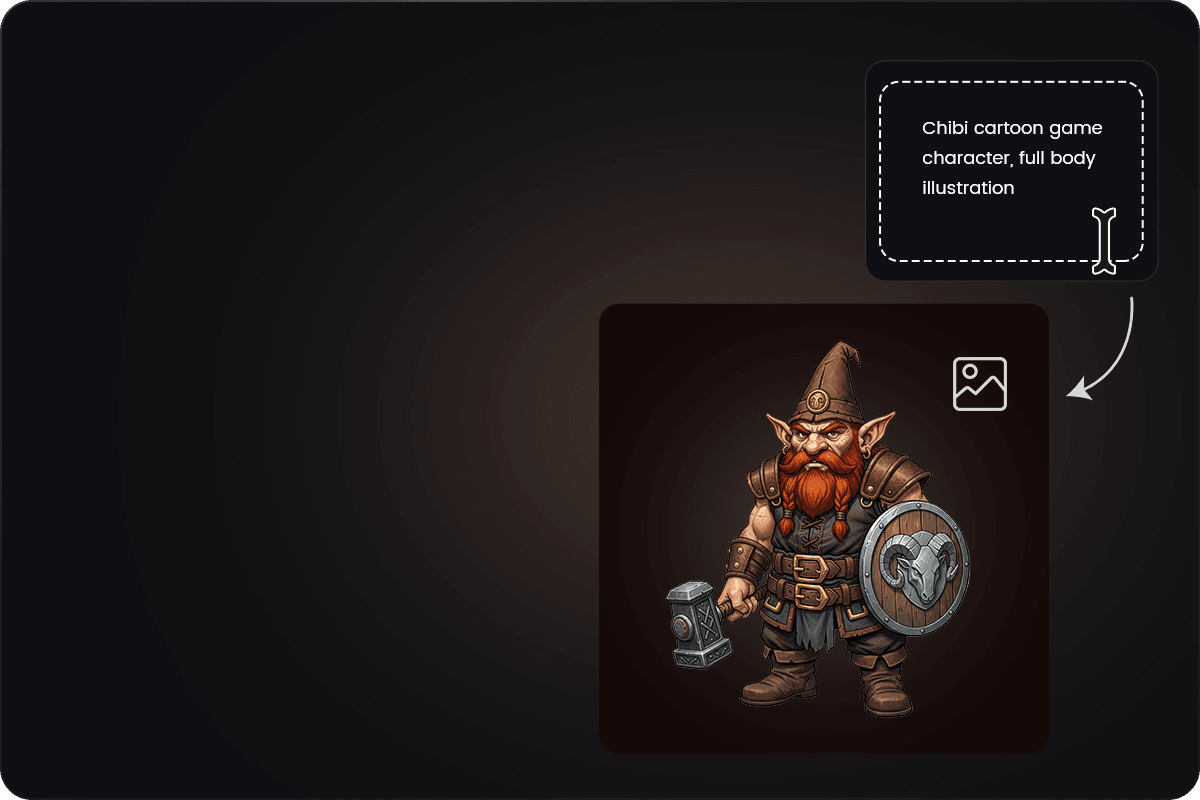
Text to Image
Generate a 2D image before 3D model generation. Use it as a visual reference to guide your further 3D creation process.
Try for Free Now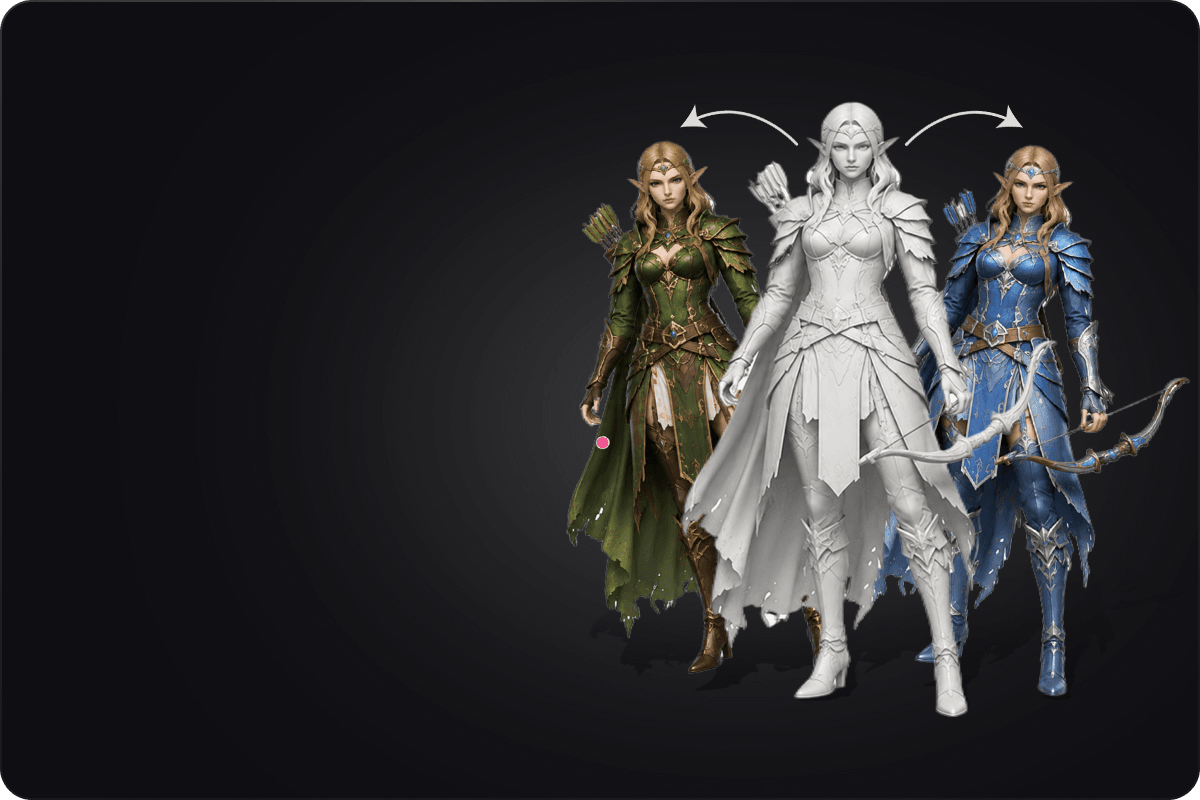
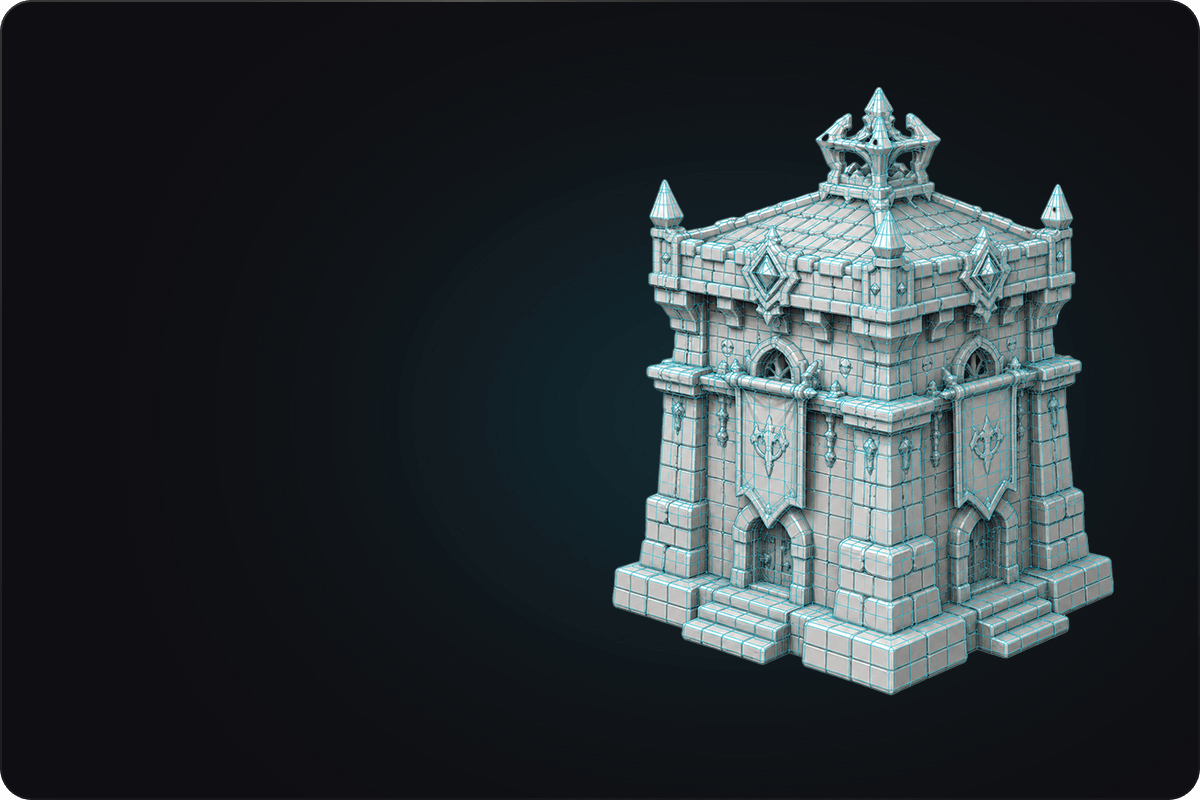
Why Choose Triverse for 3D File Conversion

Supports multiple formats

Fast conversion in seconds

Secure processing

Works in your browser
How to Convert 3D File
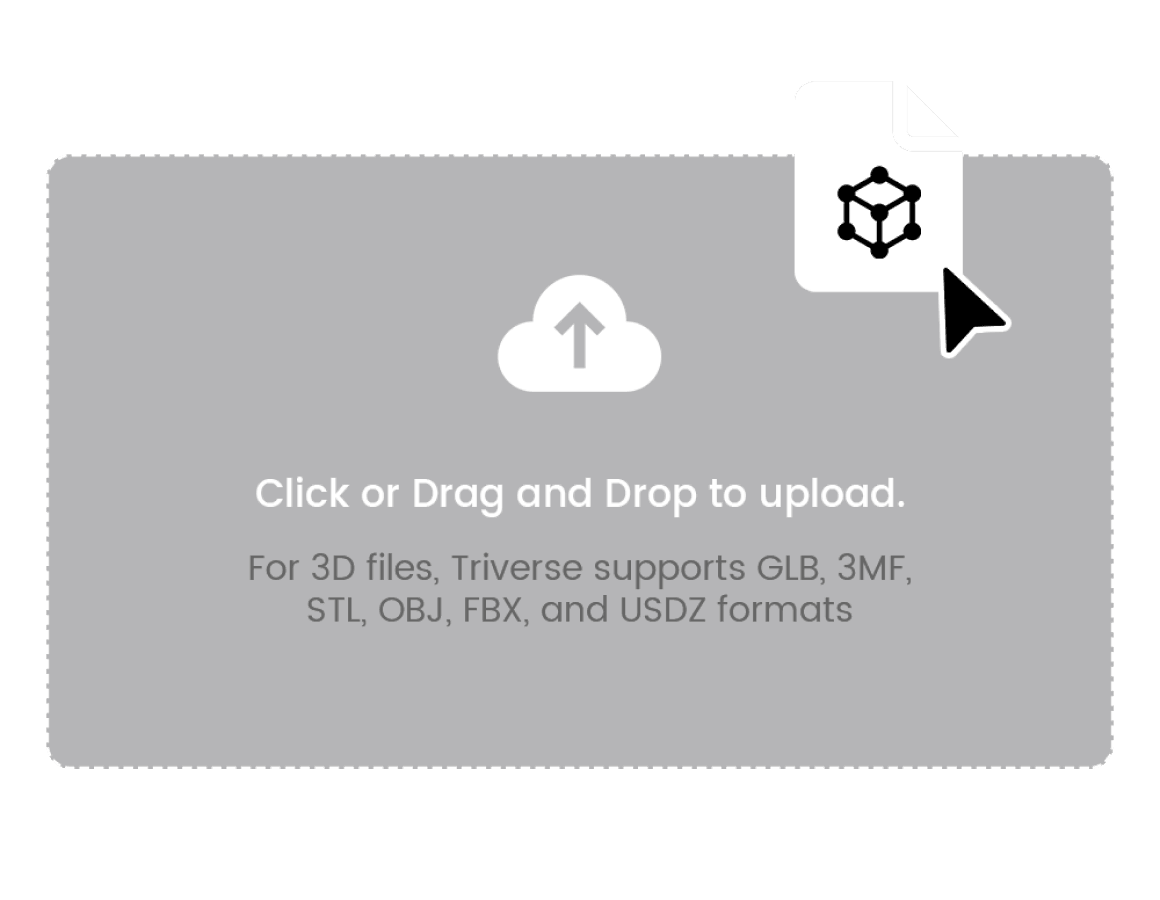
Step 1: Upload an 3D File
Simply drag and drop or click to upload your OBJ file. Make sure it is within 100MB. For 3D files, Triverse supports GLB, OBJ, STL, 3MF, FBX, and USDZ formats.
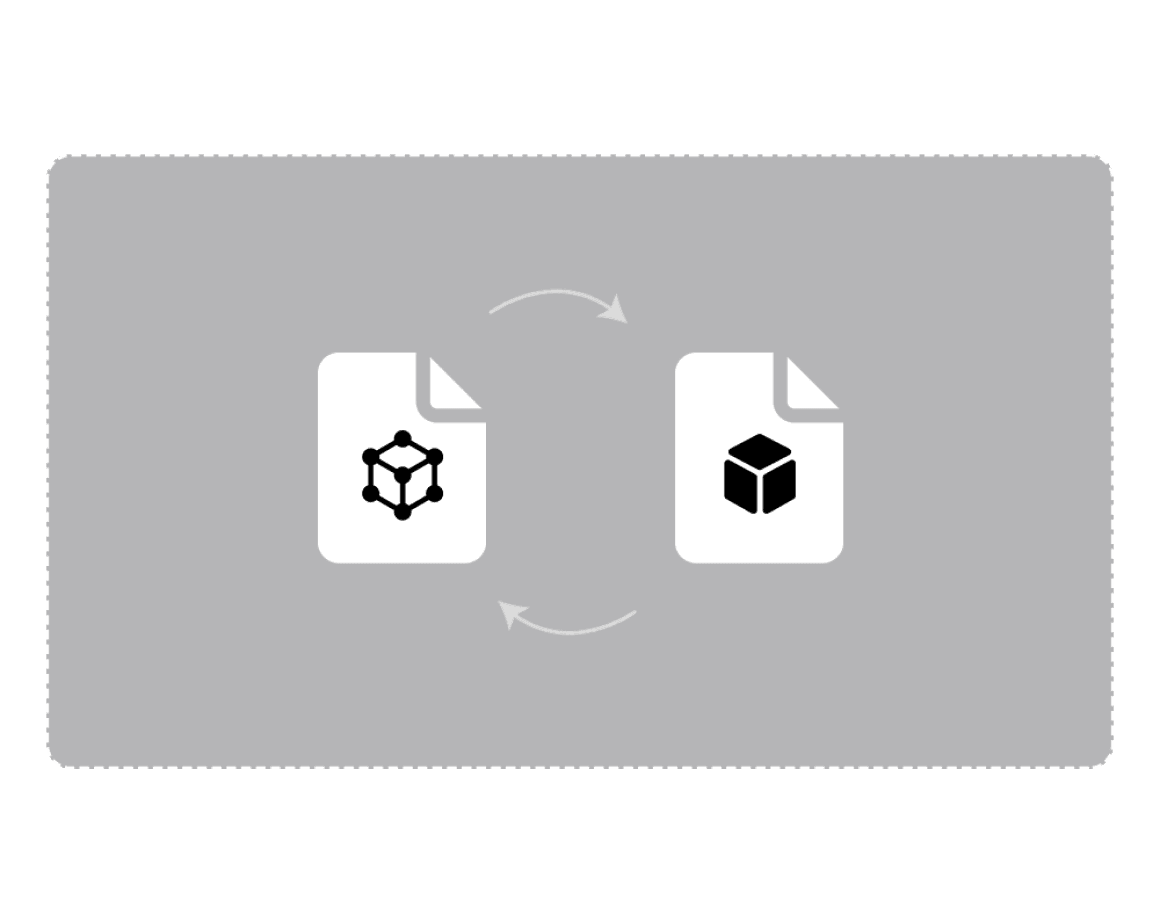
Step 2: Convert file
Click Convert to process.
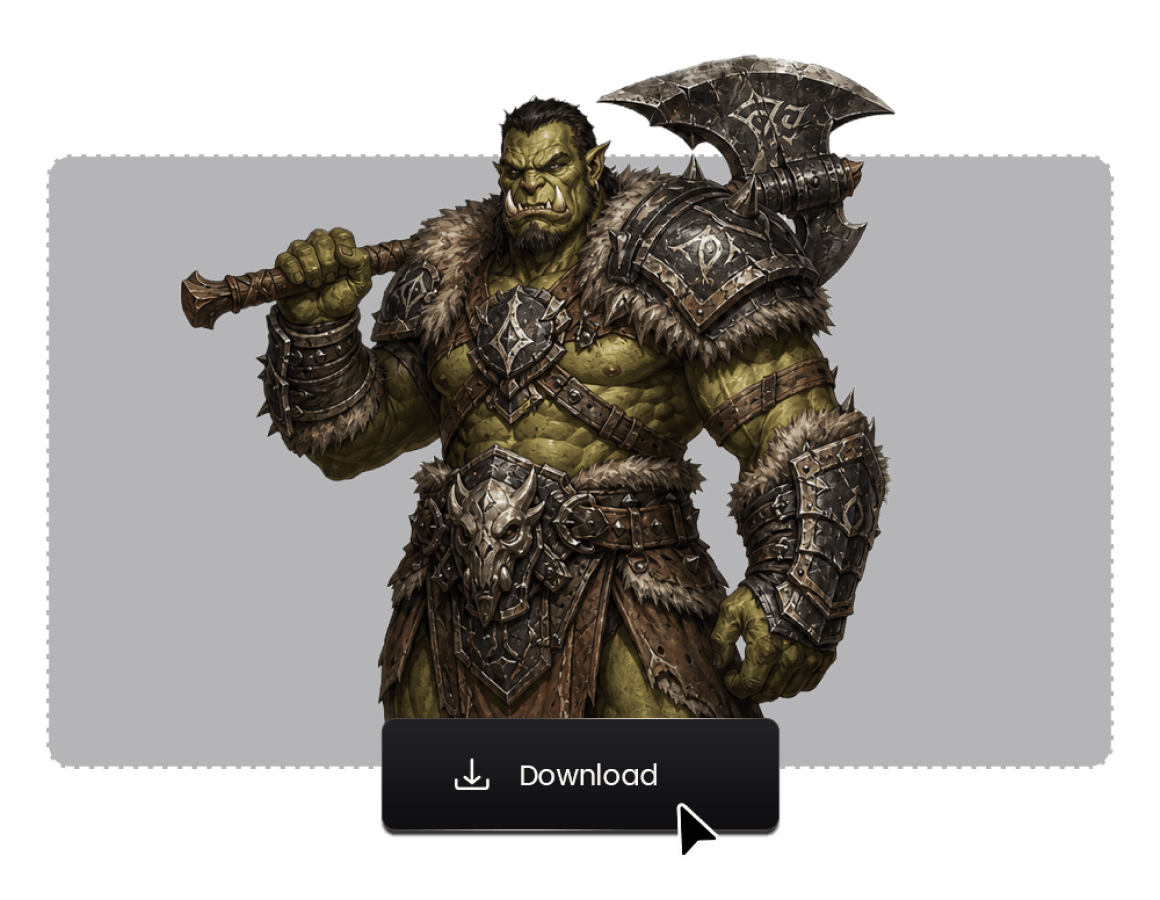
Step 3: Download the File
After conversion is complete, the new file will automatically download to your computer.