How to Build a Game Asset Library on a Small Budget
Art eats 60 to 75 percent of an indie budget. See how to route every asset to make, buy, or generate, with cost anchors, reuse math, and a sample $5K art budget.
September 13, 2026
Building an asset library on a small budget is not about finding the cheapest models. It is about sending every asset down the right one of three roads: make it, buy it, or generate it. A two-person team can fill a 20-hour game with hundreds of props without a single commissioned character if they route each asset by category instead of by habit. This guide gives you the cost numbers, the reuse math, and a worked budget so you can build the library your game needs without burning the money you do not have.
Why Indie Art Budgets Break
Most small teams do not run out of ideas. They run out of art.
The 60 to 75 Percent Problem
Visual assets are the largest line item on nearly every indie budget, and the smallest teams carry that cost alone. Quora threads and studio post-mortems put art at 60 to 75 percent of total development cost once you count models, textures, animation, and lighting. A programmer who can ship systems in a weekend can lose a month to a single hero prop. The gap between "I can code it" and "I can model it" is where budgets quietly die.
Three Costs, Not One
People talk about asset cost like it is a price tag. It is three separate costs. Money goes to packs and commissions. Time goes to making assets yourself, and your hours are not free even when the tool is. The third cost is the hidden one: a mismatched pile of packs that do not share a style, which forces a rework pass you never budgeted for. Picking the right sourcing path up front is how you avoid paying that third cost twice.
What a Large Library Actually Means
You do not need a thousand unique models. You need enough coverage to populate your world without repetition showing. A tavern needs walls, floors, furniture, props, and a handful of signature pieces. A forest needs trees, rocks, foliage, and a few landmarks. "Large library" means breadth across categories, not a high count of hero assets. Once you frame it that way, the budget problem gets much smaller.
3 Ways to Get an Asset: Make, Buy, Generate
Every asset in your game came from one of three places. Knowing which one is cheapest per asset type is the whole game.
Make It
Making assets yourself covers the cases where your own hours are the cheapest option available. If you already model, a background barrel takes an hour and costs nothing but time. Making also wins on uniqueness: nobody else has your barrel. The trap is scale. Hand-making a hundred props is a hundred hours you could spend on gameplay, and most players will not notice the difference between your barrel and a bought one.
Our piece on getting free assets for Unreal Engine 5 covers the cheap end of the buy path for that engine. This article is about how to decide between the three, not just where to shop.
Buy It
Buying splits into three tiers. Single assets from a marketplace cost a few dollars each. Packs bundle dozens of related models for a few hundred. Commissions hand you exactly the hero piece you describe, at a few hundred to a few thousand dollars. Buying is the fastest way to fill screen space, and the safest quality bet, because someone already did the polish. The downside is style drift between packs and license limits you have to read before you ship.
Generate It
AI 3D generation is the new path, and it is not the same as buying or making. You feed a reference image or a text prompt and get a mesh back. For background props, variations, and one-off pieces, this path sits between buying (fast, but generic) and making (unique, but slow). Tools in this space include Meshy, Tripo, and Sloyd, and the output still needs a cleanup pass before engine import. We get to where this actually pays off later in the piece.
For a fuller map of the AI 3D model generators for game dev landscape, see our comparison. The short version is that generation is a sourcing tier now, not a curiosity.
Make vs Buy vs Generate: The Decision Matrix
The mistake most teams make is arguing make vs buy as if those are the only two options. Add generate, and the choice becomes obvious per category.
The 80/20 Rule of Asset Sourcing
Most of the assets in a game are background. Walls, crates, rocks, barrels, filler foliage. These are exactly the assets where the cheap paths win, because nobody is looking at them closely.
Background Props Are Where Cheap Wins
Spend your expensive paths, making and commissioning, on the assets players actually study. Background props, filler foliage, and kit pieces should route to buy or generate without a second thought, because the visual payoff of hand-making them is near zero. This is the band where asset packs for indie games and generation beat modeling every time.
Heroes Justify the Expensive Path
The 20 percent players study, the hero character, the signature weapon, the title-screen prop is where uniqueness pays back. Commission or hand-make these, and the whole game reads as intentional. Skimp here and no amount of cheap background props hides it.
Here is the routing, with rough cost anchors from the SERP and marketplace data we pulled:
Asset type | Make | Buy | Generate |
|---|---|---|---|
Hero character | Best for uniqueness; your hours or $1,000 to $1,500 commission | Risky on style match | Not a hero substitute yet |
Signature prop | Your hours or commission | Pack rarely fits | Good for first pass |
Environment kit | Slow, high skill | ~$300 to $800 per kit | Background pieces only |
Background prop | 1 to 3 hours each | $3 to $15 each | ~25 credits each, fast |
UI and icons | Your hours | Cheap packs | Concept only |
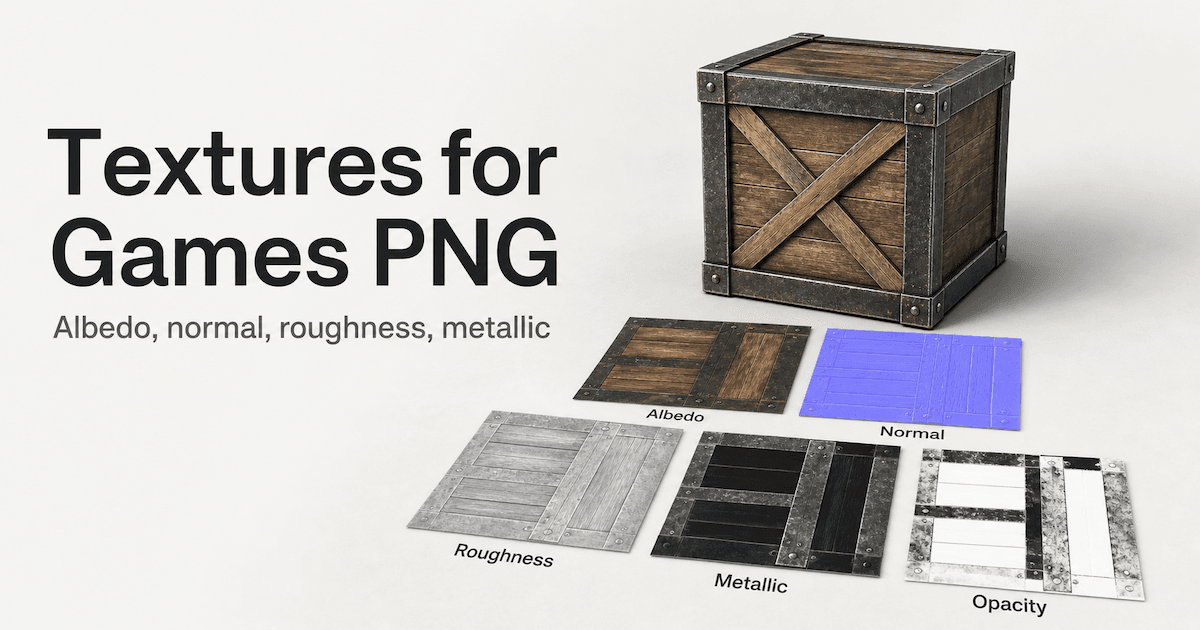
Texture | Your hours or Substance | $20 to $80 per set | AI texture, then tweak |
VFX | Your hours | Cheap kits | Not there yet |
The numbers are the point. A commissioned model runs $150 to $1,500. A kit that covers a whole environment runs $300 to $800. Generating a background prop costs about 25 credits, which is cents, not dollars, on most platforms. Make costs your hourly rate times the hours. Once those three numbers sit side by side, the routing decides itself.
Buying Smart: Packs, Licenses, and the Asset-Flip Trap
Buying is the easiest path to fill a game fast. It is also the easiest path to a game that looks like everyone else's.
How to Judge a Pack Before You Pay
Read the pack like a producer, not a shopper. Does the art style match your game, or just the thumbnail? Check the polycount, because a 2 million triangle crate will tank your frame budget. Check for PBR textures and the export format, since a pack that only ships .blend without FBX or GLB costs you a conversion step. Look for documentation and a clear asset list, because a pack you cannot navigate is a pack you will not use. The Unity Asset Store and the Unreal Fab marketplace both let you filter by these, but the listing copy will not tell you the truth. Open the preview project.
What the EULA Actually Lets You Do
This is the part nobody reads and everyone regrets. Most pack licenses let you ship the asset inside a game. Almost none let you resell the asset on its own, upload it to another marketplace, or hand it to a client as a deliverable. Some are per-seat, some are per-project, and the difference changes whether your next game costs you a second license. The Unity Asset Store terms of service spell this out, and so does every serious marketplace. Five minutes with the EULA saves you a takedown later.
Avoiding the Asset-Flip Look
An asset flip is not "I used a pack." It is "every pack I used looks like a different artist made it, and nothing ties them together." The fix is a unifying pass: one lighting setup, one material library, one color grade across your imports. Mix a stylized pack with a realistic pack and you have a flip. Mix three packs from one artist and apply one consistent material treatment, and most players will never notice. The stigma is about coherence, not about buying.
The asset flip problem is real, but it is a styling failure, not a sourcing failure. Treat packs as raw material, not finished art.
Making It Stretch: Modular Kits and the Reuse Math
The teams that ship the most content per dollar are not the teams that buy the most. They are the teams that reuse the most.
The Kitbash Mindset
Build a wall kit, a floor kit, and a prop kit instead of building individual rooms. A wall kit with straight, corner, door, and window variants covers every interior wall you will ever need. A floor kit with a few tile materials covers every floor. Once those exist, "building a level" becomes "placing kit pieces," which is fast and cheap. This is how modular low-poly environment assets pay off: the kit is the investment, the placements are free.
The Reuse Math
A kit of about 30 pieces does not give you 30 rooms. It gives you as many rooms as the combinations allow, which is in the hundreds for wall, floor, and prop permutations. Add material swaps, and you multiply again. The leverage is not "I made 30 assets." It is "I made 30 assets that recombine into a thousand placements." That is the difference between a small library and a large one, and it costs the same to build.
One Asset, Five Variants
Take one barrel and ship five. Change the material from wood to metal. Add a decal. Scale it to 80 percent. Tint it. Drop a second barrel next to it and players read "a pile of barrels," not "the same barrel twice." Variation is cheaper than new assets, and most of your library should be variation, not new models.
Organize So You Actually Reuse
A library you cannot search is a library you will rebuy. Keep a master scene with every asset placed, a spreadsheet index with tags (category, style, polycount, source), and version control on the folder. When you need a crate, you find the crate you already own in ten seconds. When you cannot, you buy another one, and the budget leak starts. itch.io game assets and Kenney's free game assets are good starting shelves, but only if you file them.
Where AI Generation Changes the Math
Generation is the path that did not exist when most budget advice was written. It changes the math for a specific band of assets.
The One-Off Prop Problem
You need twelve unique props for a workshop scene, and no pack contains exactly those twelve. Buying a pack gives you forty props you will not use. Making twelve takes you two weeks. Generating them takes an afternoon, and the result is unique to your game. This is the gap generation fills: not bulk, not heroes, but the middle where you need a handful of specific things.
What AI Is Good At Today
Background props, environment pieces, and variations are the strong suit. A reference image of a broken cart turns into a usable cart mesh faster than you can model one. Concept passes for heroes, before you commission the real thing, save you from briefing a modeler blind. Filling the holes a kit cannot cover is where generation earns its place in the budget.
The Honest Limits
Generated meshes are not finished. They need a manifold check, a topology pass, and UVs before they behave in an engine. They are not a hero-character substitute, because a hero gets studied frame by frame. And the provenance question is real: verify the tool's commercial license before you ship, the same way you read a pack EULA. Generation is a fast middle path, not a replacement for the other two.
Where Procedural and AI Overlap
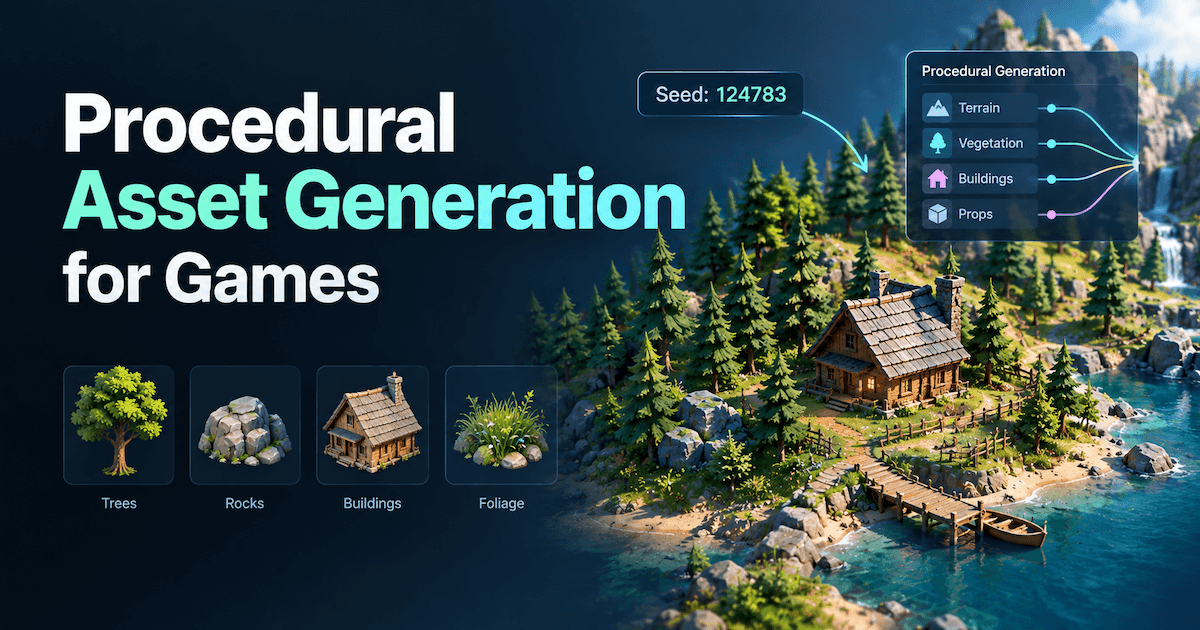
Generation and procedural asset generation for games solve adjacent problems. Procedural gives you rules that produce variation at scale. Generation gives you specific assets from a prompt or image. A hybrid team uses procedural for the forest and generation for the twelve props the forest kit did not include. Knowing which is which keeps you from forcing one tool to do the other's job.
A Sample $5,000 Art Budget, Spent Well
Numbers make the routing real. Here is how a $5,000 art budget might split for a small 3D game.
Spend on Heroes
Set aside roughly $2,000 for the assets players study: the main character, the signature weapon, the title-screen prop. Commission or hand-make these. This is where uniqueness pays back, because the hero is the screenshot. Skimp here and the whole game looks cheap; the math says heroes are worth the most expensive path.
Buy the Bulk
Allocate about $1,500 to environment kits, texture sets, and UI packs. These cover the most screen space per dollar, and they are the safest quality bet, because someone polished them. Two or three good kits plus a texture library will dress most of your world. Read the EULAs, unify the materials, and move on.
Generate the Middle
Spend about $1,000 of equivalent effort on the ten to thirty unique props that fall between "kit" and "hero." At roughly 25 credits per asset, the cash cost is tiny; the real cost is your review time and the cleanup pass. Generation is the cheapest way to cover the long tail of one-off pieces a pack never includes.
Keep a 10 to 15 Percent Flex Line
Reserve $500 to $750 for the asset you did not know you needed until week six. Every project finds one. A flex line means you do not raid the hero budget to cover it. The teams that blow their art budget are the ones with no flex line, not the ones with bad taste.
Building Your Library Without Burning Out
A budget plan means nothing if the work burns you out halfway through.
Tier Your Assets
Give every asset a tier before you build it. Hero gets full detail and a week. Medium gets a day. Simple gets an hour or a generated mesh. Working on a simple crate like it is a hero is how solo devs disappear for a month. Tiering is the difference between shipping and polishing forever.
Track What You Own
A spreadsheet with category, style, polycount, and source turns a messy folder into a library. When you need a door, you search "door" and find the three you already have. When you cannot, you buy a fourth, and the drift starts. Tracking is boring and it is the habit that separates teams that scale from teams that rebuy.
Scope Is the Real Budget Saver
The cheapest asset is the one your scope cut. Drop an environment before you cut quality on the one you keep. A smaller game with a coherent library beats a larger game with a thin one, and the budget follows the scope. Most "I need more assets" problems are really "I need less game" problems wearing a costume.
Generating a Prop Set in an Afternoon with Triverse AI
This is the part where generation stops being theory and becomes a workflow you can run today.
Start From One Reference Image
Triverse Artist Mesh takes a PNG or JPG reference and returns a clean triangle mesh at 1K, 2K, or 4K vertex presets for a fixed 25 credits. The output is game-ready topology, which means the cleanup pass is short. Drop a props reference in, pick a preset, and you have a mesh that imports without a retopo marathon.
Split One Image Into a Whole Prop Set
One workshop reference image can hold a cart, a barrel, a crate, and a lamp. Triverse Split detects and segments each object into its own card, then generates each one separately. Regenerate any card without re-uploading the source. That single image becomes a prop set, which is exactly the middle-band problem from earlier. Split is live on Triverse Studio today.
High-Poly When You Need a Bake Source
When a prop needs a normal map from a dense mesh, Triverse HD Mesh generates the high-poly source before you decimate. Use it for the pieces where the bake matters, not the background filler. This is the generate path serving the make path, not replacing it.
Clean Before You Import
Run a manifold check, a light topology pass, and UVs, then export GLB, OBJ, or FBX into your engine. The cleanup is the same few minutes you would spend on any bought asset. A scalable AI 3D game asset generation user story walks through building a whole library this way over a weekend, which is the realistic ceiling for a small team.
For studios without a technical artist to build a Houdini setup, Triverse offers the generate tier without the pipeline tax. That is the honest version of "use AI for your assets": it covers the middle, not the whole game.
Bottom Line
Route every asset by category, not by habit. Buy the bulk, make your heroes, generate the middle, and keep the library organized so one kit does the work of many. A $5,000 budget stretches when heroes get the money, kits cover the screen, and generation covers the long tail of one-off props. The teams that ship a large library on a small budget are not the ones that found the cheapest assets. They are the ones that decided, per asset, which of the three roads was cheapest.
Frequently Asked Questions about Indie Devs' Budget for Game Assets
How much should an indie developer budget for game assets?
Most small 3D games land between $300 and $800 on assets if they lean on packs, and $5,000 to $15,000 for a team that commissions heroes and buys kits. Art runs 60 to 75 percent of total cost, so the asset line deserves a real number in your plan, not a leftover.
Is it better to buy assets or make them yourself?
It depends on the asset tier. Buy or generate background props because players do not study them. Make or commission heroes because everyone studies those. Making a crate yourself costs your hourly rate, which is rarely cheaper than a $5 marketplace crate once your time is counted.
Can I use bought asset packs in a commercial game?
Almost always yes, with limits. Packs let you ship the asset inside your game but usually forbid reselling it, re-uploading it to a marketplace, or handing it to a client as a deliverable. Read the EULA per pack, because per-seat and per-project terms change your costs on the next game.
How do I avoid my game looking like an asset flip?
Apply one consistent lighting, material, and color treatment across every import. The flip look comes from mixing packs with clashing art styles, not from buying. Three packs from one artist plus one unifying pass reads as coherent; one pack from each of three artists reads as a flip.
How many assets do I actually need for an indie game?
Fewer than you think. A 30-piece modular kit recombines into hundreds of placements, so breadth across categories matters more than a high count of heroes. Most games need a few hero pieces, two or three environment kits, and a long tail of generated or bought background props.
Can AI-generated assets be used in a commercial game?
Yes, after you verify the tool's commercial license the same way you read a pack EULA. The real caveats are technical: generated meshes need a manifold, topology, and UV pass before engine import, and they are not a hero-character substitute yet. Use them for the middle band, not the whole game.
How do I build a reusable modular asset library?
Build kits, not rooms: a wall kit, a floor kit, a prop kit, each with variants. Add material swaps and decals for variation. Keep a spreadsheet index with category, style, polycount, and source so you actually reuse what you own instead of rebuying it.
What is the cheapest way to get unique props for a game?
Generate them by yourselves with an AI 3D model generator like Triverse AI and modify them in Blender if you need. When you need a dozen specific props no pack contains, generation costs cents per asset and an afternoon of your time, versus a $300 to $800 pack you will half use or two weeks of modeling. Reserve commissioning and heavy modeling for the hero players actually studied.