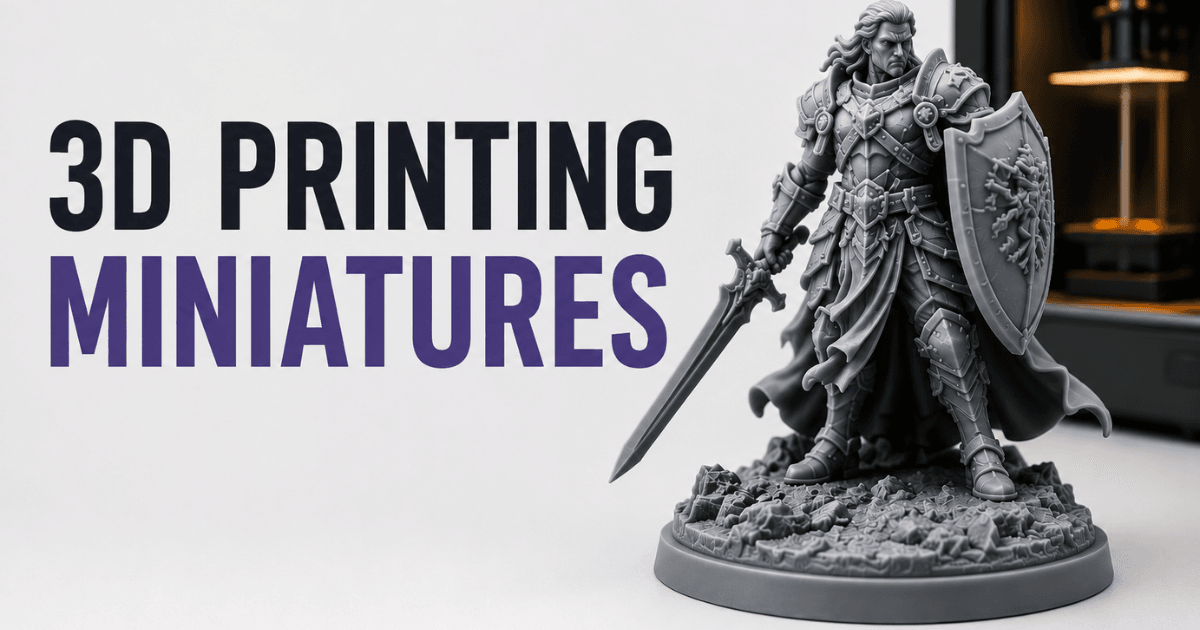
3D Printing Miniatures: From Idea to Physical Figurine
Learn how to create 3D printed miniatures from concept to physical figurines. Compare the best miniature creation tools, AI workflows, and printing tips for tabletop models and collectibles.
2026年5月20日
3D printing revolutioned the world of mini creation allowing hobbyists and designers to turn digital designs into detailed physical models. If you are creating models for a table top games, for collectibles or for rapid prototyping, you should be aware of the process from design to print. In this guide, we cover the essentials, tools, and best practices of 3D printed miniatures, such as AI-assisted solutions like Triverse AI for high-speed model generation .
What Are 3D Printed Miniatures?
3D printed miniatures are small-scale models created using additive manufacturing techniques.
Use Cases: Gaming, Collectibles, Prototyping
They are widely used in:
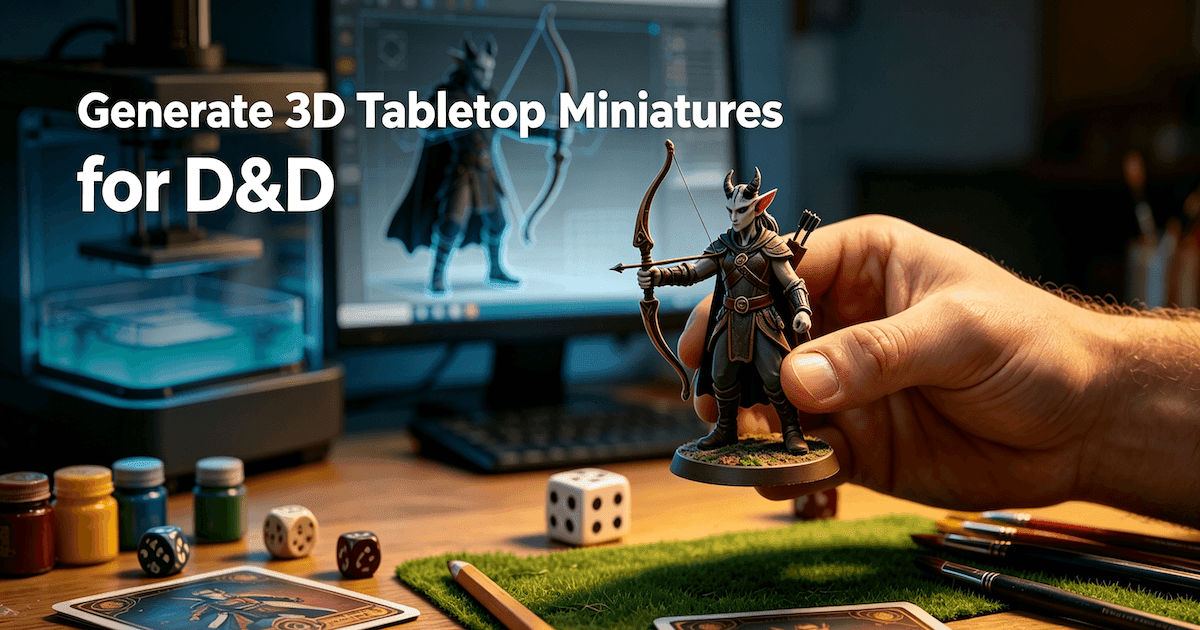
- Tabletop gaming: Custom figures for Dungeons & Dragons, Warhammer, and other tabletop games.
- Collectibles: Unique character figurines, fan art models, or personalized gifts.
- Prototyping: Concept testing for toys, characters, or mechanical miniatures before full-scale production.
These miniatures allow creators to bring highly detailed designs to life without the limitations of traditional sculpting or manufacturing.
Advantages Over Traditional Figurines
Compared to traditional figurines, 3D printed miniatures offer:
- Customization: Easily tweak poses, details, or scale before printing.
- Speed: Rapid iteration from concept to physical model.
- Cost efficiency: Avoid expensive molds or mass production requirements for small runs.
- Accessibility: Both hobbyists and professionals can design and print with desktop 3D printers or services.
Tools for Creating 3D Miniatures
Sculpting Tools and Software Options
Digital sculpting is the core starting point of miniature production. Two mainstream creation paths are widely adopted by creators:
- ZBrush: Professional high-precision digital sculpting software that supports ultra-fine surface detail carving
- Blender: Free open-source all-round 3D software, suitable for beginners and intermediate users to complete modeling and simple modification
Users can select suitable creation tools according to personal technical proficiency, model complexity and personalized modification demands.
Pre-Made Character Libraries and Pose Tools
Some creators prefer starting from existing character assets instead of sculpting from scratch.
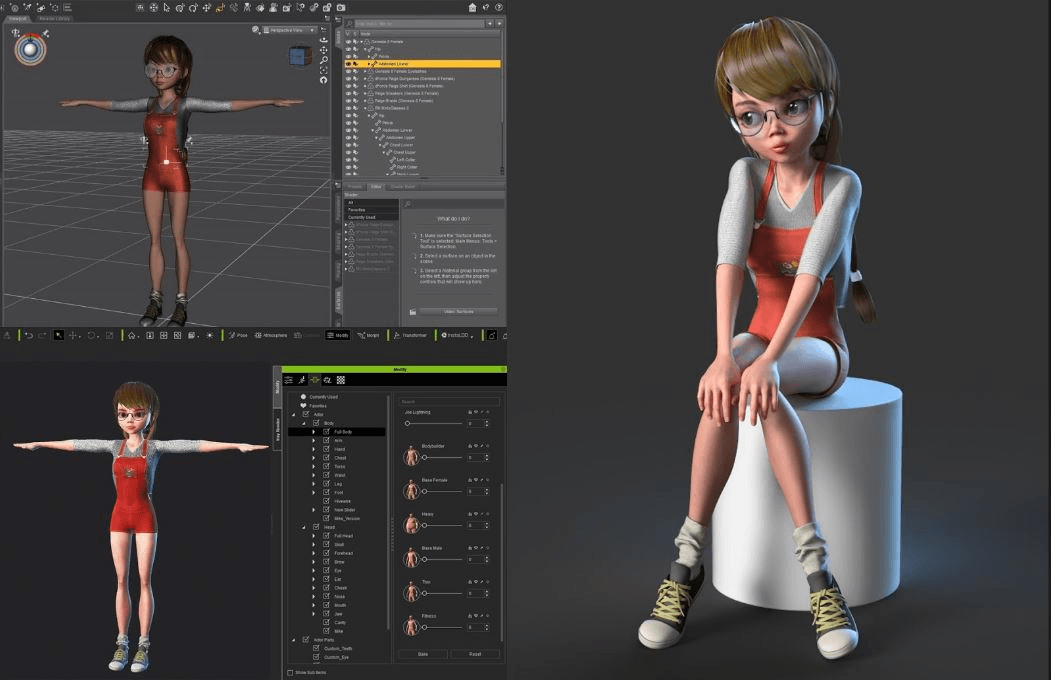
- DAZ 3D: Character creation platform with a large library of ready-made human models, clothing assets, and pose systems.

DAZ 3D is commonly used for character posing, concept preparation, and base mesh creation before exporting models into Blender or other sculpting tools for further refinement.
AI-powered Tools
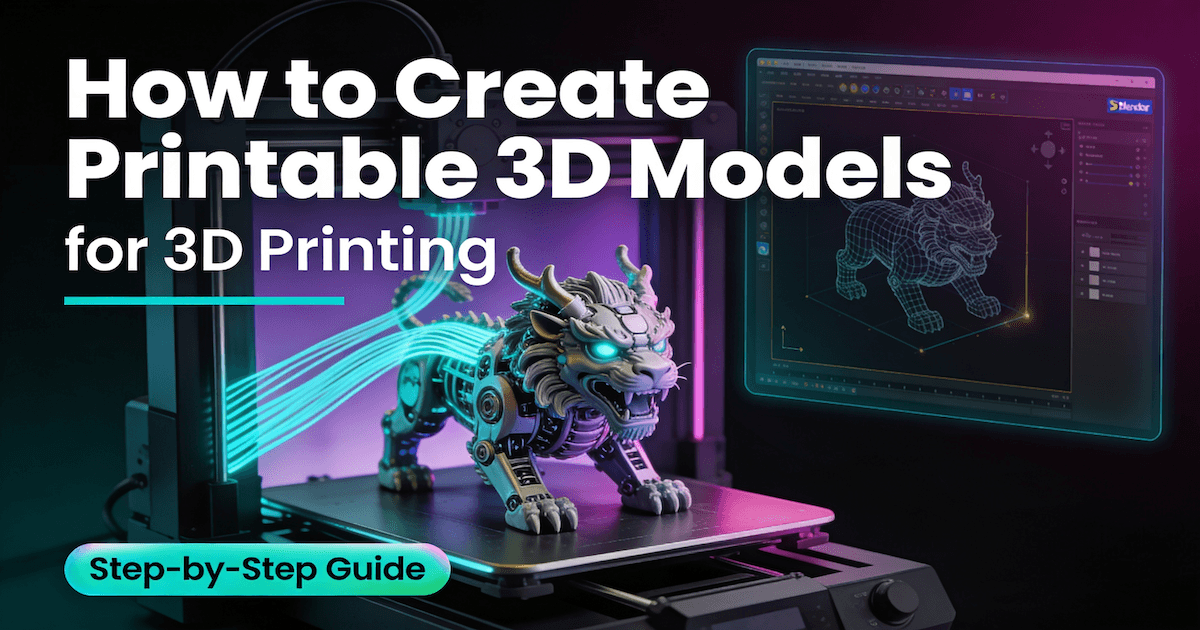
AI-powered tools significantly shorten the miniature production workflow by generating printable base models from text prompts or images.
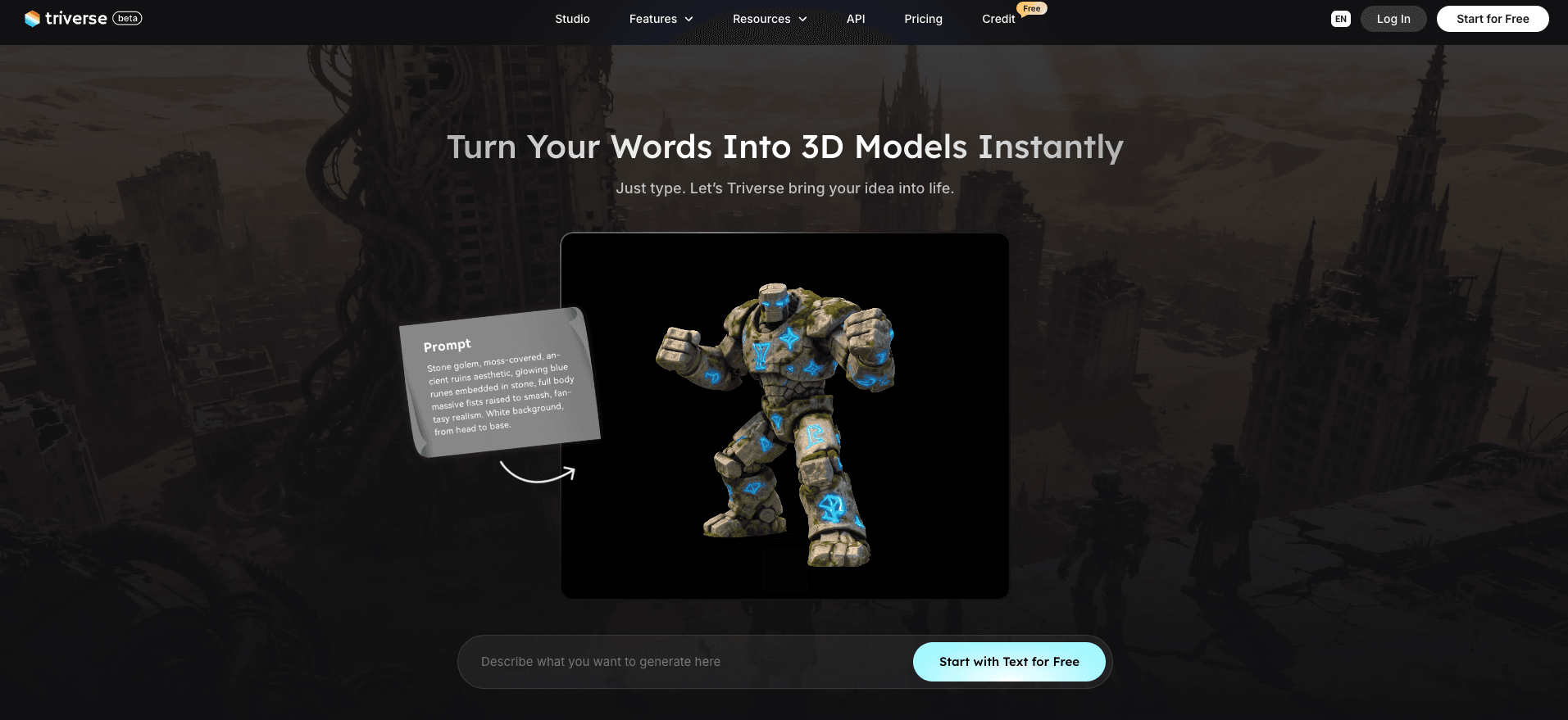
- Triverse AI: AI 3D generation platform officially designed for game development and 3D printing workflows.
Compared with traditional sculpting workflows, Triverse AI is especially useful for rapid prototyping, style iteration, and beginner-friendly miniature creation.
How to Design Miniatures for 3D Printing with Triverse AI

Features Supported
- Text to 3D: Input descriptive text prompts to quickly generate complete textured miniature 3D models
- Image to 3D: Upload hand-drawn drafts, reference sketches or character concept drawings to restore accurate 3D proportions and shapes
- AI Texturing: One-click replace model surface material style, realize multi-style skin conversion without modifying model geometry
- Remesh: Rebuild messy model mesh structure to get clean and editable printing-ready topology
Step-by-Step Guide to make a 3D miniature
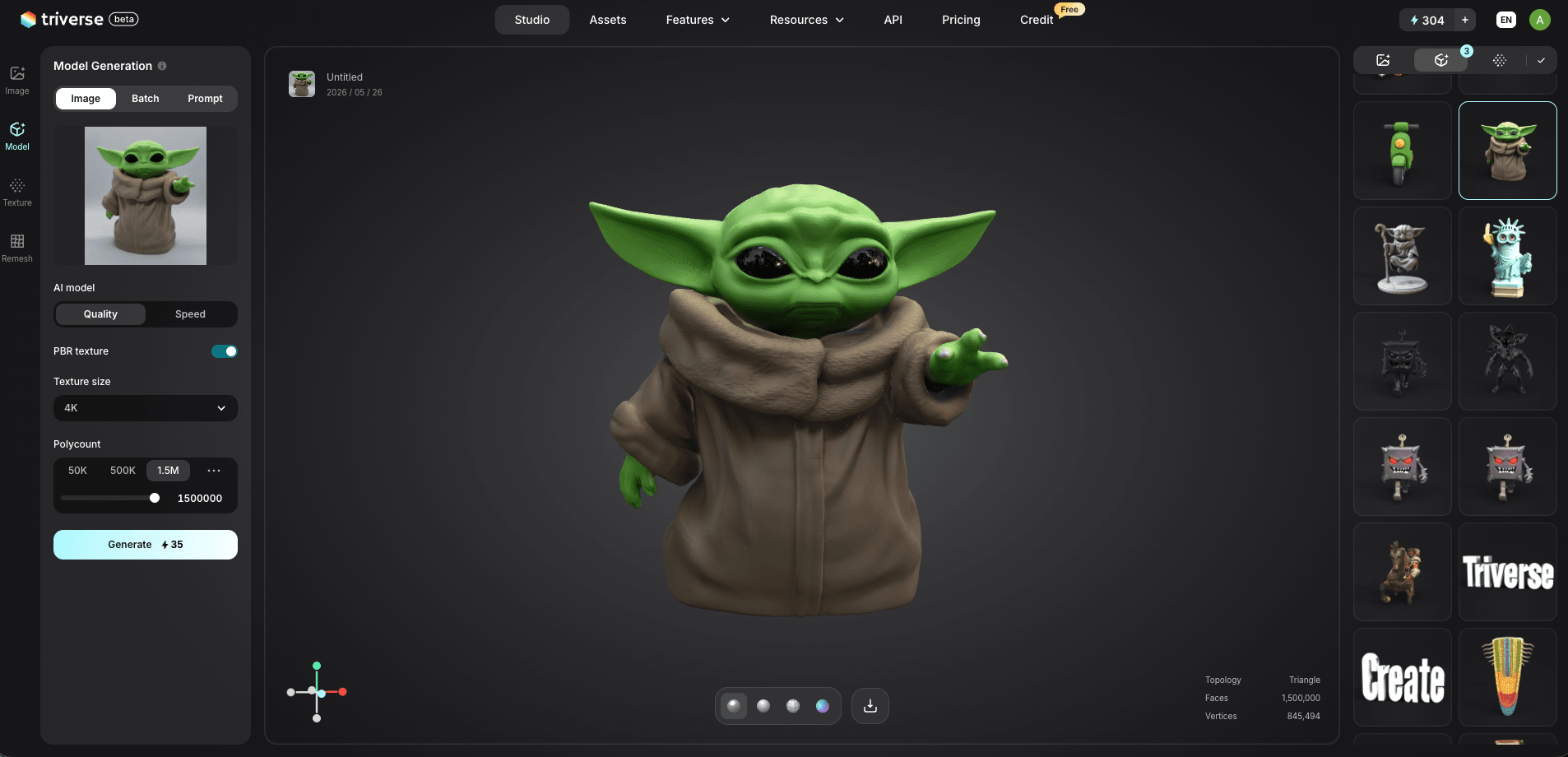
- Enter Triverse Studio workspace, select corresponding generation function according to creation needs
- Input detailed design prompts or upload design reference images
- Adjust generation parameters: reasonably match polycount range and texture resolution
- Low polycount: suitable for fast prototype trial printing
- Medium-high polycount: suitable for high-detail finished miniatures
- Optional texture resolution: 1K / 2K / 4K, select according to printing fineness demand
- After generating the base model, use the built-in Remesh tool for secondary optimization
- Select mesh type as needed:
- Quad Mesh: convenient for later manual detail adjustment and animation binding
- Triangle Mesh: more suitable for game asset placement and real-time rendering
- After confirming the model is intact, export mainstream formats such as STL, OBJ, GLB for slicing and printing
Quick Comparison of Miniature Creation Tools
Tool | Operation Difficulty | Core Advantages | Suitable Crowd & Usage Scene |
ZBrush | Medium-High | Ultra-fine detail carving | Professional 3D artists, high-end customized miniatures |
Blender | Medium | Free and full-featured | Hobbyists, beginner creators, daily modified modeling |
Triverse AI | Easy | Fast AI generation + topology optimization | Rapid prototype production, mass style iteration |
DAZ 3D | Medium | Ready-made model library | Fast pose adjustment, quick scene asset matching |
Preparing Miniatures for Printing
Check Mesh Integrity
Ensure your miniature is watertight with no holes, non-manifold edges, or flipped normals. Tools like Blender, Meshmixer, or Triverse AI can detect and fix these issues efficiently.
Scale and Support
- Adjust scale to match your printer’s capabilities.
- Add support for overhangs to prevent sagging or failed prints.
- Triverse AI can suggest optimized supports automatically for rapid testing.
Export Formats
Common formats include STL and OBJ, compatible with most slicers. Ensure your mesh is clean and the resolution is suitable for your printer’s layer height.
FAQs about 3D Printing Miniatures
Can the 3D model generated by Triverse AI be directly used for 3D printing?
Yes. Models generated by Triverse AI can be exported directly for 3D printing.
How to retain delicate small-scale miniature details?
Focus on the overall silhouette and discard overly complex redundant structures. Use AI topology optimization tools to clean up mesh lines, ensuring core features remain clear even after scaling down.
Do I need to hollow miniatures for resin printing?
For miniatures under 40mm tall, hollowing isn't worth the effort. The resin cost is minimal and hollowing introduces potential failure points (walls too thin, drain holes in visible areas). For larger pieces like dragons, giants, or terrain, hollowing saves significant resin and reduces the suction force that causes print failures. If you hollow, always add at least one drain hole near the bottom.
How do I remove supports without damaging the miniature?
Soak the printed miniature in warm water for 5–10 minutes first. This softens the resin slightly and supports detach much more cleanly. Then use sharp flush cutters to snip each support at the contact point, as close to the model as possible. Never pull or twist supports off by hand. Sand any remaining marks with fine-grit sandpaper or a needle file.
Can AI generate custom miniature STL files?
Yes. AI 3D generators like Triverse can create miniature models from text prompts. You describe the figure you want, and the AI produces a downloadable 3D model. Export as STL, load into your slicer, and print.
Conclusion
3D printed miniatures offer unprecedented creative freedom for designers and hobbyists. From early concept planning and digital modeling to AI-assisted generation, mesh optimization, printing setup, and post-processing, a standardized workflow can steadily improve the yield and efficiency of your finished pieces.
You can choose different creation paths based on your needs: use ZBrush and Blender for high-precision original sculpting, or rely on Triverse AI to quickly iterate prototypes and optimize assets. Combining traditional manual creation with modern AI-assisted workflows perfectly balances quality and speed, letting you turn any miniature design idea into a physical work with confidence.