Remesh

2026年3月23日

Triverse AI's Remesh feature optimizes your model’s topology by rebuilding its mesh structure. It helps create cleaner geometry that is easier to edit, animate, or use in real-time applications.


How it Works

Step 1: Select a model

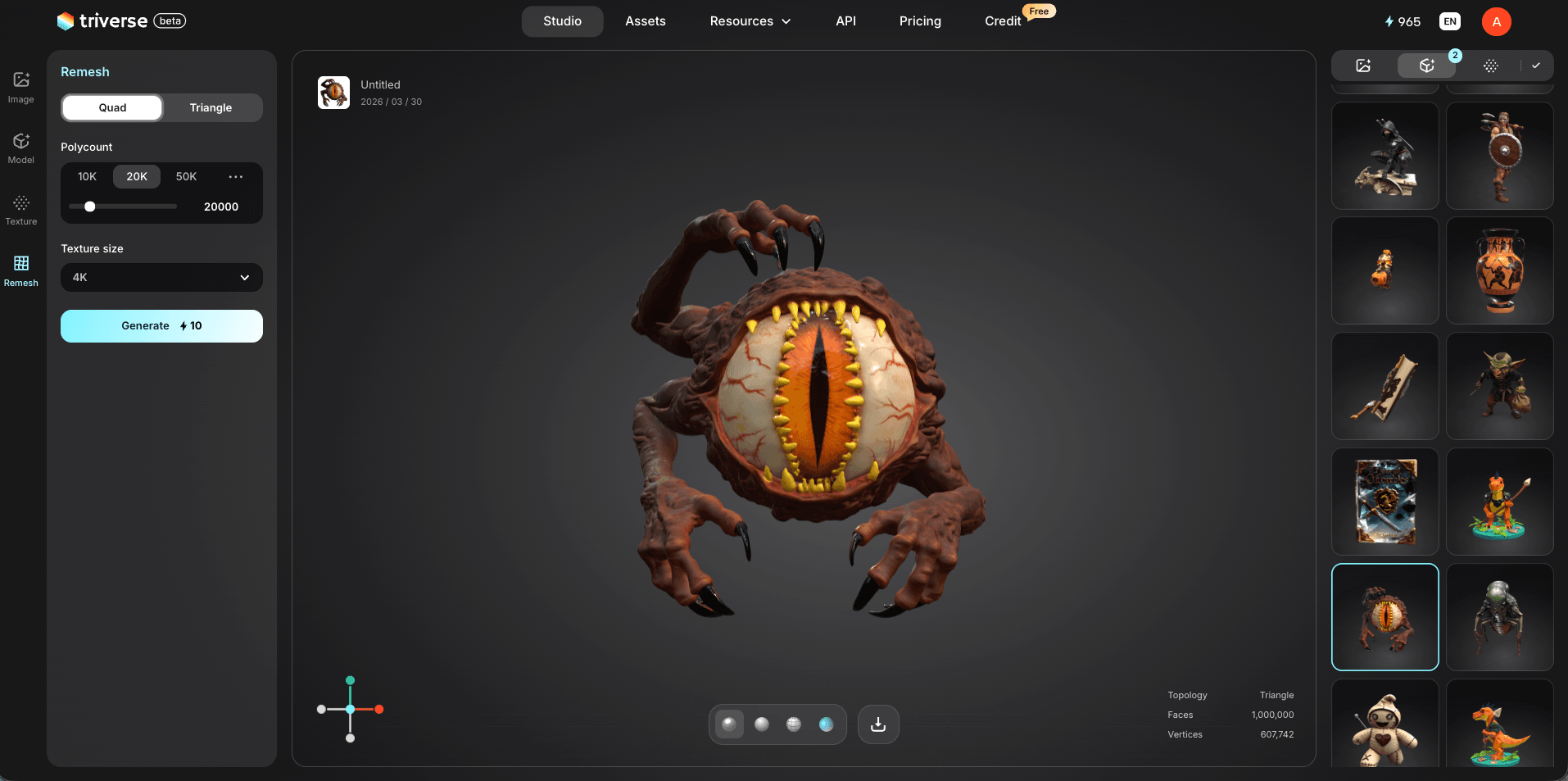
Choose a model from the right side of Triverse Studio, your Asset Library, and load it into the canvas.

Choose model first using Triverse retopology

Step 2: Open the Remesh tool

Click the Remesh icon on the left panel.

Step 3: Choose a mesh type

  • Quad Mesh: Ideal for editing, retopology, and animation workflows.
  • Triangle Mesh: Commonly used in games and real-time rendering.

Step 4: Adjust settings

Set the polycount (up to 100K) and texture size (up to 4K), then click Generate.


Best Use Cases

  • Clean up 3D scans with irregular topology.
  • Optimize models for animation and rigging.
  • Prepare assets for game engines (uniform quad topology).
  • Reduce file size while maintaining visual quality.
  • Fix broken geometry from raw capture data.


Try It Now

Head to Triverse Studio and generate your 3D models for free now!